DeskcommCRM Launches as a Free Open‑Source AI‑Powered Sales OS for WhatsApp‑Based Businesses
· GlobeWire Daily Editorial Desk · Source: github.com
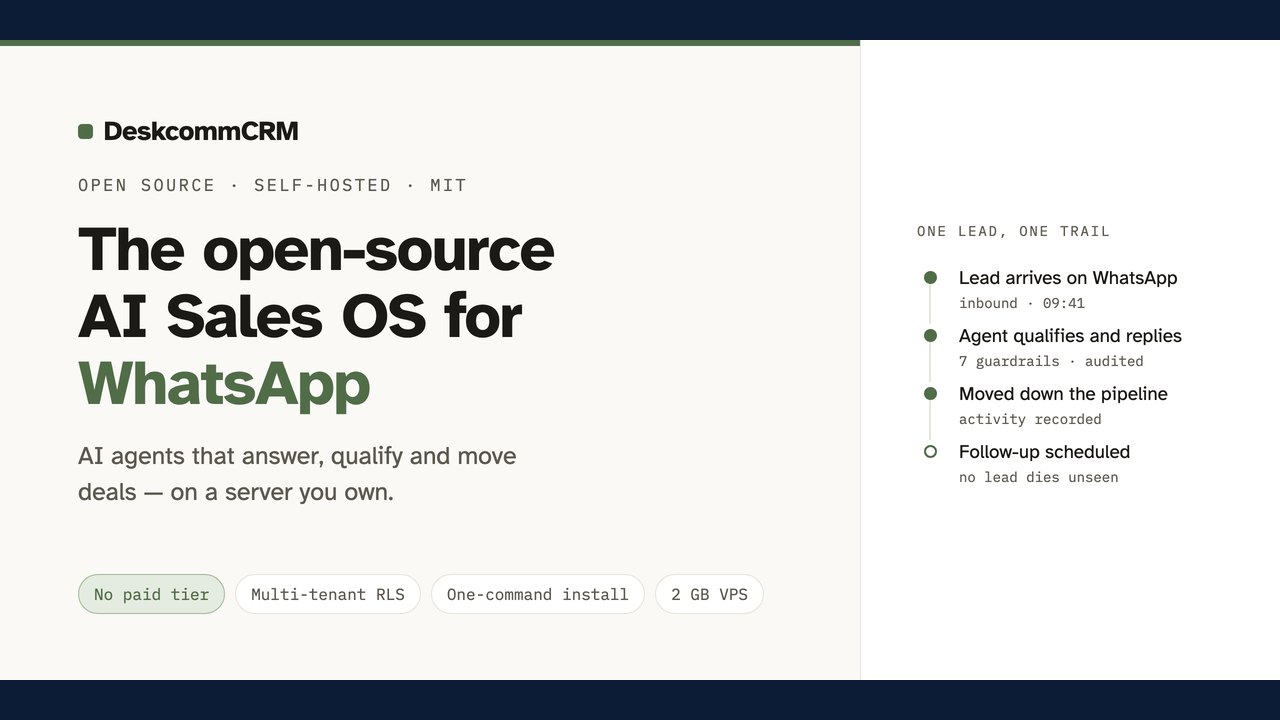
Image: GitHub · Photo source · Resized and letterboxed to 16:9; no AI generation
Overview
DeskcommCRM is a self‑hosted Customer Relationship Management (CRM) platform that bundles native AI agents with WhatsApp (WAHA) connectivity. The project is released under the MIT license on GitHub and is positioned as an open‑source alternative to commercial solutions such as Kommo, Octadesk and Intercom. Its core promise is a “sales operating system” that runs on a user‑controlled VPS, keeping all data in‑house and eliminating recurring subscription fees.
Confirmed Features
- AI agents that qualify, sell and hand‑off leads – agents run on a Retrieval‑Augmented Generation (RAG) model per tenant, can analyse sentiment, and trigger automated follow‑ups.
- WhatsApp integration via WAHA – supports QR‑code login for multi‑number accounts and the official Meta Cloud API, with anti‑ban throttling and media handling.
- Multi‑tenant architecture with LGPD‑by‑design – row‑level security (RLS) isolates each organization’s data; audit logs are append‑only and retained for five years.
- MCP‑ready – the platform exposes a Machine‑Control‑Protocol that lets external agents interact with the CRM programmatically.
- One‑command deployment – a `hostgator-setup-kit` script can provision the app, a Supabase instance and the WAHA container on a fresh VPS with a single command. The installer detects existing reverse proxies and adapts accordingly.
- Automatic updates – a built‑in update agent backs up the database, applies versioned migrations (e.g., v1.2.3) and rolls back if the new image fails health checks.
- Extensible automation – users define “WHEN/IF/THEN” rules that can tag leads, move them through custom pipelines, send WhatsApp messages or call external webhooks.
- Provider‑agnostic AI – OpenRouter, Anthropic or OpenAI can be selected at install time and switched later from the UI.
Reported Claims and Community Statements
The repository’s README claims that the installer works on x86_64 and ARM64 VPSes (including Oracle Ampere A1) and that no manual compilation of Node, Docker or other binaries is required. Community contributors have reported successful deployments on HostGator, Hostinger, Coolify, Dokploy and CapRover, but the project does not provide formal SLA or certified compatibility lists. The developers note that the free Supabase tier does not include automated backups, so users are encouraged to schedule `backup.sh` themselves.
Installation & Deployment Details
- Clone the repo and run `bash hostgator-setup-kit/comecar.sh` for an interactive guide, or use the non‑interactive mode by copying `.env.hostgator.example` to `.env` and executing `install.sh --yes`.
- The script prompts for domain, admin email, and optional MFA settings, then creates a Supabase project (if a token is supplied), applies the baseline schema, and generates all required secrets.
- Docker Compose launches the CRM, WAHA, and Supabase containers. If a reverse proxy is already listening on ports 80/443, the installer registers the service with it instead of starting a new Caddy instance.
- After deployment, users access `https://<your‑domain>` (HTTPS may take ~1 minute to appear), log in with the admin credentials, and optionally enable two‑factor authentication.
- A visual onboarding course is bundled in the repo, guiding users through inbox setup, funnel configuration and AI‑agent tuning.
Community & Support Model
DeskcommCRM is community‑maintained; issues and feature requests are handled via GitHub Issues and Discussions. There is no guaranteed support or SLA. Telemetry is optional and, when enabled, only error reports (with personally identifying fields redacted) are sent to Sentry. The project’s license permits commercial use, modification and redistribution.
Practical Implications for Businesses
- Cost reduction – eliminating SaaS subscription fees can be significant for small‑to‑medium enterprises that already operate a VPS.
- Data sovereignty – all conversation logs, contacts and sales data remain on the owner’s server, simplifying compliance with Brazil’s LGPD.
- Flexibility – the modular automation engine lets non‑technical staff create webhook‑driven workflows without writing code.
- Risk considerations – self‑hosting places the burden of security patches, backups and uptime on the business. Regularly applying the built‑in update and maintaining a backup schedule are essential.
Verifying the Announcement
The official source is the GitHub repository at `https://github.com/melgarafael/DeskcommCRM` The latest release tag (e.g., `v1.2.3`) and the `CHANGELOG.md` file list concrete changes. Prospective adopters should:
- Review the `LICENSE` (MIT) and `SECURITY.md` for vulnerability reporting procedures.
- Clone the repo and run the installer on a test VPS before production rollout.
- Check the Docker images’ digests on Docker Hub to confirm they match the hashes referenced in the repo.
- Validate the Supabase schema by inspecting `supabase/baseline.sql`.
--- *DeskcommCRM demonstrates how open‑source tooling can bring AI‑driven sales automation to businesses that prefer to keep their data on‑premise, while still offering a modern, multi‑tenant experience.*
AI-assisted reporting; source claims are attributed and have not been independently verified.
More to read
 Open‑Source ‘pstack‑claude’ Brings Cursor‑Based Agent Workflows to Claude Code, Copilot and More
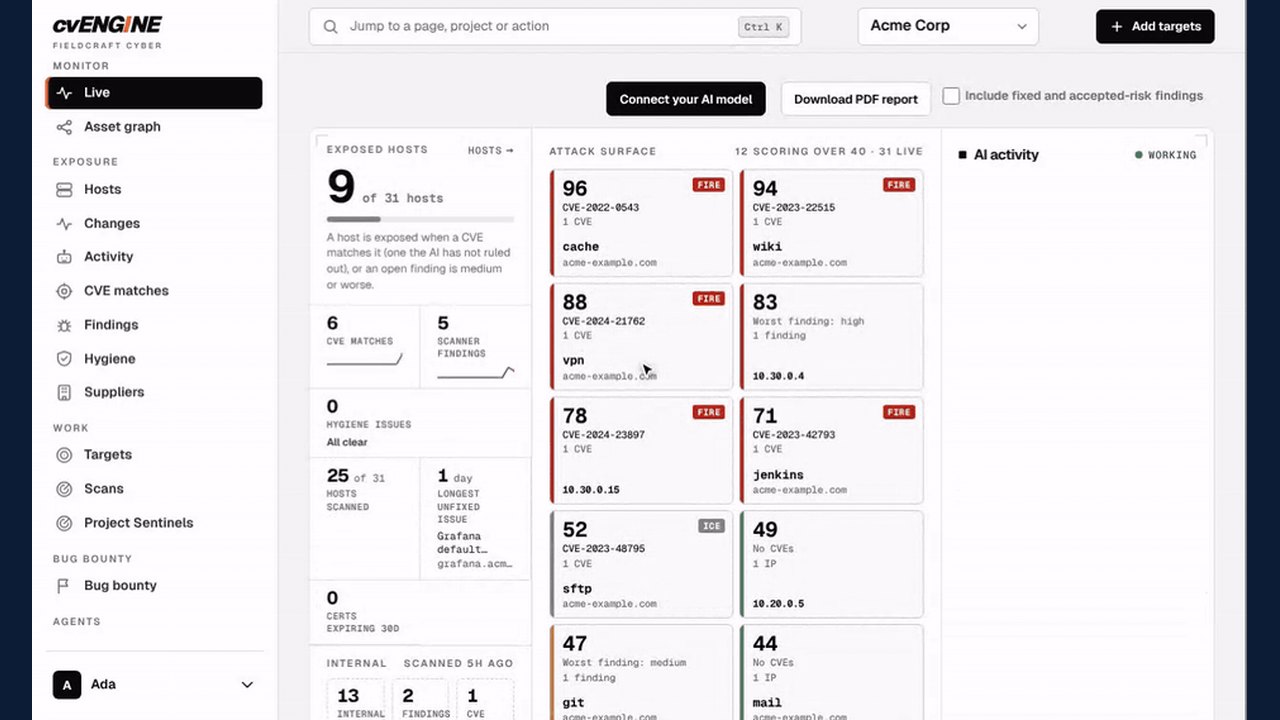 cvENGINE Launches as an Open-Source, AI-Driven External Attack Surface Assessment Tool
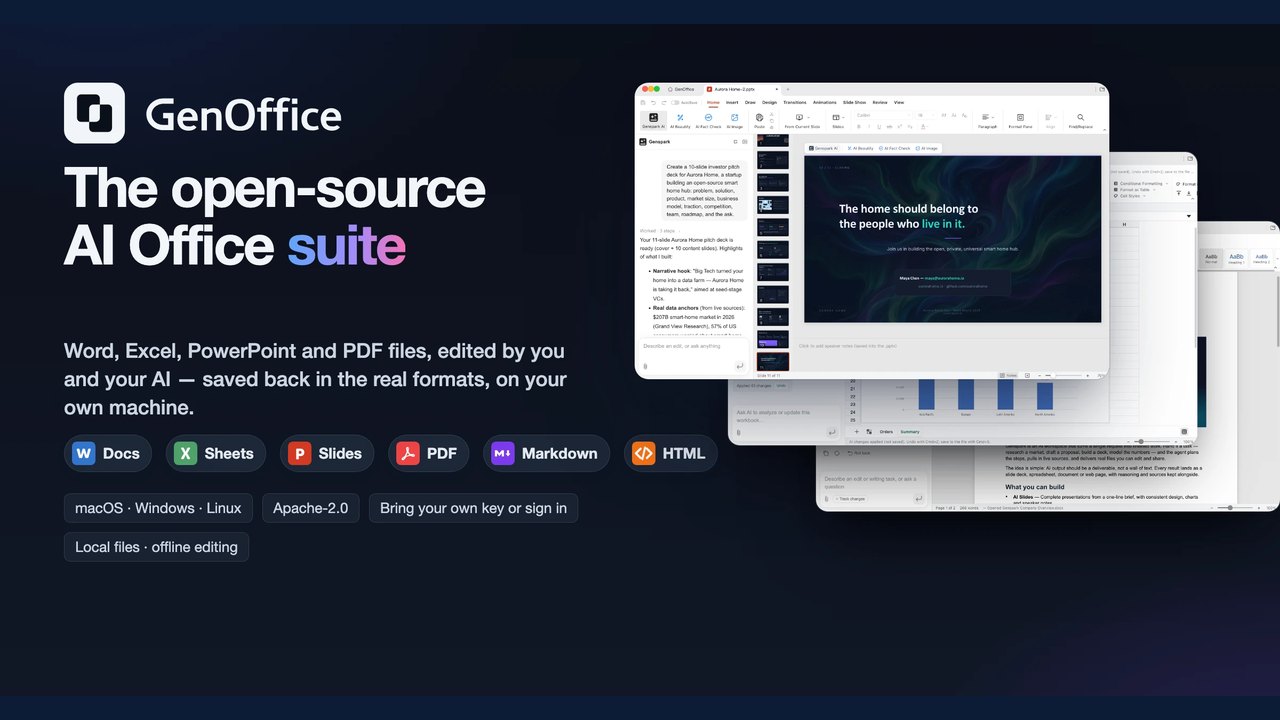 GenOffice Launches as an Open-Source AI Office Suite with Local Editing and CLI Support
 Hob Offers Free, Open-Source Local AI Tool as Alternative to Cloud Services
Trending on GlobeWire Daily
Selected from recent coverage and related topics; not live search rankings.