Gemini Notebook Adds Hundreds of Free Textbooks for Students
· GlobeWire Daily Editorial Desk · Source: blog.google
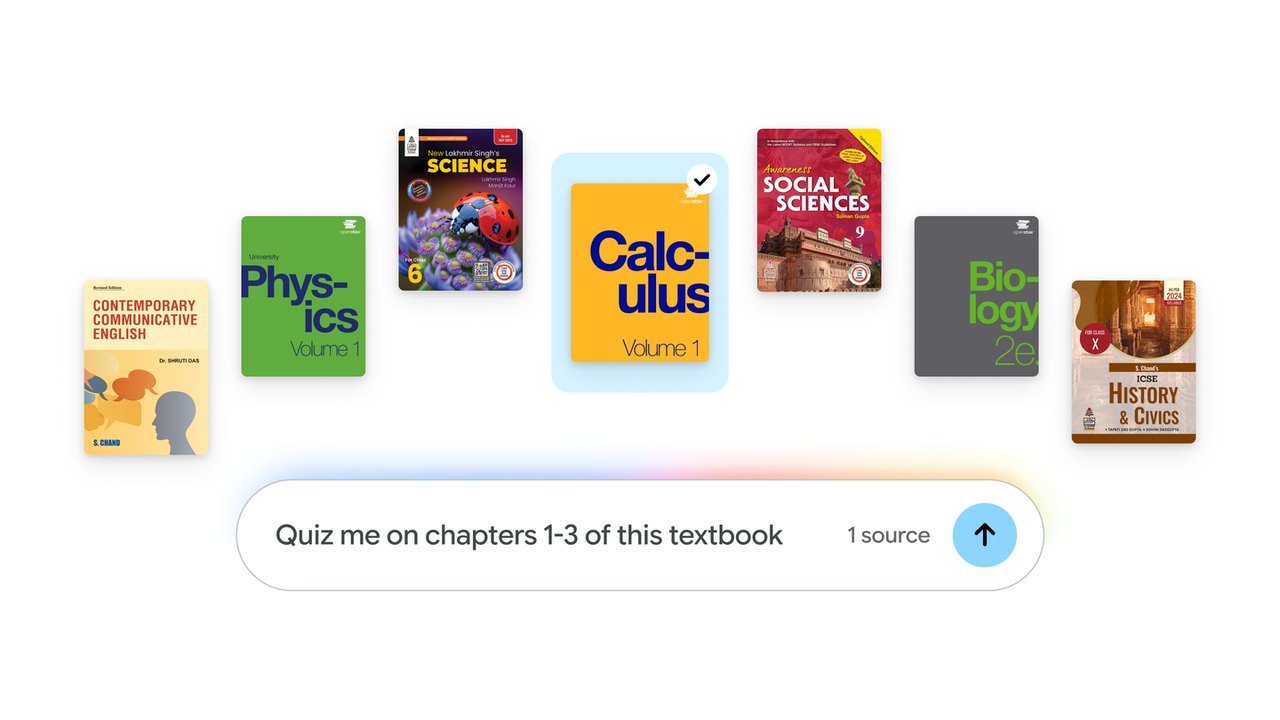
Image: Google · Photo source · Resized and letterboxed to 16:9; no AI generation
Google announced an expansion of its Gemini Notebook experience, allowing students to access and integrate hundreds of textbooks directly into their study workflows at no charge.
According to the official announcement, this update builds upon the Expert Intelligence initiative introduced previously. Students can now incorporate educational materials from providers based in the United States and India, including OpenStax, Open Textbook Library, and S Chand Publishing.
Key Features and Study Tools
- Source-Grounded Answers: Every generated answer relies directly on the added textbook content.
- Inline Citations: Responses include direct links back to the original source material for verification.
- Study Aids: Users can transform textbook text into tailored study guides, practice quizzes, and flashcards.
How to Access the Catalog
To explore and add these textbooks to a project, users can follow these steps:
- Open a notebook within the Gemini Notebook interface.
- Select the "Add sources" option.
- Choose "Textbooks" to browse the available catalog from participating publishers.
Additional announcements from the company mentioned ongoing research regarding Guided Learning and new funding for organizations developing artificial intelligence tools designed for teachers.
Practical Implications and Verification
The integration of open and published educational materials aims to streamline research and revision for students. Users should verify availability based on their region and account type. The original announcement can be reviewed directly on the official Google blog.
AI-assisted reporting; source claims are attributed and have not been independently verified.
More to read
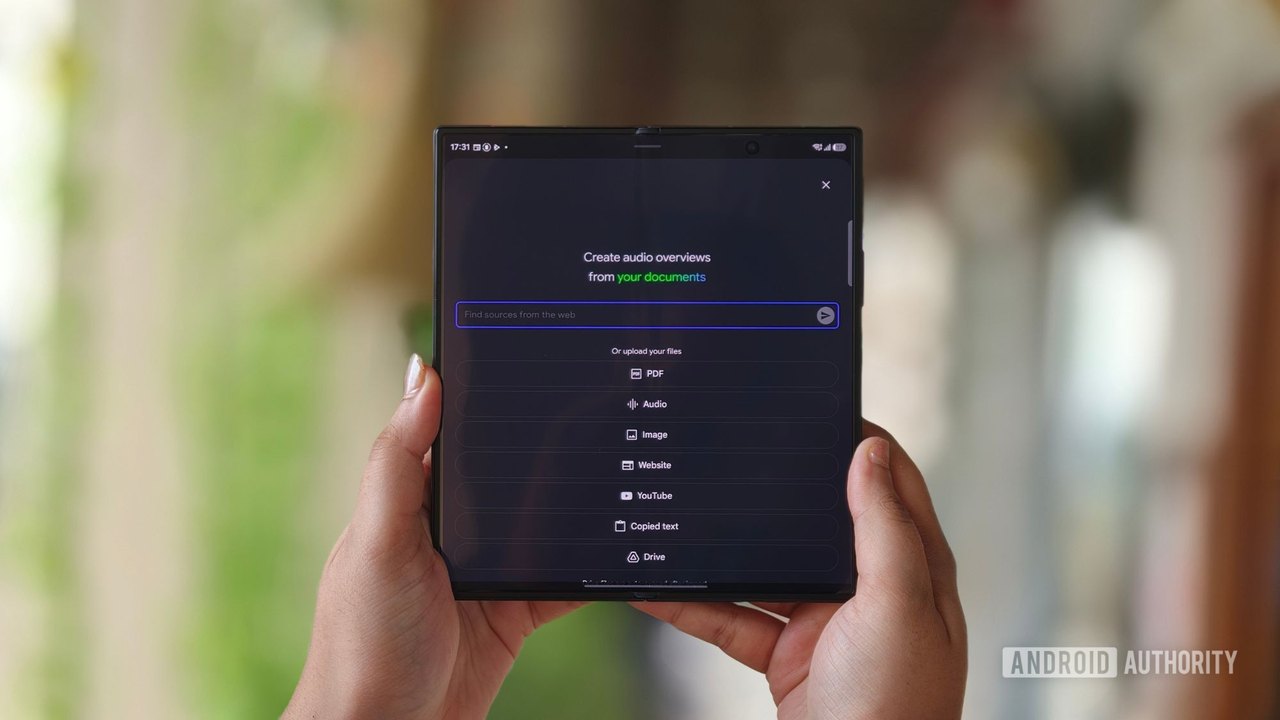 Google Gemini Notebook adds feature to turn research into interactive websites
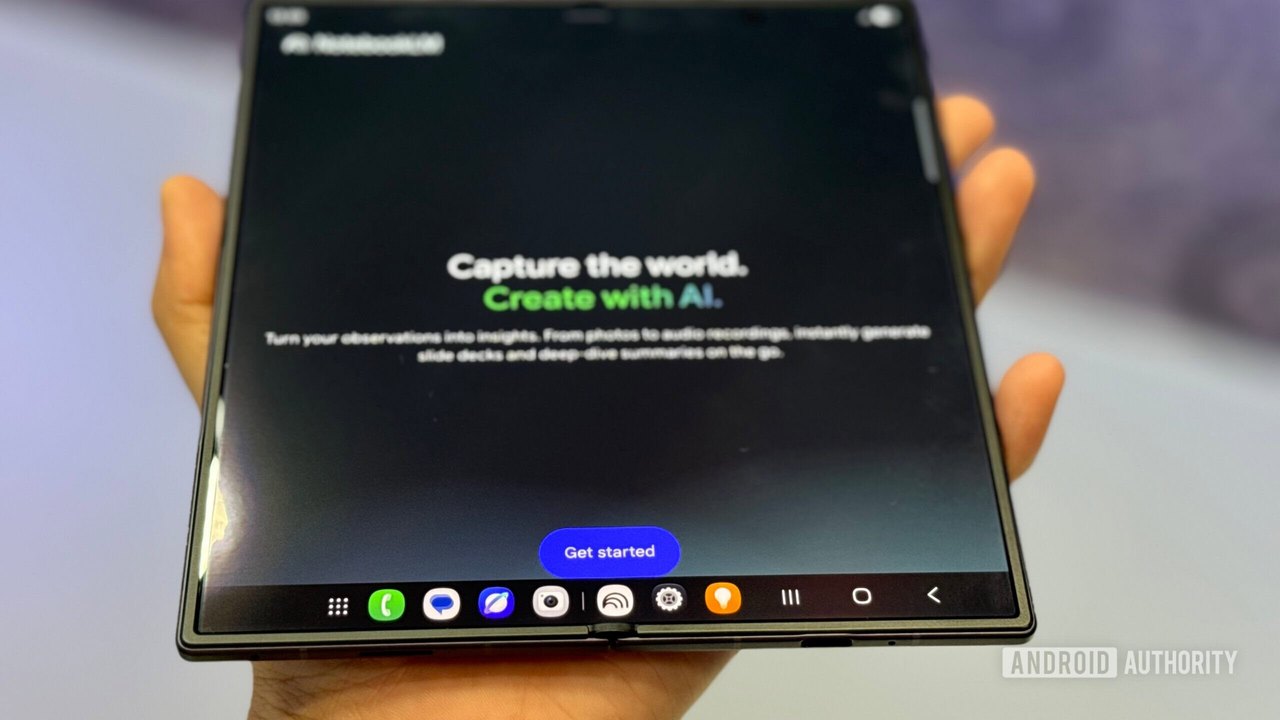 Google Adds Textbook Integration to Gemini Notebook for US and India Users
 Google Expands Gemini Tasks to Free Users With Automated Calling and Purchasing Capabilities
 Google Adds File Support and Sharing to Gemini Skills Ahead of Gems Deprecation