Google Announces Latest Wave of Fixes for Home App, Gemini, and Smart Devices
· GlobeWire Daily Editorial Desk · Source: www.androidauthority.com
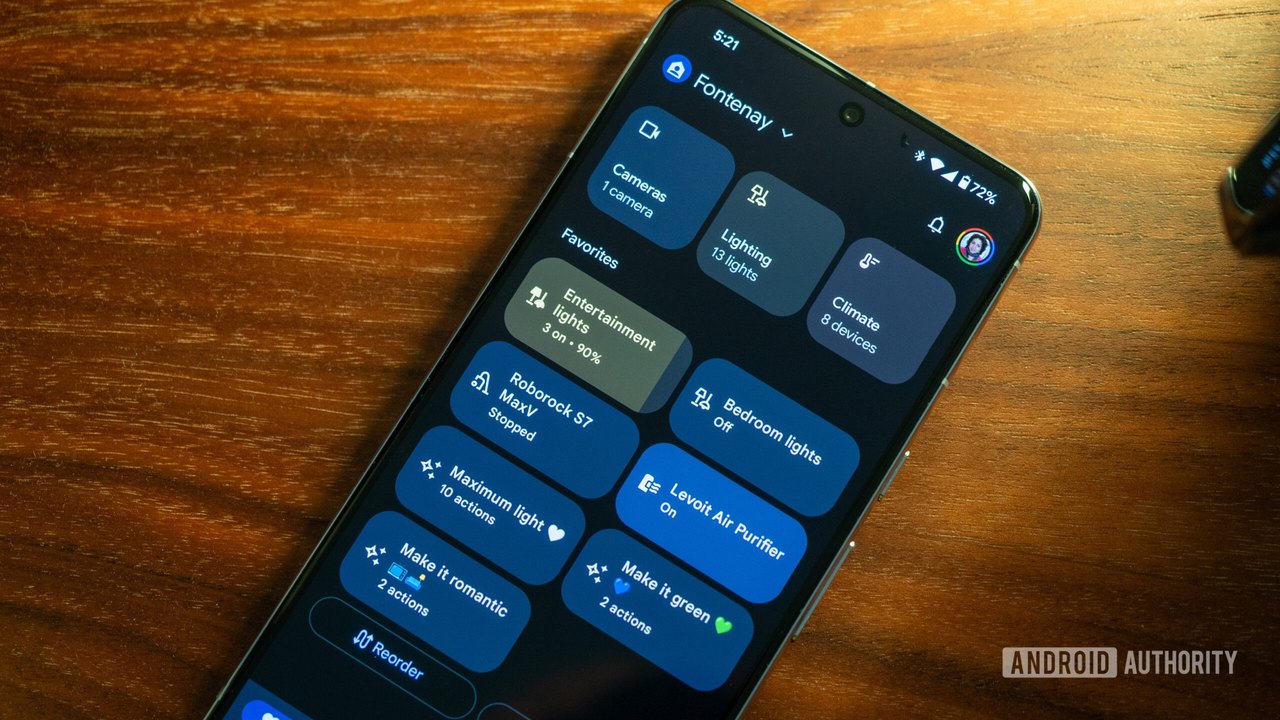
Image: Android Authority · Photo source · Resized and letterboxed to 16:9; no AI generation
Google has shared details on a new wave of updates and bug fixes for the Google Home app, Gemini, and connected smart home hardware. The recent changelog outlines improvements addressing camera performance, Matter device integration, media commands, and assistant behavior.
Google has reported a series of software updates designed to resolve recent issues reported by users. According to the company's announcements, these improvements cover multiple aspects of the smart home ecosystem.
Key Updates and Bug Fixes
- Gemini and Voice Commands: Gemini is receiving adjustments to prevent instances where devices incorrectly state they did not understand unissued commands. Media playback requests, volume controls, and YouTube TV voice commands on smart displays are also slated for better reliability.
- Alarms and Timers: A fix addresses an issue where smart home device alarm volumes were incorrectly set to zero. Google is also working to resolve confusion between standard timers and media sleep timers.
- Matter Device Integration: Compatible Matter smart plugs can now display real-time and cumulative power consumption in the Home app. Additionally, the app introduces distinct icons to better differentiate between various types of doors and windows.
- Camera Performance: The updates aim to resolve performance issues when scrolling through camera feeds on iOS or interacting with Android foldable devices. Familiar Face detection for the wired Nest Doorbell is also receiving targeted improvements.
- General Interface and Reliability: Numerous general bug fixes address device rotation glitches, handling of long home names, online status display issues, and overall user interface cleanup.
Practical Implications and Verification
Users experiencing any of the aforementioned bugs may see improvements as the updates roll out across devices and applications. To verify official announcements and check for complete changelogs, users can consult the official Google Nest community forums or check for app updates directly through the Google Play Store or Apple App Store.
AI-assisted reporting; source claims are attributed and have not been independently verified.
More to read
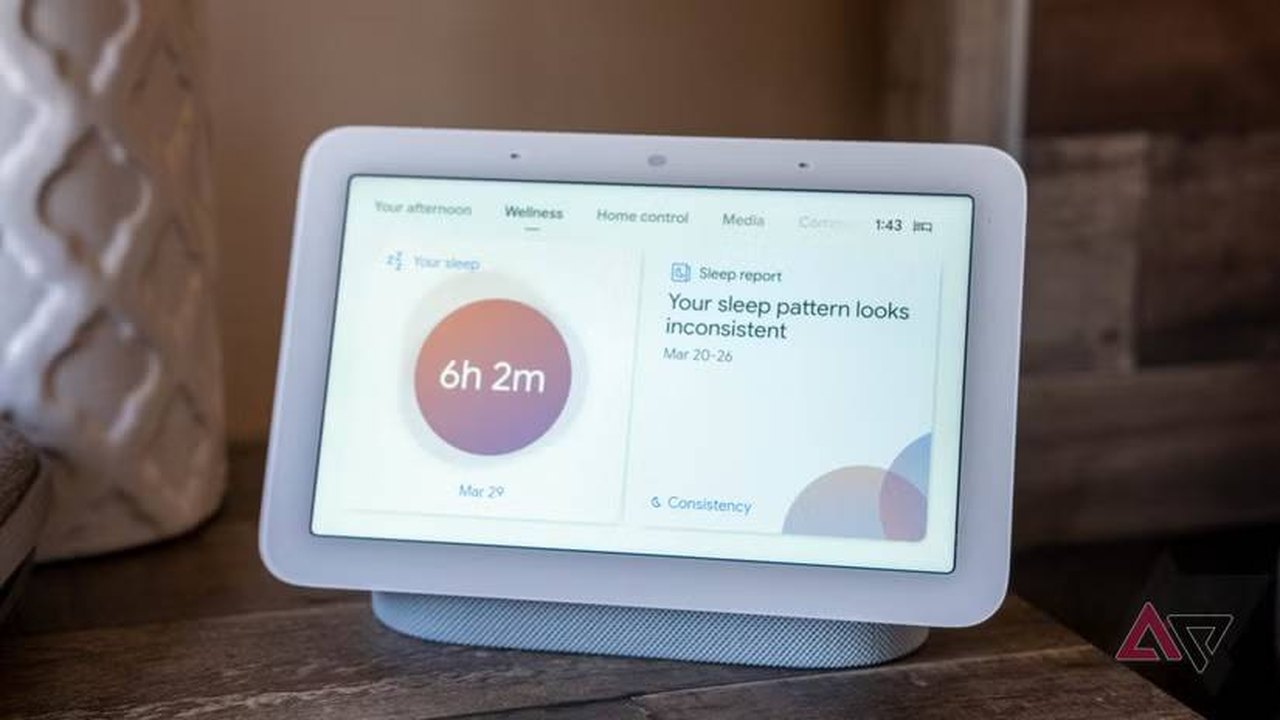 Latest Google Home and Nest Update Brings Expanded Gemini Features and Hardware Fixes
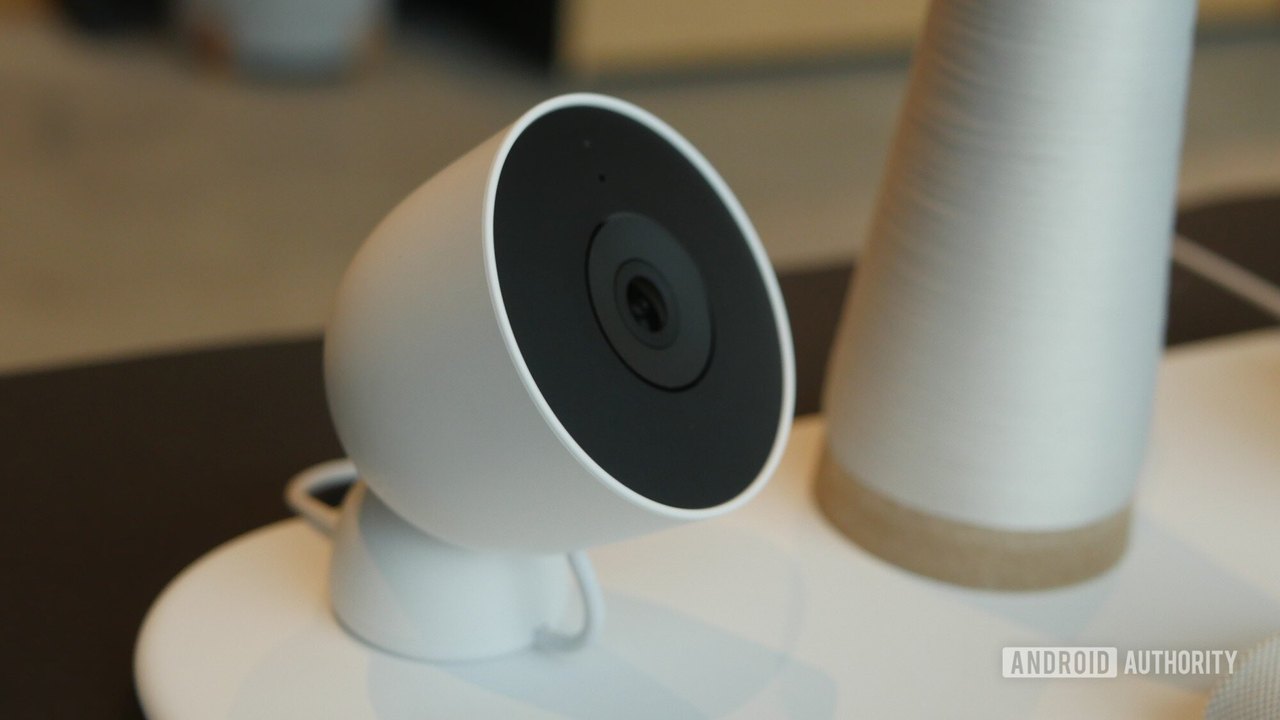 Google Announces Expansive New Software Updates for Smart Home Hardware Lineup
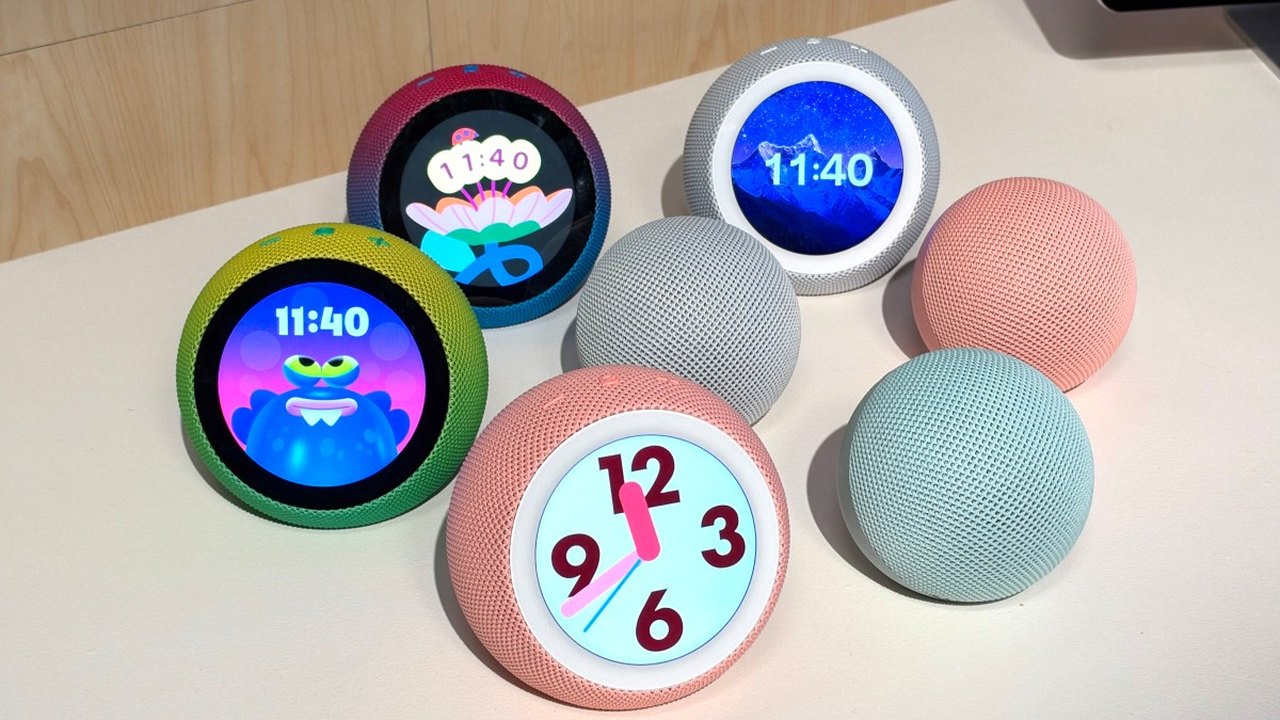 Amazon Announces Five New Smart Devices and Alexa Home Map Feature
 Amazon Announces New Echo Devices Featuring Built-In Cameras, Wi-Fi Extenders, and Smart Home Hubs