Google Gemini App Adds 66 Regional Voice Options
· GlobeWire Daily Editorial Desk · Source: www.androidauthority.com
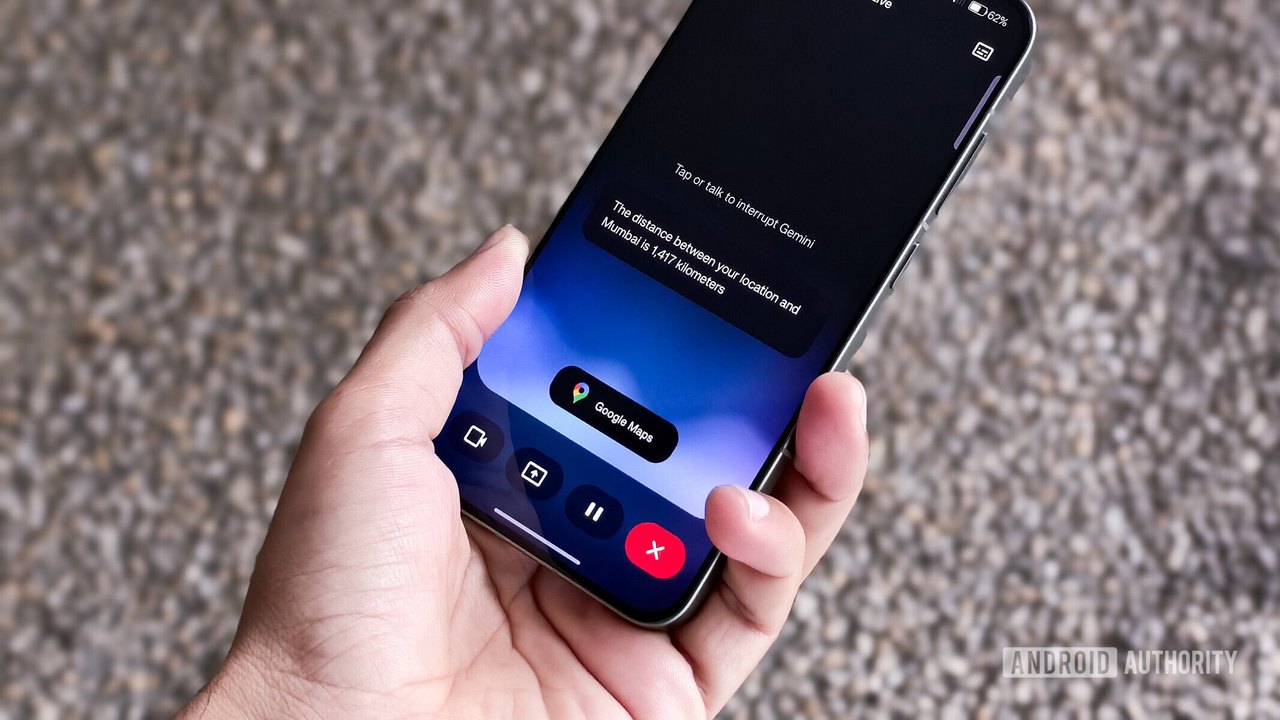
Image: Android Authority · Photo source · Resized and letterboxed to 16:9; no AI generation
Expanded Voice Customization for Gemini
Google has begun rolling out 66 new regional voice options for the Gemini app across Android and iOS platforms. This update aims to provide a more natural, personalized experience for users by incorporating local linguistic nuances across seven language variants.
Language and Regional Support
The new voices cover a diverse range of language variants, including:
- US English
- UK English (featuring over 10 distinct regional accents)
- Indian English
- Hindi
- Brazilian Portuguese
- Indonesian
- Korean
Notable UK Accents
Google has introduced significant variety for the UK, with specific regional speech patterns now available, such as Geordie, Scouse, Brummie, Scottish, Welsh, Northern Irish, Modern Received Pronunciation, and Multicultural London English.
Implementation and Usage
These voices are applicable to both Gemini Live interactive conversations and standard text-to-speech responses. According to Google, the development process involved collaboration with native speakers to refine pronunciation, pitch, and rhythm to ensure a natural-sounding delivery without resorting to exaggerated stereotypes.
How to Access
Users can explore the new voice settings by following these steps:
- Open the Gemini app.
- Navigate to Settings > Gemini's voice.
- Alternatively, access these options via the three-dot menu within the Gemini Live interface.
Considerations and Verification
While the update increases the selection of voices, reports indicate that the specific regional origins of these voices are not explicitly labeled within the app. Furthermore, it remains to be seen if the AI will maintain the chosen accent consistently throughout long-form conversations, a common challenge in previous versions. Users are encouraged to verify their preferred voice settings directly within the app's configuration menu.
AI-assisted reporting; source claims are attributed and have not been independently verified.
More to read
 Google Rolls Out 66 New Regional Voices in the Gemini App
 Google Updates Gemini App to Let Users Keep Chat History Without AI Training
 Google Gemini Notebook adds feature to turn research into interactive websites
 Google Expands Gemini AI with 66 Regional Dialects and Accents