Google’s Gemini‑Powered AI Visual Search Can Identify Multiple Objects in a Single Photo
· GlobeWire Daily Editorial Desk · Source: blog.google
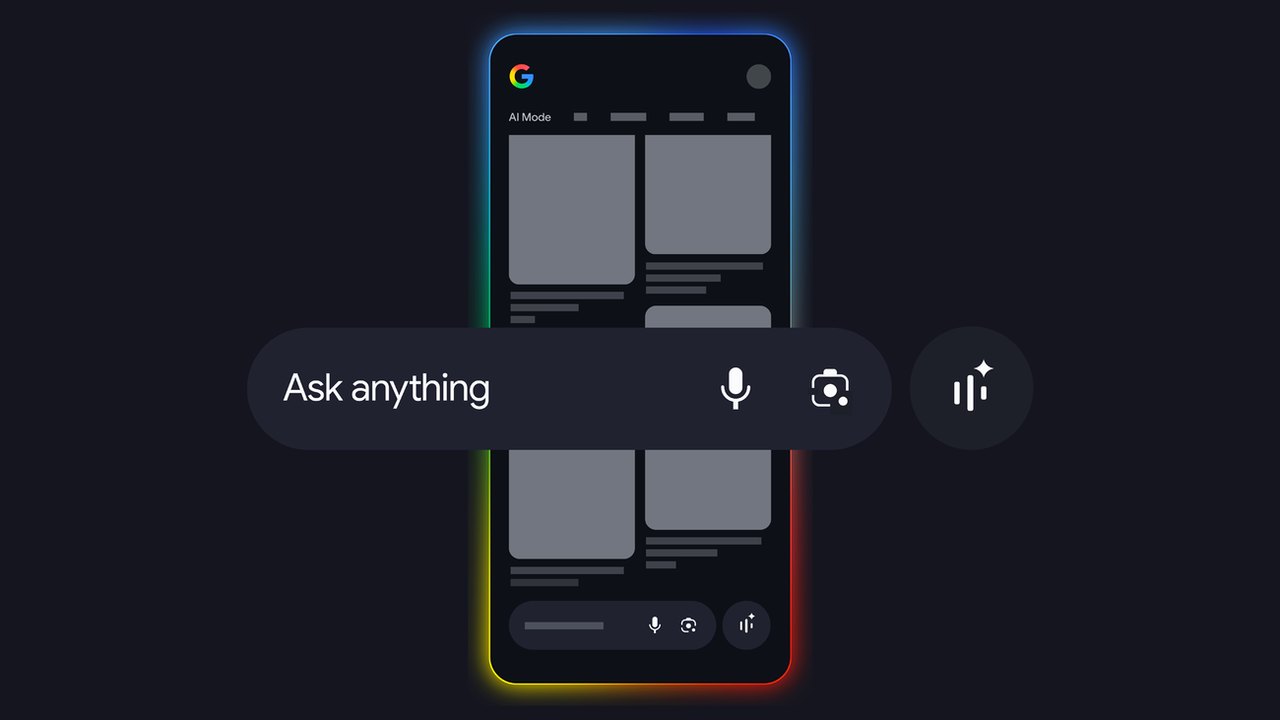
Image: Google · Photo source · Resized and letterboxed to 16:9; no AI generation
How Google’s AI Turns One Picture into Many Answers
Google says its latest visual‑search upgrades let users get multiple, coordinated results from a single image. The change is driven by the Gemini family of multimodal models and a “fan‑out” search technique that runs several queries in parallel.
What’s new?
- Circle to Search now isolates every distinct item inside a photo –‑ from a hat to a rug –‑ and sends each piece to Google Lens for its own search.
- AI Mode stitches the individual results together, presenting a single, easy‑to‑read answer that includes links, product details, or explanatory text.
- The system works with both image‑first and text‑first queries; you can start by typing “visual inspo for work outfits” and later ask the AI to expand on a specific item that appears in the results.
How it works (according to Google)
*“Our advanced Gemini models make AI Mode possible, and its multimodal capabilities benefit from the visual expertise we’ve built into Lens over the years,”* said Dounia Berrada, Senior Engineering Director, Search.
- Image analysis – Gemini looks at the picture and the accompanying question (if any) to decide which tools to invoke.
- Multi‑object reasoning – The model identifies each separate object and decides what kind of information the user likely wants.
- Fan‑out – For every identified object, the backend launches a parallel visual search across billions of indexed web images.
- Result synthesis – The AI reads the returned snippets, merges them, and formats a concise response.
Real‑world examples
- Fashion – Snap a full‑body outfit; the AI returns links for the jacket, shoes, accessories, and even styling tips.
- Home décor – Upload a living‑room photo; you receive product suggestions for the sofa, lamp, rug, and a mood‑board for the overall vibe.
- Gardening – Show a garden scene; the response includes plant‑care advice, climate suitability, and maintenance estimates for each plant.
- Museums & bakeries – Point the camera at a wall of paintings or a bakery display; the AI explains each artwork or pastry in a single answer.
Practical implications
- Speed – What used to require a dozen manual searches now happens in seconds.
- Discovery – By surfacing related items automatically, users may find products or information they hadn’t thought to ask for.
- Accessibility – Multi‑object search reduces the need for precise cropping or repeated taps, helping users with limited dexterity.
How to verify the feature
- Open the Google Search app on Android (or iOS) and tap the Lens icon.
- Choose Circle to Search, draw a circle around an object, then expand the circle to include the whole scene.
- Observe the AI‑generated answer; each bullet should link back to a standard web result.
- Compare the links with a manual search for the same items to confirm the AI is aggregating existing web content, not inventing data.
Limitations & unknowns
- The AI’s answers are only as reliable as the underlying web sources; Google does not guarantee the accuracy of third‑party product details.
- Gemini’s multi‑object reasoning is still being refined; occasional mis‑identifications (e.g., mistaking a decorative pillow for a chair) have been reported.
- No pricing or availability information is guaranteed; users should verify purchase details on the retailer’s site.
Bottom line: Google’s Gemini‑powered visual search moves the experience from “what is this?” to “explain everything I see,” making image‑based queries faster and richer.
AI-assisted reporting; source claims are attributed and have not been independently verified.
More to read
 Google and XREAL Launch XREAL AURA: First Android XR Wired Glasses Powered by Gemini
 Google Expands Ads in AI Search Mode to International Markets
 Google Announces Gemini 4 Argon: Capabilities and Availability Reported
 OpenAI Claims ChatGPT Reaches One-Fifth of Google Search Volume
Related coverage
Related reporting available at publication.
Google and XREAL Launch XREAL AURA: First Android XR Wired Glasses Powered by GeminiGoogle Expands Ads in AI Search Mode to International MarketsGoogle Announces Gemini 4 Argon: Capabilities and Availability ReportedOpenAI Claims ChatGPT Reaches One-Fifth of Google Search Volume Asian Markets Tread Cautiously as Central‑Bank Meetings Loom and AI Earnings Await
 Google Researchers Develop AMIE to Enhance Clinical Efficiency