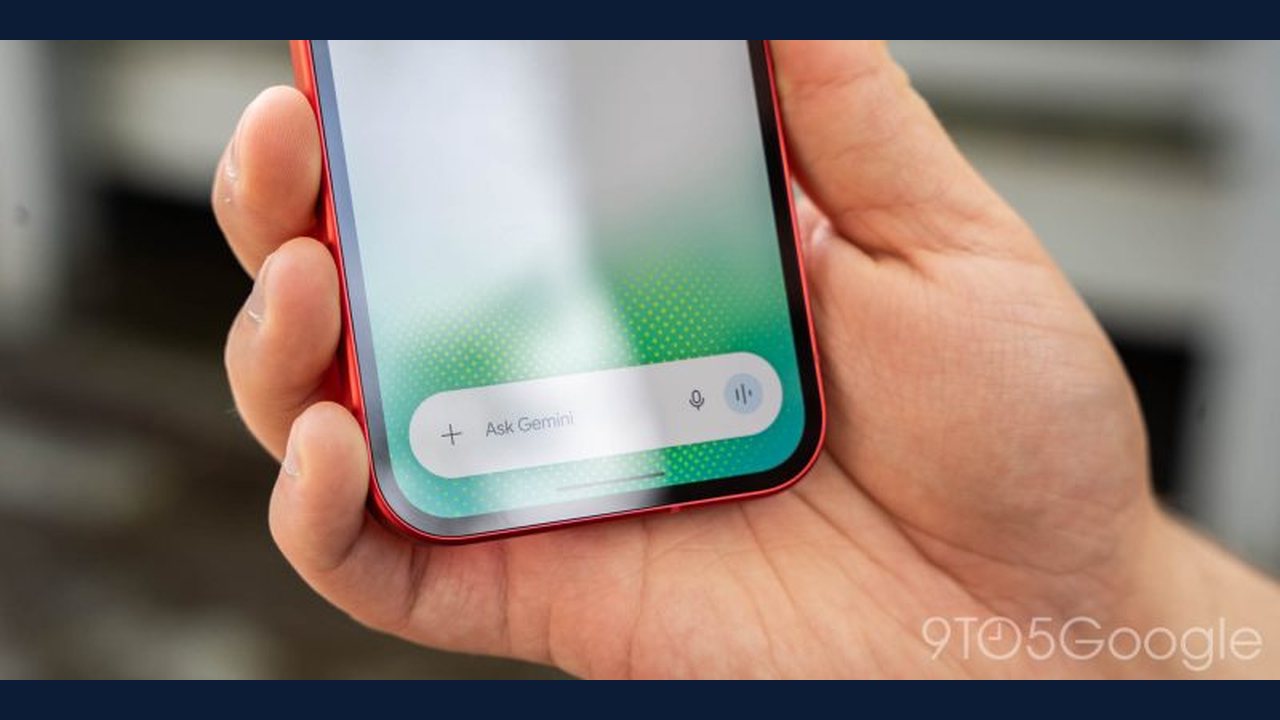
Artificial Intelligence
Google Search Homepage Gets Gemini‑Powered Sidebar Redesign
· GlobeWire Daily Editorial Desk · Source: 9to5google.com
Summary
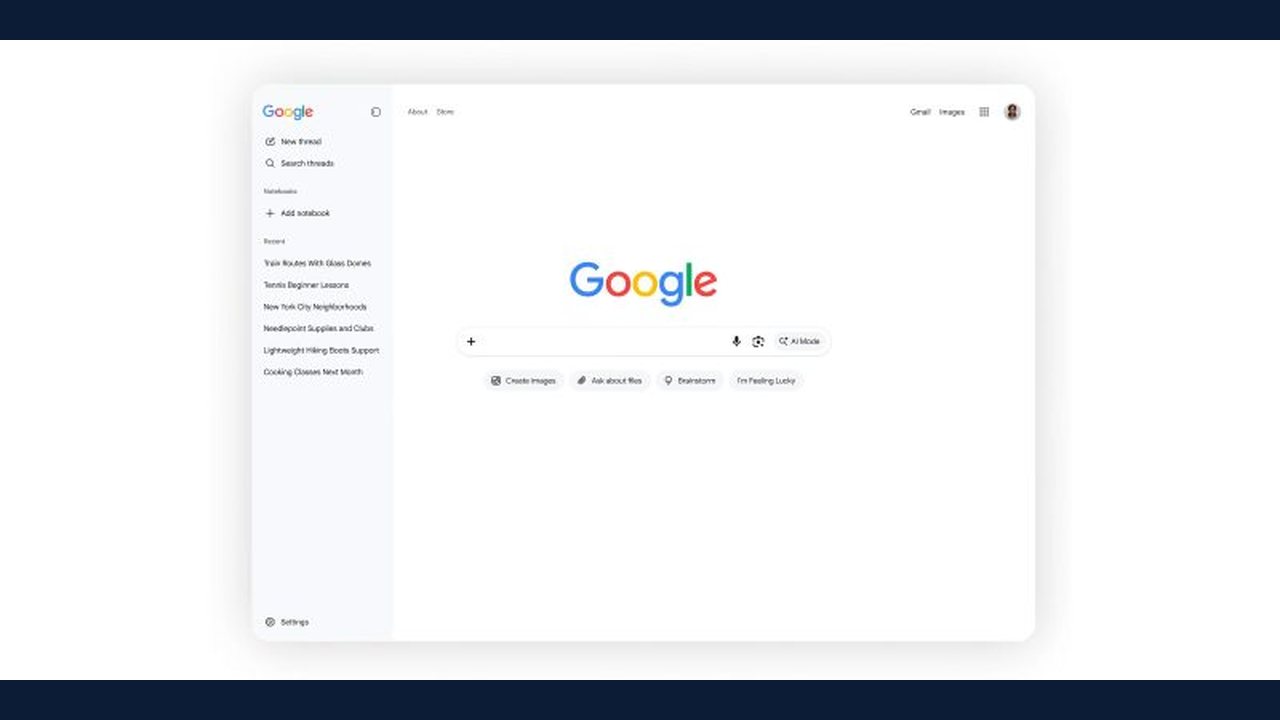
Google is gradually rolling out a desktop‑only redesign of its Search homepage that adds a Gemini‑focused sidebar. The change places chat history, shortcuts for image creation, file analysis and brainstorming directly on the main page, aiming to help users who have multi‑step queries.
Details
- What’s changing: The classic blank canvas with the Google logo and central search bar now includes a row of Gemini‑powered shortcuts beneath the bar. The traditional “Google Search” button is replaced by actions such as *Create image*, *Analyze file* and *Brainstorm with Gemini*.
- New sidebar: A vertical pane on the right pulls in the user’s Gemini chat history, recent tasks and a “New chat” button, mirroring the layout of the Gemini desktop app.
- Why the shift: According to Google product lead Robby Stein (via X), users increasingly arrive at Search with questions that require follow‑up and exploration, not a single answer. Internal testing showed the sidebar improves progress on complex queries.
- Rollout status: Stein confirmed the redesign is being rolled out globally to desktop users, but the author has not yet observed it on their own device.
- Implications: The integration blurs the line between traditional Search results and conversational AI, potentially changing how users discover information and how marketers optimize for search.
- How to verify: Check the Google Search homepage on a desktop browser for the Gemini shortcuts and sidebar. Google’s official X account and the 9to5Google article provide the primary source.
Practical tips
- If you rely on Gemini chats, you can now access recent conversations without opening a separate tab.
- Users can still hide the sidebar via browser extensions that modify the page layout, though Google has not announced an official toggle.
- Keep an eye on Google’s product blogs for any future desktop‑only or mobile extensions of the feature.
--- *Source: 9to5Google, 19 Nov 2026*
Share this article
Read the original source Google homepage rolling out AI-focused redesign that includes your Gemini chats [Video]