OfficeCLI Brings Full‑Featured Word, Excel, and PowerPoint Automation to AI Agents – Open‑Source, No Office Needed
· GlobeWire Daily Editorial Desk · Source: github.com
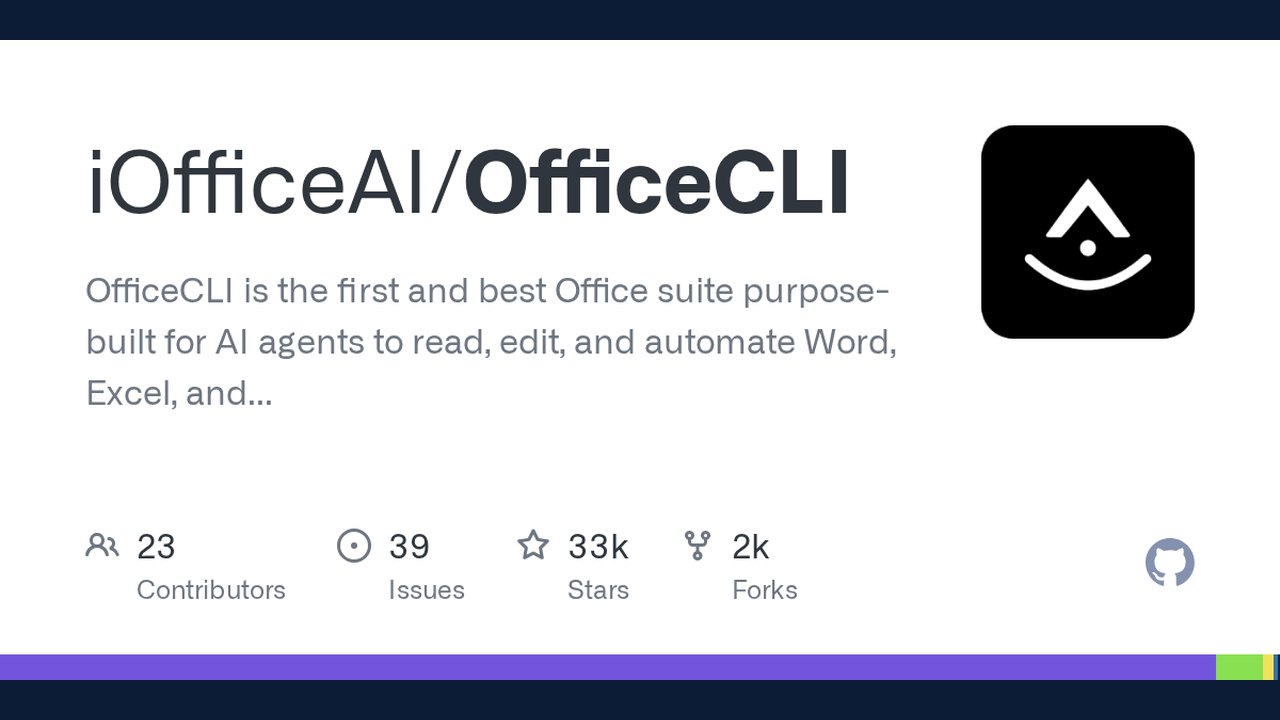
Image: GitHub · Photo source · Resized and letterboxed to 16:9; no AI generation
What OfficeCLI Is
OfficeCLI is an open‑source command‑line tool that lets AI agents read, edit, and generate Microsoft Word, Excel, and PowerPoint files without a traditional Office installation. The project’s GitHub page describes it as the *first* Office suite purpose‑built for AI agents, packaged as a single self‑contained binary that runs on Windows, macOS and Linux.
Confirmed Capabilities
- Single binary, no dependencies – The .NET runtime is embedded, so users only need to download the executable from the GitHub Releases page.
- Full‑document support – OfficeCLI can render *.docx*, *.xlsx* and *.pptx* files to high‑fidelity HTML or PNG screenshots, enabling visual “look‑and‑fix” loops for multimodal models.
- Command set – Basic operations include `create`, `read`, `set`, `add`, `remove`, `move`, and `dump`. All commands accept a `--json` flag that returns structured output, making it easier for agents to parse results.
- Excel engine – Over 350 built‑in functions (including dynamic arrays, financial, statistical and lookup functions) are evaluated automatically on write, eliminating the need for a round‑trip to Microsoft Excel for recalculation.
- Template merging – Placeholders such as `{{key}}` can be merged into any Office document, allowing a single layout design to be reused many times with JSON data.
- Headless operation – Because rendering is built into the binary, OfficeCLI works inside Docker containers, CI/CD pipelines, or any server without a graphical display.
- MCP server – A built‑in JSON‑RPC server can expose all document operations as tools, which many AI coding assistants (Claude Code, Cursor, GitHub Copilot, etc.) can discover automatically.
Reported Claims and Their Status
- “World’s first and best Office suite for AI agents” – This is a marketing claim made by the project maintainers. It is plausible given the lack of comparable open‑source tools, but no independent benchmark has been published.
- “Works everywhere” – The binary runs on the three major OS families, but the repository notes that Windows 10 or later is required for the embedded .NET runtime. Users on older platforms may encounter compatibility issues.
- “No templates, no manual editing” – Demonstration videos on the project’s Discord show AI agents generating complete presentations from prompts, but the quality of the output still depends on the prompt and the agent’s capabilities.
Practical Implications for Developers
- Simplify AI‑driven document pipelines – Instead of stitching together Python libraries like `python‑docx` and `openpyxl`, a single `officecli` call can create or modify a file and return JSON that downstream code can consume.
- CI/CD integration – Teams can add a step that runs `officecli dump` on generated reports to verify structure, or use `officecli view screenshot` to produce visual diffs in pull‑request checks.
- Cost reduction – Because the tool is free and does not require a Microsoft 365 license, organizations can automate large‑scale report generation without additional software expenses.
- Verification – To confirm that a binary is authentic, users should compare the SHA‑256 checksum published on the GitHub Releases page and run `officecli --version` after installation.
Getting Started in One Line
```bash curl -L https://github.com/iOfficeAI/OfficeCLI/releases/latest/download/officecli-linux-x64 -o /usr/local/bin/officecli && chmod +x /usr/local/bin/officecli officecli skill install ```
The second command installs the skill file that most AI coding assistants recognize automatically.
Limitations and Unknowns
- Performance at scale – No public benchmarks exist for processing thousands of documents in parallel.
- Feature parity – While OfficeCLI supports a wide range of Word, Excel and PowerPoint features, some advanced Office‑only capabilities (e.g., VBA macros, complex OLE objects) are not listed in the documentation.
- Security audit – The binary is open‑source, but a formal third‑party security review has not been announced.
Where to Learn More
- GitHub repository: https://github.com/iOfficeAI/OfficeCLI
- Official website: https://officecli.ai
- Community Discord (link on the repo) for live demos and troubleshooting.
--- *All information is derived from the project's public repository and documentation. No proprietary or unpublished data has been used.*
AI-assisted reporting; source claims are attributed and have not been independently verified.
More to read
 Ovis: Open-Source Client Brings Coding Agents to Browsers and Mobile Devices
 Munder Difflin Releases v0.5.6 as Open-Source Multi-Agent Office Harness
 Garry Tan Releases gstack: An Open-Source Virtual Engineering Team for AI Coding Agents
 GenOffice Launches as an Open-Source AI Office Suite with Local Editing and CLI Support
Trending on GlobeWire Daily
Selected from recent coverage and related topics; not live search rankings.