Artificial Intelligence
Open‑source tool removes NVIDIA’s half‑speed cap on GeForce tensor cores, promising up to double AI throughput on 20‑30‑40 series cards
· GlobeWire Daily Editorial Desk · Source: github.com
Key takeaways--- All claims are sourced from the public GitHub repository Zagitta/gpu-unlock and its FAQ/benchmark logs. Independent verification is recommended before deploying in production environments.

Image: GitHub · Photo source · Resized and letterboxed to 16:9; no AI generation
What the tool does
- gpu_unlock is a Linux kernel module that disables the firmware‑imposed limit on tensor‑core clock speeds for GeForce RTX 20, 30 and 40‑series cards.
- The limit halves the throughput for FP16, BF16 and TF32 matrix math – the operations that power most modern AI training and inference workloads.
- By clearing the cap before the NVIDIA driver loads, the module restores the full hardware‑specified tensor‑core rate without flashing the VBIOS or patching the driver.
How it works
- At boot the module writes new speed‑selector registers (SS0 = 0x88888888, SS1 = 0x8) and triggers a fast‑reset (FLR) of the GPU. The NVIDIA driver then binds to a card that is already running at full speed.
- The unlock is applied only when the kernel command line includes `gpu_unlock.targets=all`. It is a no‑op if the driver has already claimed the device.
- The code lives in the `kernel/gpu_unlock/recipes.c` file and is compiled for the running kernel; it does not depend on a particular driver version.
Reported performance gains
- Users who have posted benchmark logs claim up to 2× higher tensor throughput for FP16/BF16/TF32 operations.
- Real‑world AI tasks see +25‑55 % faster LLM pre‑fill, +25‑50 % faster fine‑tuning, and +30‑55 % faster image generation, according to community‑submitted results.
- The actual speed‑up depends on:
- How much of the workload uses the supported precisions.
- Whether the card has enough power headroom – e.g., an RTX 4090 may hit its power limit before the tensor cores become the bottleneck, reducing the observable gain.
Installation overview (Linux only)
- Clone the repository and run `make install`. The script detects the distro (Debian/Ubuntu, Arch, Fedora/RHEL) and builds the appropriate package.
- Add `gpu_unlock.targets=all` to the kernel command line (GRUB, systemd‑boot, UKI, etc.) and update the bootloader.
- Reboot. The module loads early in the initramfs, writes the registers, and then hands control to the stock NVIDIA driver.
- Optional: disable dynamic power management (`nvidia.NVreg_DynamicPowerManagement=0x00`) on laptops that power‑down the GPU, though results vary.
Limitations and risks
- Supported hardware: RTX 20/30/40 series only. Blackwell (RTX 50) cards are not supported and are unlikely to be added.
- Operating system: The official release works on Linux. A community‑maintained Windows port exists, but the author does not guarantee its safety.
- Power & thermals: Unlocking lets the GPU perform more compute, which can raise power draw and temperature slightly. Standard NVIDIA throttling remains active, so the risk of permanent damage is low.
- Persistence on laptops: If the dedicated GPU is fully powered off (common in idle states), the unlock is reset. Keeping the GPU powered continuously is required for a stable unlock.
- No warranty impact: The module does not modify firmware on the card; it only changes runtime registers, so NVIDIA’s warranty terms are unchanged, but users should still proceed at their own risk.
How to verify the unlock
- After reboot, run `dmesg | grep gpu_unlock` – you should see a line confirming the speed‑selector values were written.
- Use a tool such as `nvidia-smi` or `nvtop` to monitor tensor‑core utilization and clock speeds; the reported tensor clock should be roughly double the stock value.
- Compare benchmark numbers with the community‑submitted reports linked in the repository’s Benchmarks folder.
Practical impact for developers
- Researchers and hobbyists running local LLM inference, diffusion‑model image generation, or other FP16/BF16/TF32 workloads can expect noticeable speed‑ups without buying an expensive RTX A‑series card.
- The unlock is transparent to existing CUDA code – no code changes are required.
- Because the change is applied at boot, it survives driver updates; only the kernel command line needs to stay intact.
--- *All claims are sourced from the public GitHub repository *Zagitta/gpu-unlock* and its FAQ/benchmark logs. Independent verification is recommended before deploying in production environments.*
Share this article
Read the original source: Zagitta/gpu-unlock: Your GeForce runs AI at half speed. This fixes it for 20/30/40 series cards. Up to 2× FP16 / BF16 / TF32 tensor throughput - GitHub
AI-assisted reporting; source claims are attributed and have not been independently verified.
More to read
 NVIDIA Releases Switchyard: An Open-Source Library for Dynamic LLM Routing and Cost Optimization
 Agentring Project Launches Open-Source Tool for AI Agents to Place and Receive VoIP Calls
 Open-Source Tool Hypit Enables Coding Agents to Generate and Clone Videos
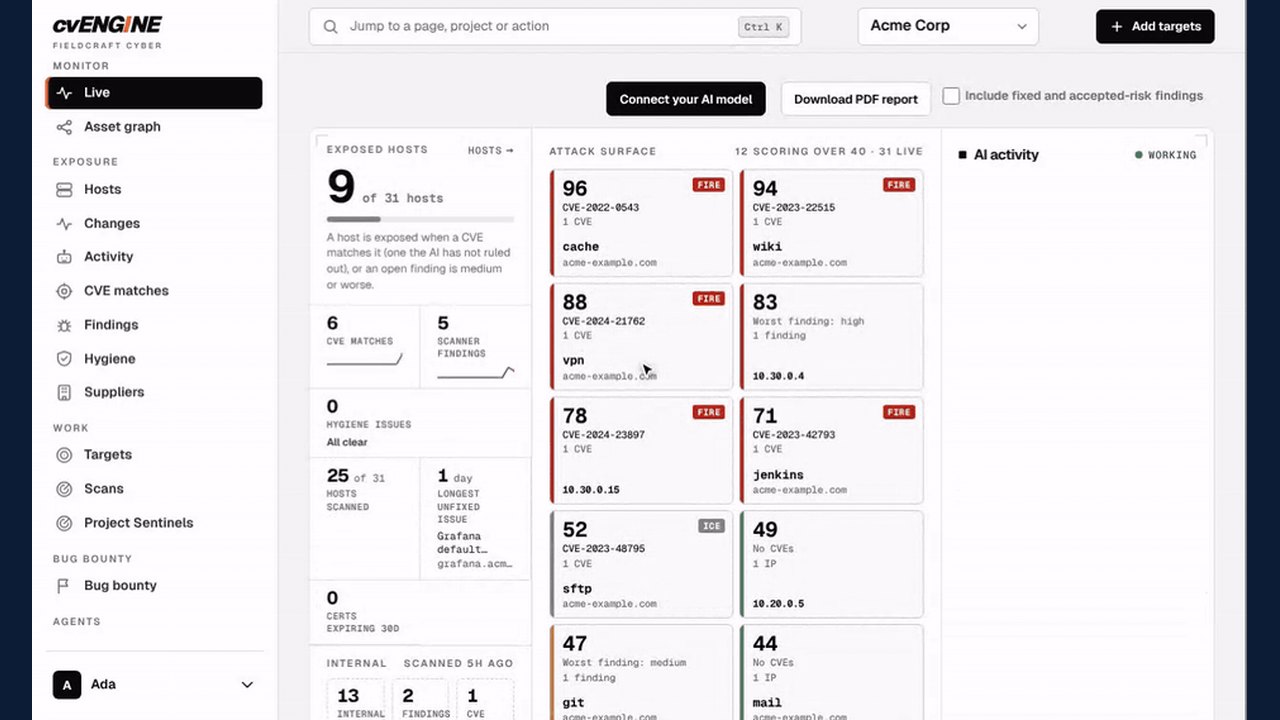 cvENGINE Launches as an Open-Source, AI-Driven External Attack Surface Assessment Tool
Trending on GlobeWire Daily
Selected from recent coverage and related topics; not live search rankings.