OpenPencil Launches as the First Open‑Source AI‑Native Vector Design Tool
· GlobeWire Daily Editorial Desk · Source: github.com
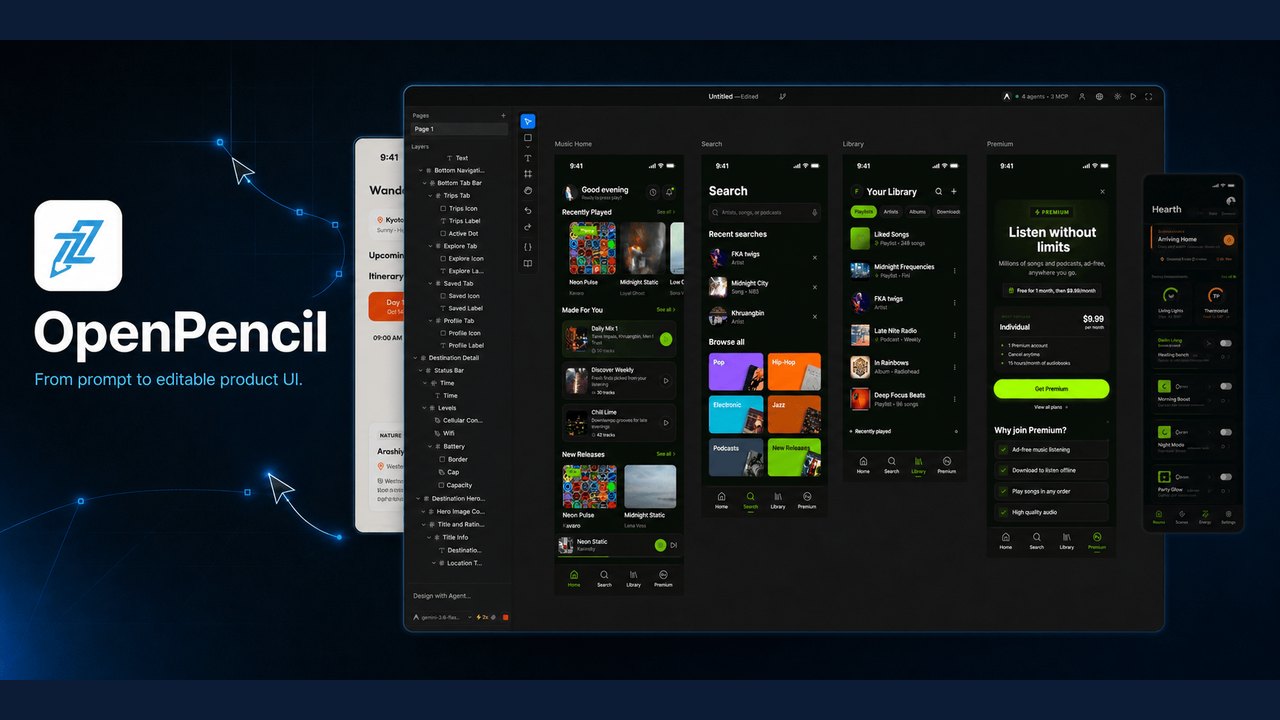
Image: GitHub · Photo source · Resized and letterboxed to 16:9; no AI generation
Overview
The GitHub project ZSeven‑W/openpencil describes itself as *the world’s first open‑source AI‑native vector design tool* that introduces concurrent Agent Teams and a Design‑as‑Code workflow. The repository was updated in May 2026 and is now available for macOS, Windows and Linux as a single native binary.
Key Features
- Concurrent Agent Teams – multiple AI agents work on separate canvas regions (hero, features, footer, etc.) in parallel, each shown with a per‑member indicator.
- Design‑as‑Code – UI layouts are stored in `.op` files, which are JSON‑based, human‑readable and Git‑friendly. Design variables become CSS custom properties.
- Multi‑model Intelligence – the orchestrator tailors prompts to the capabilities of each model (Claude receives full prompts with “thinking”, GPT‑4o/Gemini get streamlined prompts, smaller models receive simplified JSON prompts).
- One‑click CLI integration – the built‑in MCP server lets you control the editor from Claude Code, Codex, OpenCode, Kiro or Copilot CLIs using commands such as `op design` or `op insert`.
- Export options – a single `.op` file can be rendered to React + Tailwind, HTML + CSS, Vue, Svelte, Flutter, SwiftUI, Jetpack Compose, React Native and more.
- Cross‑platform native app – compiled in Rust, the binary (≈55 MB) runs without a browser engine. A WebAssembly version powers a read‑only viewer that can be embedded in other apps.
- Style‑guide library – tag‑based fuzzy matching lets you apply visual styles like glassmorphism, brutalist or retro with a single command.
- Collaborative editing – authenticated peer‑to‑peer sessions use a public relay and regional hubs; participants join with a short pairing code and see live remote cursors.
Technical Details
- The core is a single Rust workspace that includes the editor, MCP host, AI runtime and code‑generation crates.
- `.op` files are plain JSON, making diffs easy to review in Git.
- The Windows installer checks for the Microsoft‑signed Visual C++ v14 runtime; portable ZIP archives require the runtime to be installed manually.
- Build artifacts are signed and hashes are listed in `nix/release-manifest.json`. The project advises verifying downloads against these hashes to avoid false‑positive antivirus flags.
- Localization is built‑in for 15 languages, including Hindi, Chinese, Japanese and Spanish.
Installation & Verification
- Download the appropriate binary from the *GitHub Releases* page (e.g., `.exe` for Windows, `.AppImage` or `.deb` for Linux).
- Check the SHA‑256 hash shown in the release notes against the file you downloaded.
- On Windows, run the installer; it will automatically install the required Visual C++ redistributable if missing.
- For a head‑less setup, use the `install‑op.ps1` script (Windows) or the provided `install.sh` (macOS/Linux) to place the binary in your `$PATH`.
- Verify the binary’s signature with `openssl dgst -sha256 -verify <public‑key> -signature <sigfile> <binary>` if you prefer an extra layer of trust.
Implications for Designers and Developers
- Open‑source freedom – designers can inspect, modify or extend the engine without vendor lock‑in.
- AI‑driven prototyping – describing a UI in natural language instantly renders it on the infinite canvas, speeding up early‑stage mockups.
- Version‑controlled UI – because designs live in JSON, they can be versioned alongside code, enabling true *design‑as‑code* practices.
- Terminal‑centric workflow – developers comfortable with CLI tools can generate or tweak UI components without leaving their shell.
- Cross‑team collaboration – the concurrent Agent Teams model mirrors how multiple designers might work on a page, potentially reducing hand‑off friction.
How to Follow Up
The project’s roadmap and issue tracker are public on GitHub. Users can file bugs, request new style guides, or contribute code via pull requests. For a deeper technical dive, the repository includes a `BUILD_WINDOWS.md` guide and extensive Rust documentation.
*All statements are based on the OpenPencil GitHub repository and its README as of 3 Nov 2026. No independent testing has been performed by this outlet.*
AI-assisted reporting; source claims are attributed and have not been independently verified.
More to read
 OpenPencil launches AI‑native open‑source design editor as a Figma alternative
 Agentring Project Launches Open-Source Tool for AI Agents to Place and Receive VoIP Calls
 cvENGINE Launches as an Open-Source, AI-Driven External Attack Surface Assessment Tool
 Diagram Design Open-Source Agent Skill Launches for Multi-Platform AI Coding Assistants
Trending on GlobeWire Daily
Selected from recent coverage and related topics; not live search rankings.
 BMW C600 Sport and C650GT: Specifications & buying guide
 AJS Model D: Specifications & buying guide
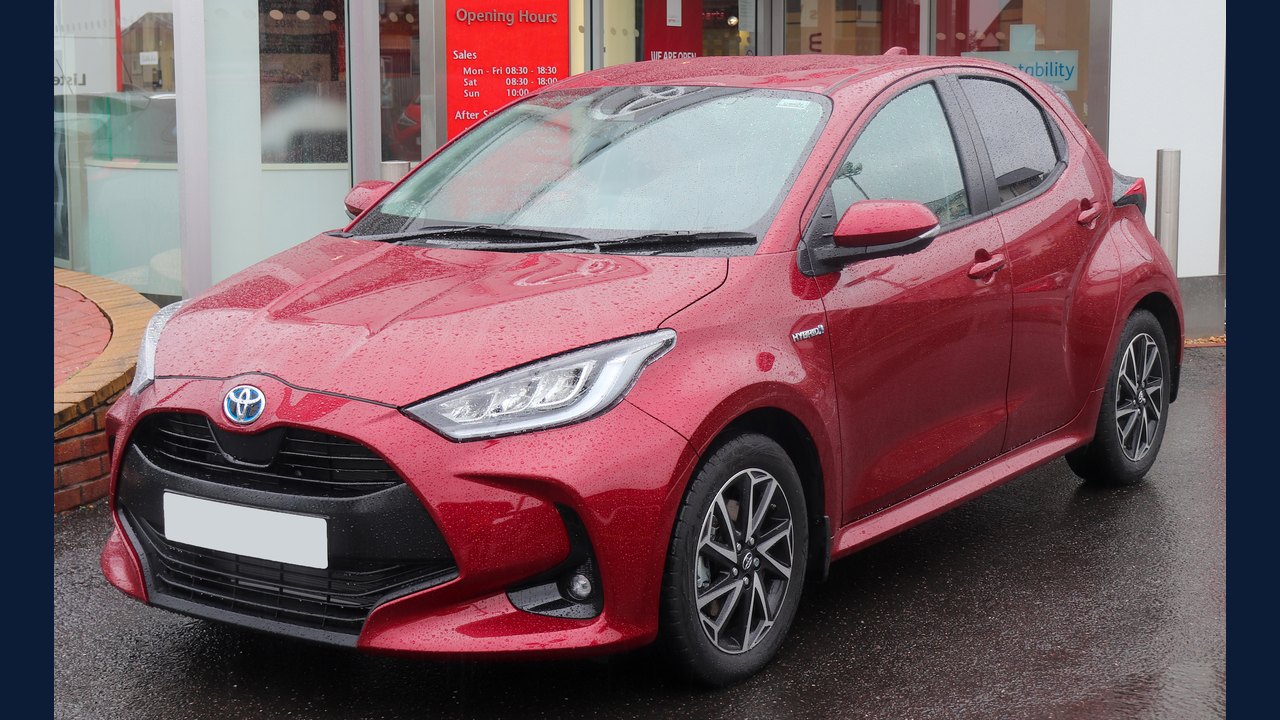 Toyota Yaris (XP210): Specifications, variants & buying guide
 Haima 7X: Specifications, variants & buying guide
 Pixel 11 Pro Fold: Specifications & buying guide
 Samsung Galaxy S III: Specifications & buying guide