Signal adds screenshot blocks on Android and iOS to fight AI‑driven surveillance
· GlobeWire Daily Editorial Desk · Source: techcrunch.com
Summary
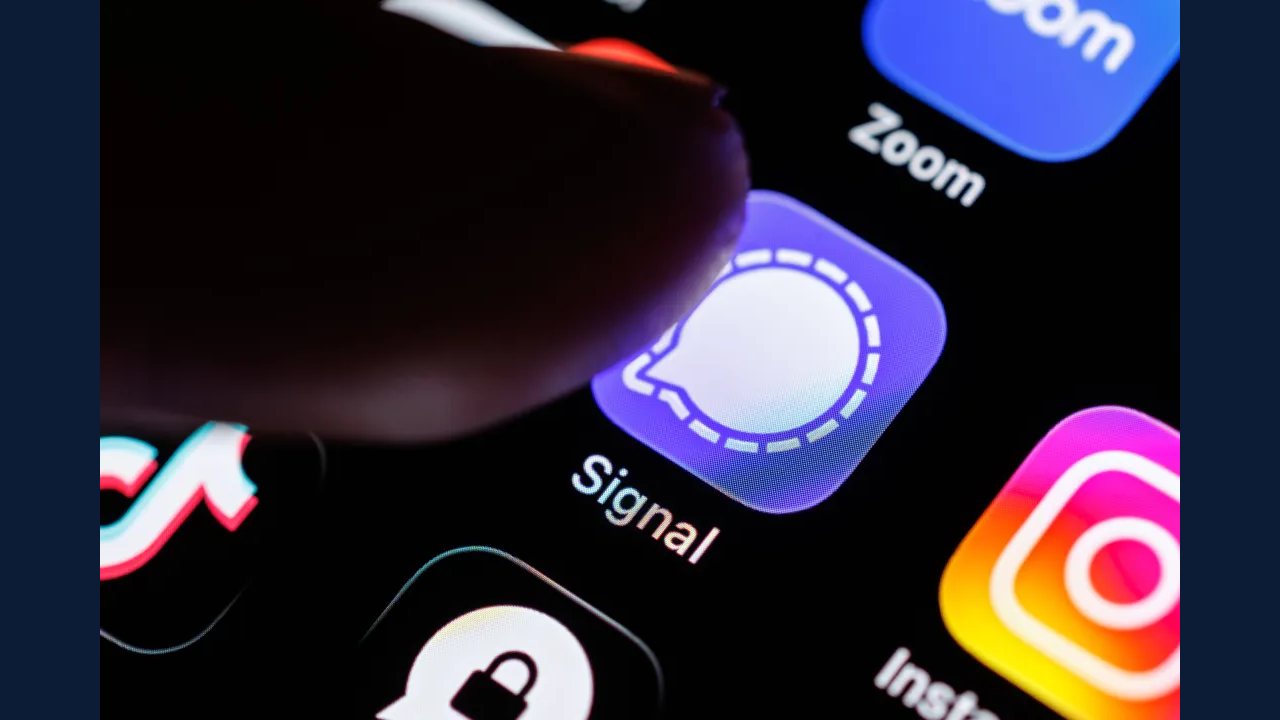
Signal announced on Friday that it will restrict the ability to take screenshots in its Android and iOS apps. The move is a direct response to concerns raised by Signal’s president, Meredith Whittaker, who warned that operating‑system‑level AI agents pose an “existential threat” to the app’s privacy guarantees.
What the change does
- Default behavior: When the new setting is enabled, the app will block the system‑level screenshot function while a Signal conversation is open.
- User control: Users can manually turn the block off in the app’s privacy settings. Whittaker notes that disabling the block “breaks our privacy guarantees.”
- Scope: The feature mirrors a similar restriction already in place for Signal’s Windows desktop client, which has been blocked by default since early 2026.
Why Signal is acting now
Meredith Whittaker, president of Signal, explained that recent OS updates on Windows, Android, and macOS/iOS are adding agentic AI capabilities that can “scan” whatever appears on a user’s screen. According to Whittaker:
“Now, in service of AI agentic capabilities, your sensitive data is being captured, stored, and made accessible to whatever local database or remote server an OS‑level AI agent is using at that moment.”
She argues that once screen data is captured, Signal can no longer guarantee that the information remains private, because the capture happens outside the app’s control.
Limitations and open questions
- Incomplete protection: Whittaker admitted the screenshot block does not address “more sneaky ways AI agents could potentially access application data,” such as memory‑reading APIs or background screen‑capture services.
- User experience impact: Disabling screenshots may inconvenience users who rely on screen captures for troubleshooting or sharing information across devices.
- Future roadmap: Signal has not disclosed whether it plans additional OS‑level defenses (e.g., sandboxing, encrypted screen buffers) or if it will lobby platform owners for stricter AI‑agent policies.
How to verify the change
- Update the app: Ensure you are running the latest version of Signal from the Google Play Store or Apple App Store (version 6.2 or later).
- Check settings: Open Signal → Settings → Privacy → “Block screenshots.” The toggle should be on by default.
- Test: Open a conversation and attempt a system screenshot (Power + Volume‑Down on Android, Side + Volume‑Up on iOS). The device should display a notification that the screenshot was blocked.
Practical implications
- For journalists and activists: The block adds a layer of protection when discussing sensitive topics, but users must remain aware of other covert data‑exfiltration methods.
- For developers: Apps that rely on screenshot‑based workflows may need to request explicit user permission or provide alternative export mechanisms.
- For regulators: The move highlights growing tension between privacy‑focused apps and OS vendors that embed AI agents capable of data collection.
--- *The information above reflects statements made by Signal’s leadership and publicly available app updates. No independent testing of the screenshot block has been published at the time of writing.*
More to read
 Signal Introduces New Protections to Block Gemini and Siri AI from Scanning Private Chats
 TrimPlayer and New Android AI Tools Aim to Streamline Listening and Tasks
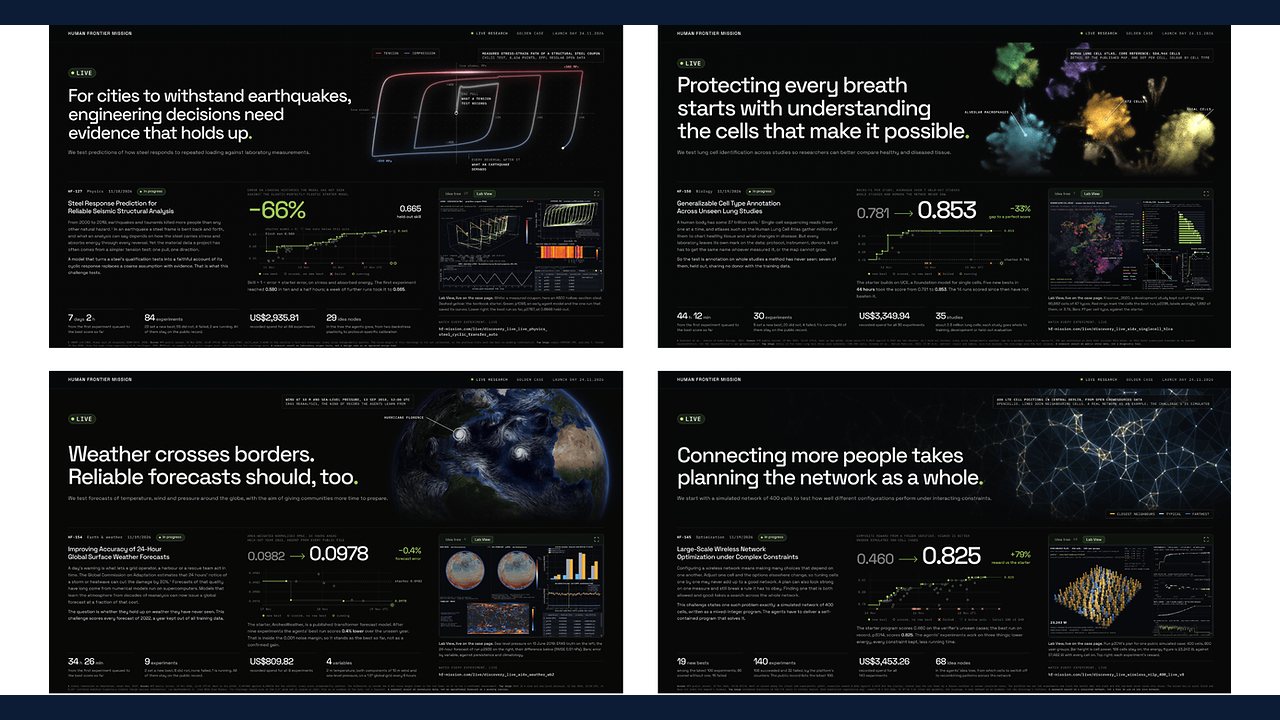 Human Frontier Mission Announces Global Launch of AI-Driven Research Initiative
 Google Gemini Notebook Adds Interactive Site Builder for Research Projects