6 Invisible Google Maps Gestures to Control Zoom, Tilt, and Pins
· GlobeWire Daily Editorial Desk · Source: www.androidpolice.com
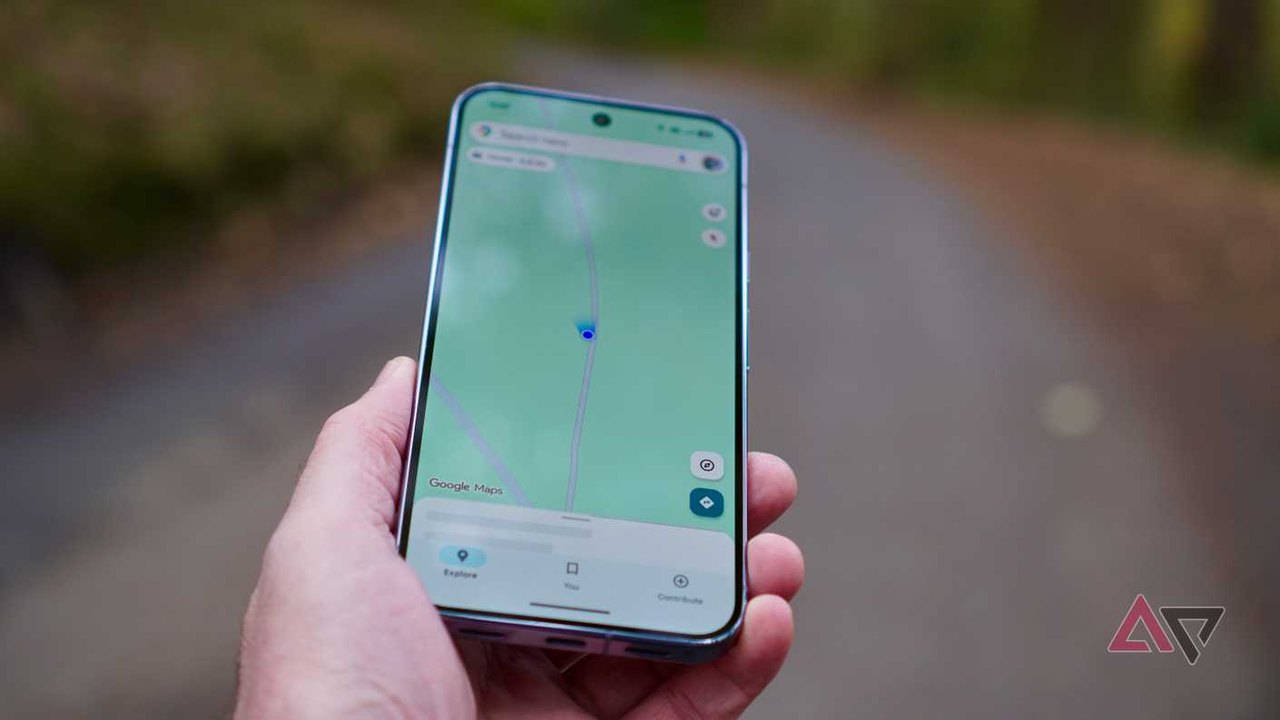
Image: Android Police · Photo source · Resized and letterboxed to 16:9; no AI generation
Google Maps includes several hidden gestures that allow users to navigate and interact with maps efficiently without relying on visible on-screen buttons. Because these shortcuts are invisible, many users overlook them, yet they offer practical controls for zooming, tilting, and dropping pins.
Essential Google Maps Gestures
- Double-Tap to Zoom In: Tapping twice on any location zooms in on the area to reveal nearby places, offering a convenient alternative to pinch-to-zoom for one-handed use.
- Two-Finger Tap to Zoom Out: Tapping with two fingers performs a fixed-step zoom out. Repeated taps zoom out further, which can improve grip stability while using both hands.
- One-Hand Zoom: Double-tap, keep your thumb on the screen during the second tap, and slide up to zoom out or slide down to zoom in for precise one-handed control.
- Two-Finger Rotate: Place two fingers on the map and rotate them clockwise or counterclockwise to align the map with your direction of travel. Tapping the compass icon resets the orientation.
- Two-Finger Swipe: Swiping down with two fingers tilts the map, while swiping up returns it to a flat view, helping users preview ahead during navigation.
- Long-Press to Drop a Pin: Pressing and holding an unnamed location on the map automatically drops a pin, displaying coordinates or nearby details and offering sharing and saving options, even in offline mode.
Additional Features
Beyond navigation, Google Maps offers tools like the Timeline feature to review past travel routes, which can be enabled through the profile menu under location and privacy settings. Users can verify these capabilities directly within the Google Maps app by testing the touch gestures and checking application settings.
*Claims regarding gesture functionality are based on reported app behavior and user guides. Readers should test the features directly in the official app to verify availability on their specific device.*
AI-assisted reporting; source claims are attributed and have not been independently verified.
More to read
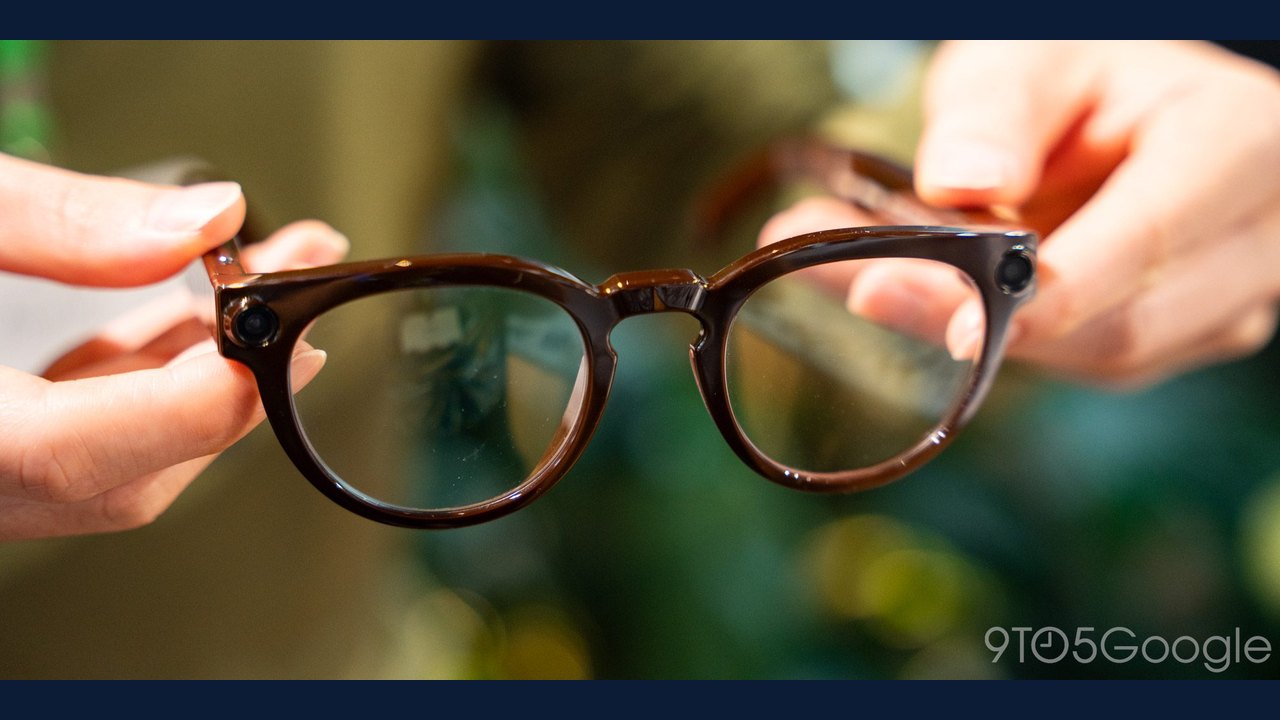 Google Intelligent Eyewear to Gain Gesture Control via Pixel Watch and Fitbit Air
 Rescuers Warn Young Hikers Relying on Google Maps After Scafell Pike Incident
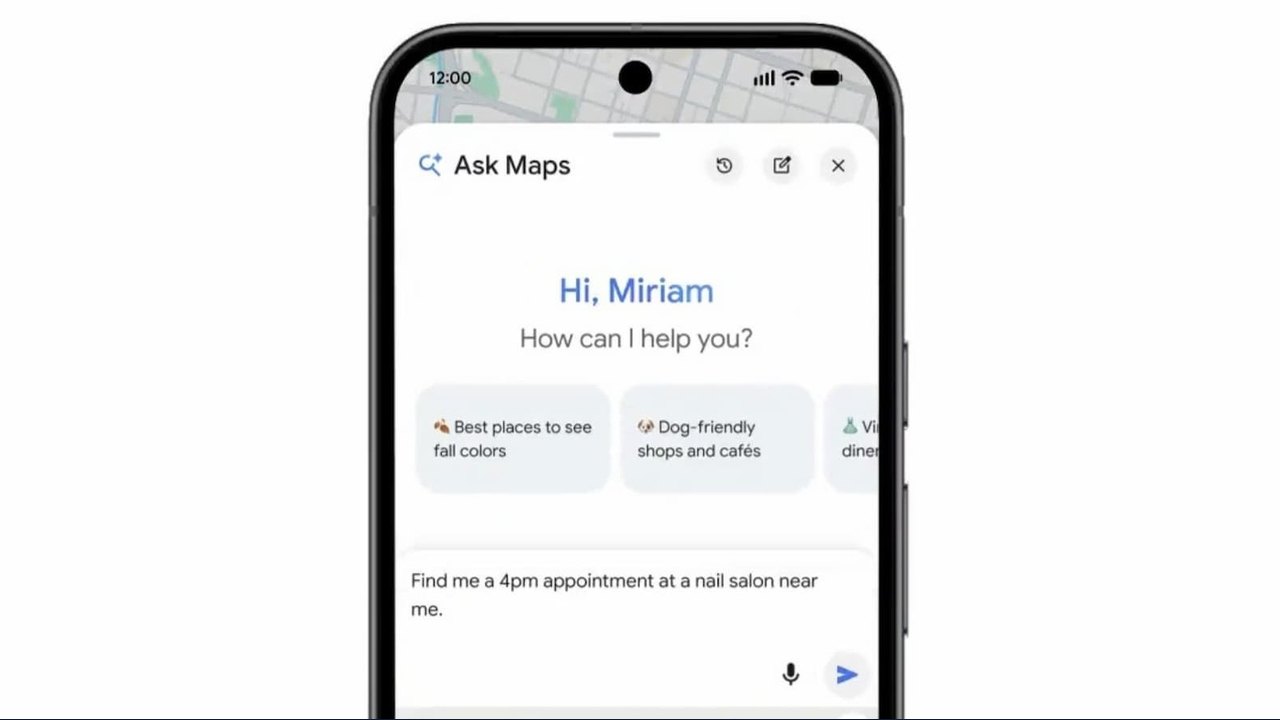 Google Updates Ask Maps Chatbot with Appointment Booking and EV Trip Planning Features
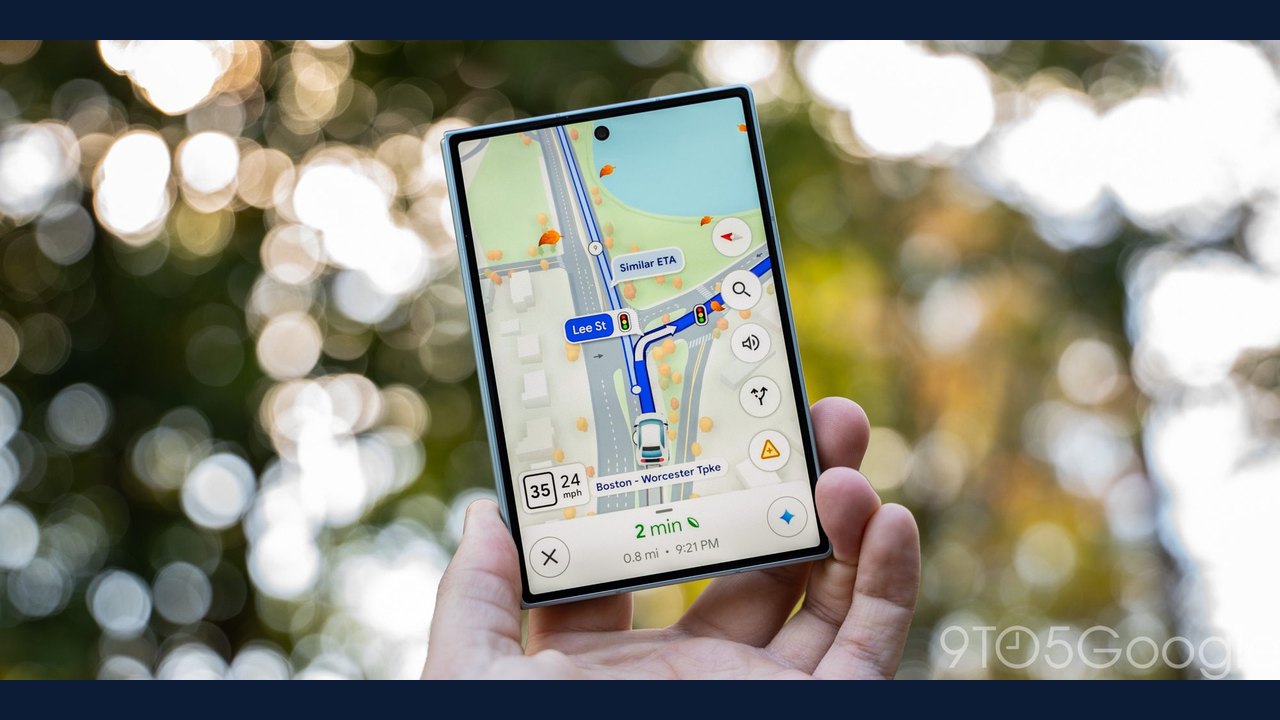 Google Maps Update Introduces Fall Foliage Visuals for Select US Metros