Googlebooks Review: Premium Android‑Powered Laptops Still Need OS Maturity
· GlobeWire Daily Editorial Desk · Source: www.engadget.com
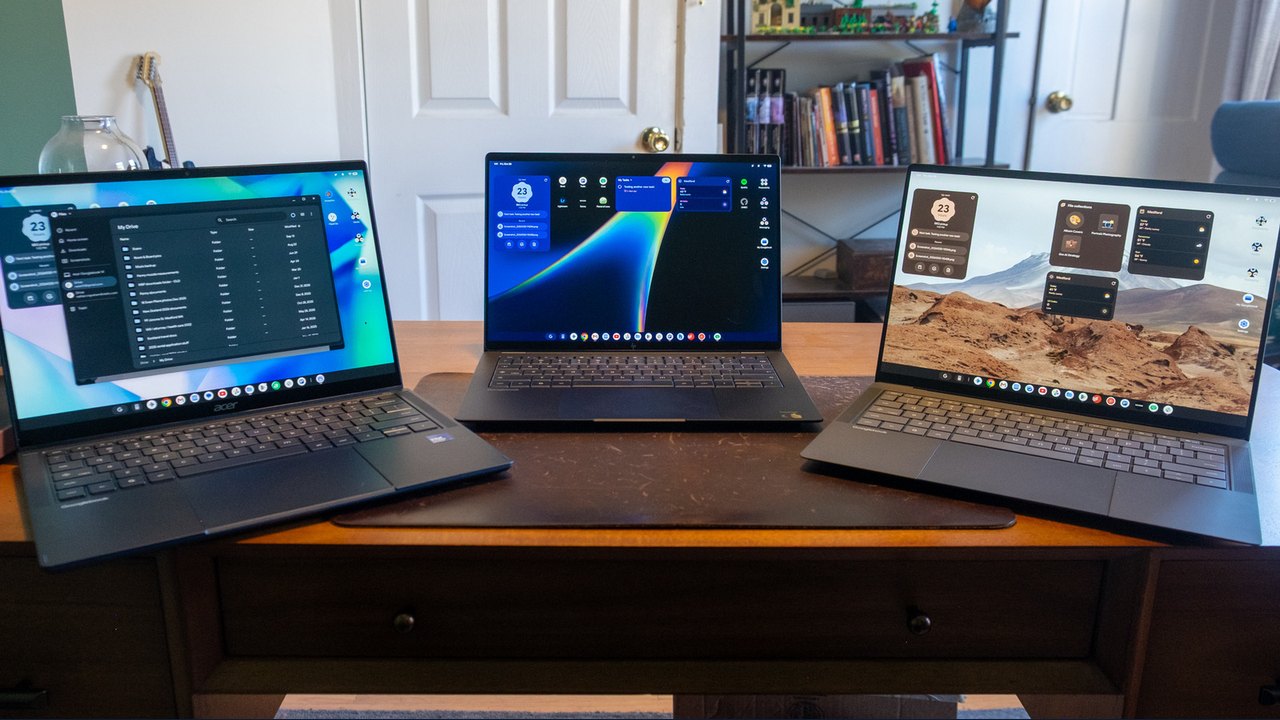
Image: Engadget · Photo source · Resized and letterboxed to 16:9; no AI generation
Overview
Google officially launched the Googlebooks line earlier this month, promising tight Android‑phone integration, AI‑driven features, and premium hardware. The first devices – ASUS, Acer, HP and Dell models – run a new Android‑based OS (often called *Googlebook OS*) that aims to replace ChromeOS over time.
Hardware Snapshot
- ASUS Googlebook 14 – $1,299, 2.2 lb, OLED touchscreen with Corning Gorilla Matte glass, Intel Core Ultra 5, 16 GB RAM, 512 GB SSD.
- Acer Googlebook 14 – starts at $899, the only sub‑$1,000 model.
- HP Googlebook 14 – Snapdragon X Elite X1E‑80‑100 processor, noted for slightly better battery life and quieter fans.
- Dell XPS Googlebook – $999, ultra‑compact design.
All models feel premium, but the price range ($899‑$1,299) puts them against high‑end Windows laptops and MacBooks.
Setup Experience
The initial login mirrors ChromeOS: sign in with a Google account, then the OS prompts you to pair an Android phone (or iPhone/iPad) via QR code or a Pixel notification. After confirming account details and adding a fingerprint, you can choose to copy apps and data from the phone. The process is straightforward for most users.
UI Differences from ChromeOS
- Taskbar now holds only app icons; time, date, notifications, and quick settings sit in a thin top strip.
- Some ChromeOS shortcuts (calendar on the date, recent‑files pin) are missing; Google suggests using desktop widgets instead.
- The desktop includes folders for productivity, media, and messaging, plus an onboarding walkthrough.
Early Software Gaps (Reported)
- Chrome tab‑group sync is absent; Google says it will arrive in a future update.
- Initial web‑app support was limited; a Chrome update later allowed standalone windows for apps like Slack and Trello.
- Android apps often do not optimize for larger screens, leading to stretched UI (e.g., Slack Android app shows a single‑column view).
- iOS integration via the pre‑installed *Link to iOS* app works for one‑on‑one SMS/iMessage but lacks group‑chat support and media sync.
AI Features
- Gemini‑powered Magic Cursor: wiggle the trackpad to select screen regions; Gemini suggests actions such as clipping text, creating calendar events, or summarizing content.
- Quick Insert key offers contextual AI suggestions.
- Rambler cleans up spoken dictation, removing filler words.
- Widget creation lets the OS generate custom home‑screen widgets (e.g., weather, file groups).
Practical Implications
- Value proposition: At $899‑$1,299, Googlebooks compete with well‑established Windows and macOS laptops that already support a broader software ecosystem.
- Verification: Buyers can confirm the OS version and feature set by checking the *Settings → About* page and comparing it with Google’s official product page.
- Future outlook: Google plans to roll out more affordable models as the OS matures, but current buyers should weigh the premium price against the still‑evolving software experience.
Bottom Line
Googlebooks deliver a sleek, Android‑centric laptop experience with impressive AI tools and deep phone integration. However, the OS is not yet feature‑complete, and the high price makes it a niche choice until cheaper hardware and a more polished OS arrive.
--- Keywords: ["Googlebooks launch", "Android laptop OS", "Gemini AI features", "premium laptop price", "ChromeOS replacement", "Android phone integration", "Magic Cursor", "Googlebook hardware specs", "web app support", "iOS Link to iOS"]
AI-assisted reporting; source claims are attributed and have not been independently verified.
More to read
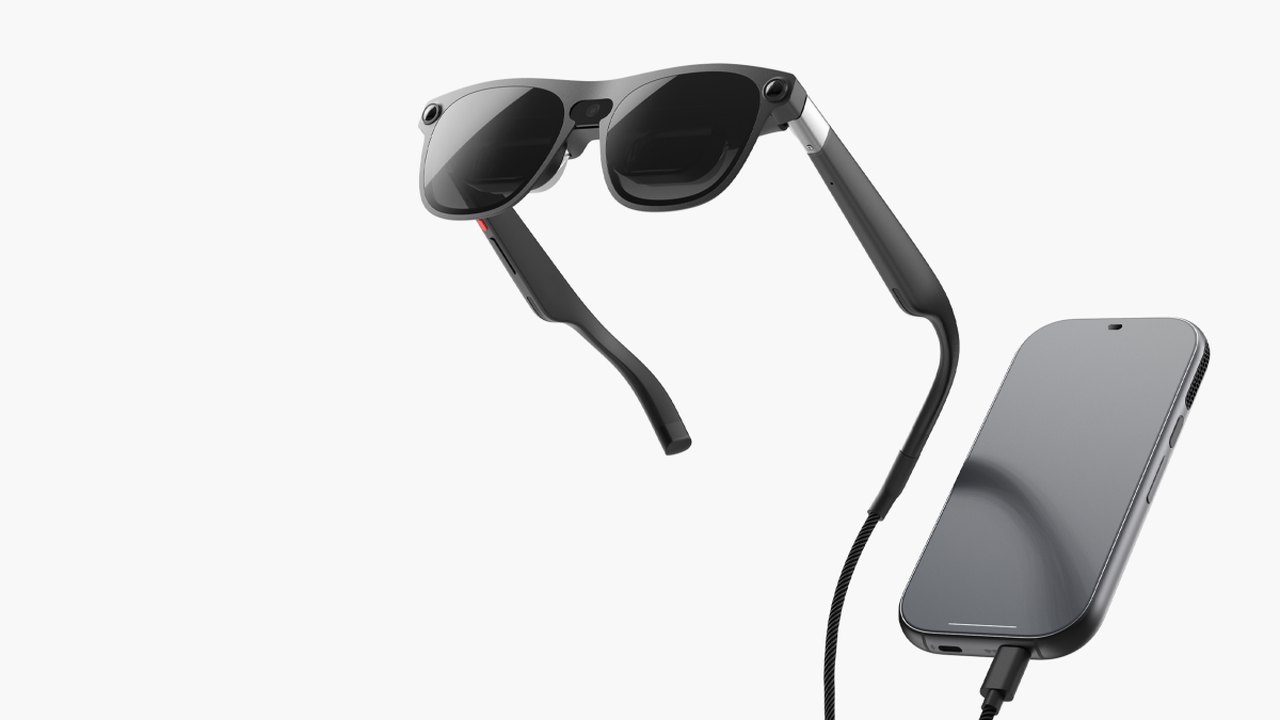 Xreal Launches Aura Wired Smart Glasses Powered by Android XR
 Elegoo M1 Ultra 3D Scanner Review: A Premium First-Gen Device
 Jasion Poki Review: A High-Powered Electric Minibike with Mixed Results
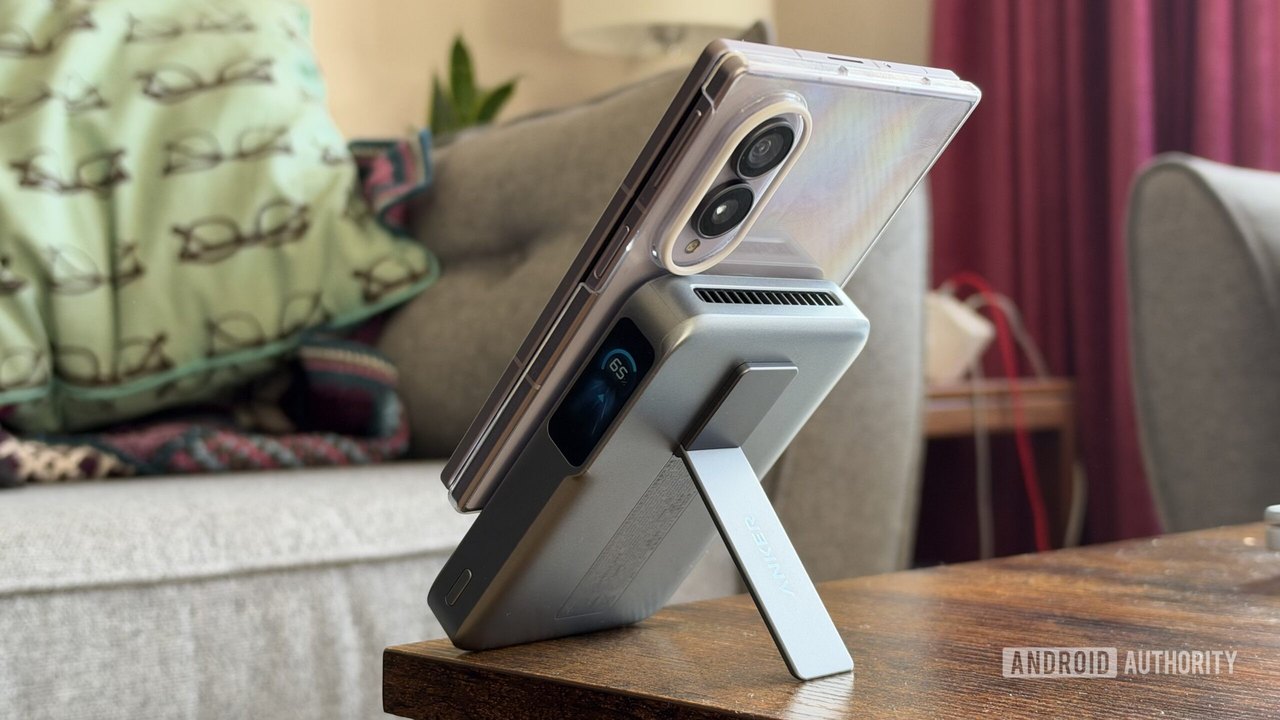 Anker’s MagGo Power Bank 2 Pro Offers Fast Qi2 Wireless Charging but Favors iPhone Over Android, Review Finds
Trending on GlobeWire Daily
Selected from recent coverage and related topics; not live search rankings.
 ExxonMobil and Chevron Report Record Profits Amid Rising Global Oil Prices
 Chandan Shetty Addresses 'Maimata' Speculation Amid Nivedita Gowda's Cryptic Social Media Post
 Canada Explores 'Associate Member' Status with EU Amid US Trade Pressure
 Canadian PM Mark Carney Addresses Trade Strategy and EU Ties Amid US Tensions
 Canadian Man Sentenced to Prison Following Multi-Million Dollar Cryptocurrency Scam
 Samajwadi Party Targets UP Assembly Elections Following MLC Poll Success