How to set up EV routing on CarPlay and Android Auto
· GlobeWire Daily Editorial Desk · Source: www.engadget.com
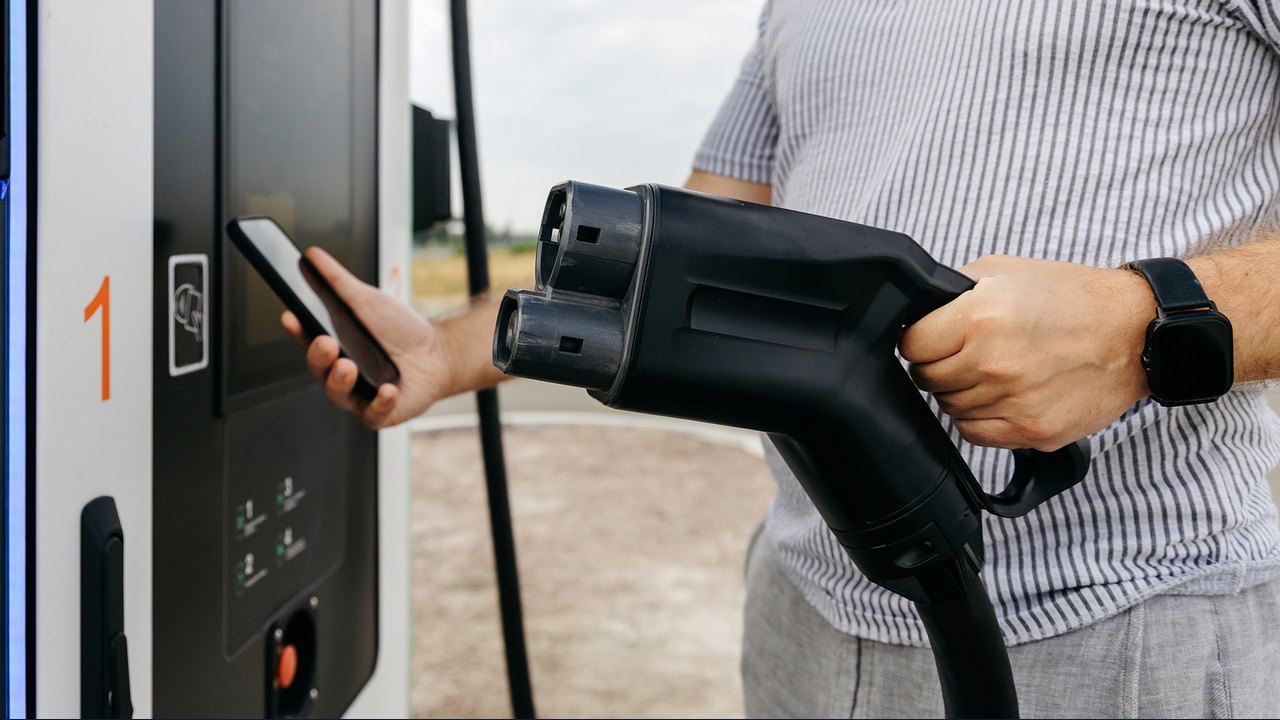
Image: Engadget · Photo source · Resized and letterboxed to 16:9; no AI generation
Electric vehicle routing can simplify long trips by planning charging stops based on estimated battery levels and arrival percentages. According to available reports, setting up this feature depends on your specific vehicle, phone, and navigation app, as support is not universal across all models.
Checking Vehicle and App Compatibility
Before configuring EV routing, reports indicate that users must verify whether their vehicle supports the feature through CarPlay or Android Auto. While some cars work directly with Apple Maps, others may require a manufacturer-specific companion application.
- Apple Maps: Models such as Ford's Mustang Mach-E and F-150 Lightning support Apple Maps EV routing, alongside eligible Toyota EVs in the US. Connection methods vary; some require tapping "Connect" above available routes, while others involve configuring settings through a manufacturer app or profile settings.
- Google Maps: Google expanded Android Auto charging recommendations to numerous US EV models by March 2026. Users must ensure they have a compatible version of Google Maps, configure their vehicle profile with the correct engine type, make, model, year, and trim, and verify plug connections.
Practical Implications and Verification
Drivers should note that battery predictions are estimates and can be influenced by live driving conditions, vehicle condition, and weather. It is advised to monitor charge levels directly while driving rather than relying entirely on app predictions. Additionally, third-party options like A Better Routeplanner (ABRP) offer alternative trip planning, though dashboard integration through CarPlay or Android Auto may require a subscription.
To verify original instructions and check specific vehicle eligibility, users should consult official documentation from Apple, Google, and their vehicle's manufacturer.
AI-assisted reporting; source claims are attributed and have not been independently verified.
More to read
 Older Bentley Models Get Apple CarPlay And Android Auto Via New Infotainment Upgrade
 Open-Source Project Brings Native-Style EV Routing to Hyundai and Kia Gen5W Head Units on Android Auto
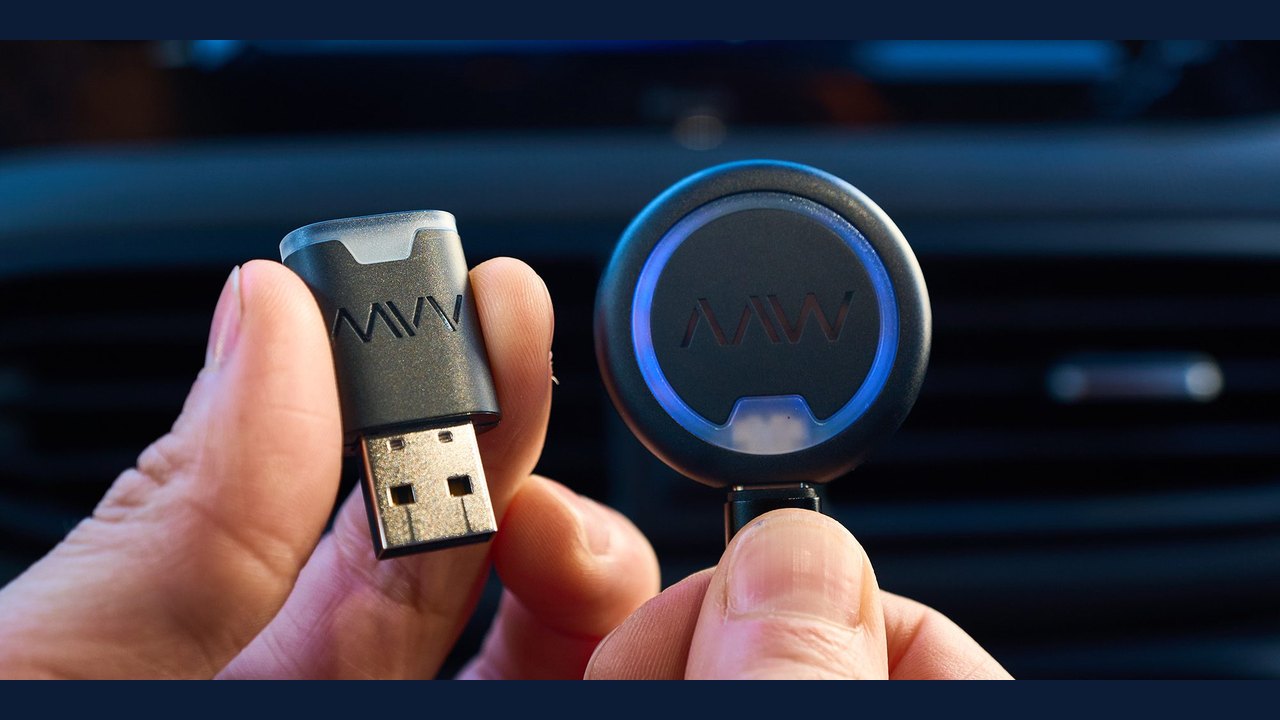 AAWireless Announces Compact Nexus and Nano Android Auto Adapters
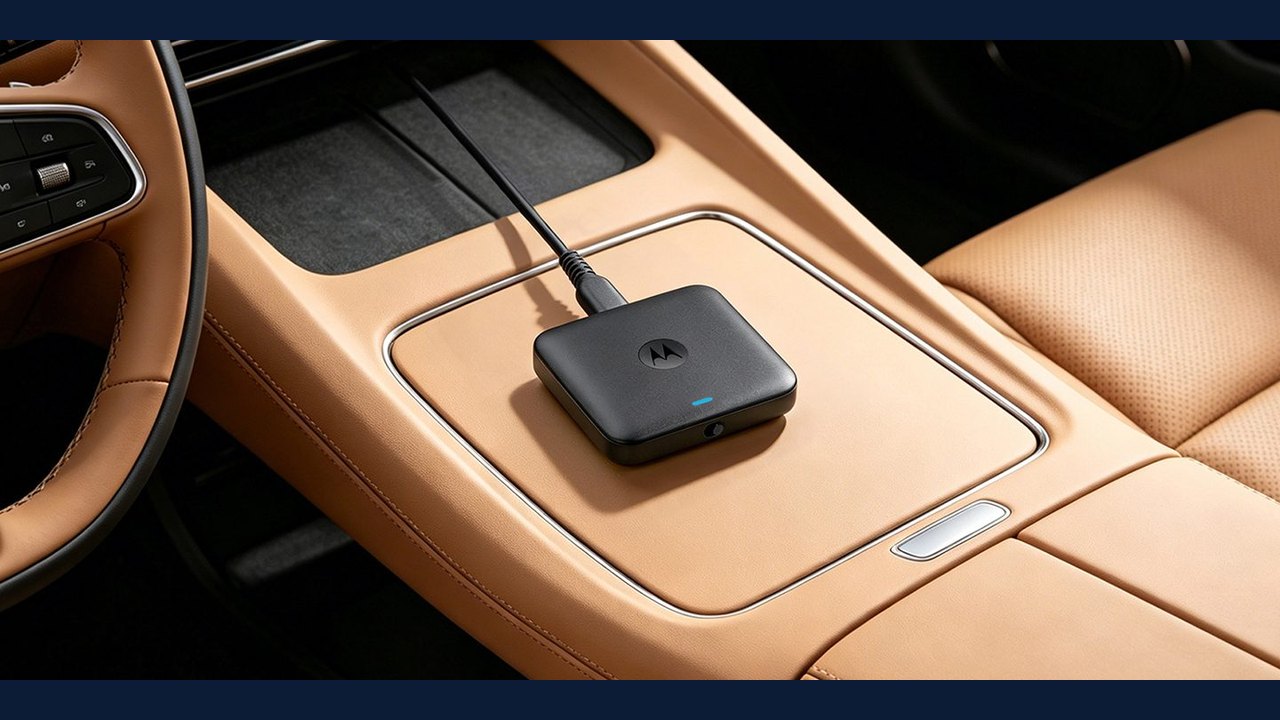 Motorola MA2 Wireless Android Auto Adapter Launches in the US at $69.99