How to Sideload Apps on iOS Devices in the US
· GlobeWire Daily Editorial Desk · Source: www.engadget.com
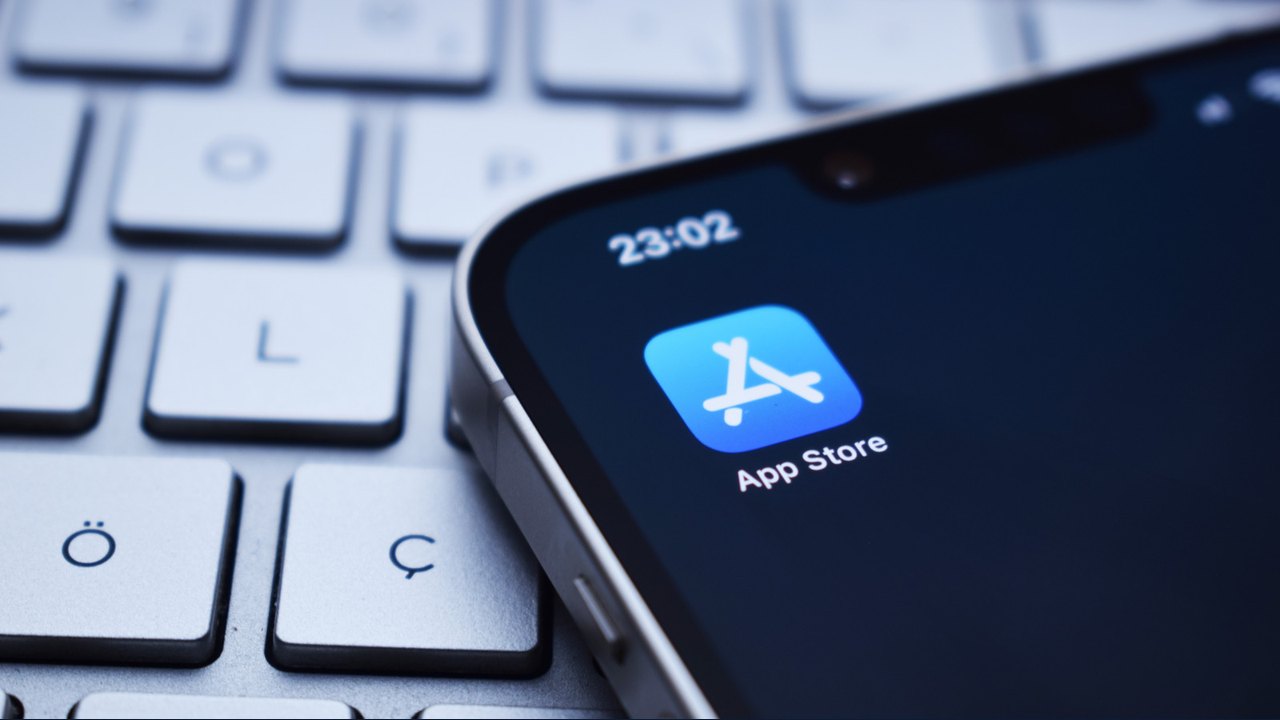
Image: Engadget · Photo source · Resized and letterboxed to 16:9; no AI generation
Overview
While official alternative app marketplaces remain restricted to specific regions like the European Union, Japan, and Brazil due to local regulations, users in the United States can still sideload apps using developer tools. This process typically leverages free Apple Developer accounts to sign and install IPA files, though it comes with specific limitations.
Important Considerations
- Account Requirements: You must use an Apple Developer account to sign apps. Free accounts have limitations, such as a three-app limit and the necessity to re-sign apps every seven days.
- Compatibility: Tools like AltStore Classic and Sideloadly facilitate this process.
- Regional Differences: Users in regions where Apple officially supports sideloading do not require these workarounds; apps can be installed directly through alternative marketplaces.
Methods for Sideloading
Using a Computer
To use AltStore Classic, you must install AltServer on your Windows or macOS computer.
- Connect your iPhone to your computer and enable Wi-Fi Sync.
- Use AltServer to install AltStore on your device, signing in with your Apple Developer credentials.
- On your iPhone, go to Settings > General > VPN & Device Management to trust your developer account.
- Enable Developer Mode under Settings > Privacy & Security.
Without a Computer
Some alternatives allow sideloading without a constant PC connection:
- Remote AltServer: Requires the LocalDevVPN app to facilitate a connection to the server.
- SideStore: Utilizes specific iOS features for wireless trust, though it generally requires specific firmware compatibility.
Verification
To ensure safety, only download IPA files from trusted sources. Always verify your Apple Developer credentials through official Apple channels before signing in to third-party tools.
AI-assisted reporting; source claims are attributed and have not been independently verified.
More to read
 Google Tests iOS-Style Family Hub Settings for Pixel Devices
 Flipper Devices GitHub Hubs Open Source Firmware, Apps, and Hardware Development Tools
 WhatsApp Introduces Direct Cloud Backups for Android Devices
 Google Rolling Out Android 17 QPR3 Beta 4 for Eligible Pixel Devices