Microsoft Testing Remote Lock Feature for Windows 11 Enterprise Devices
· GlobeWire Daily Editorial Desk · Source: www.bleepingcomputer.com
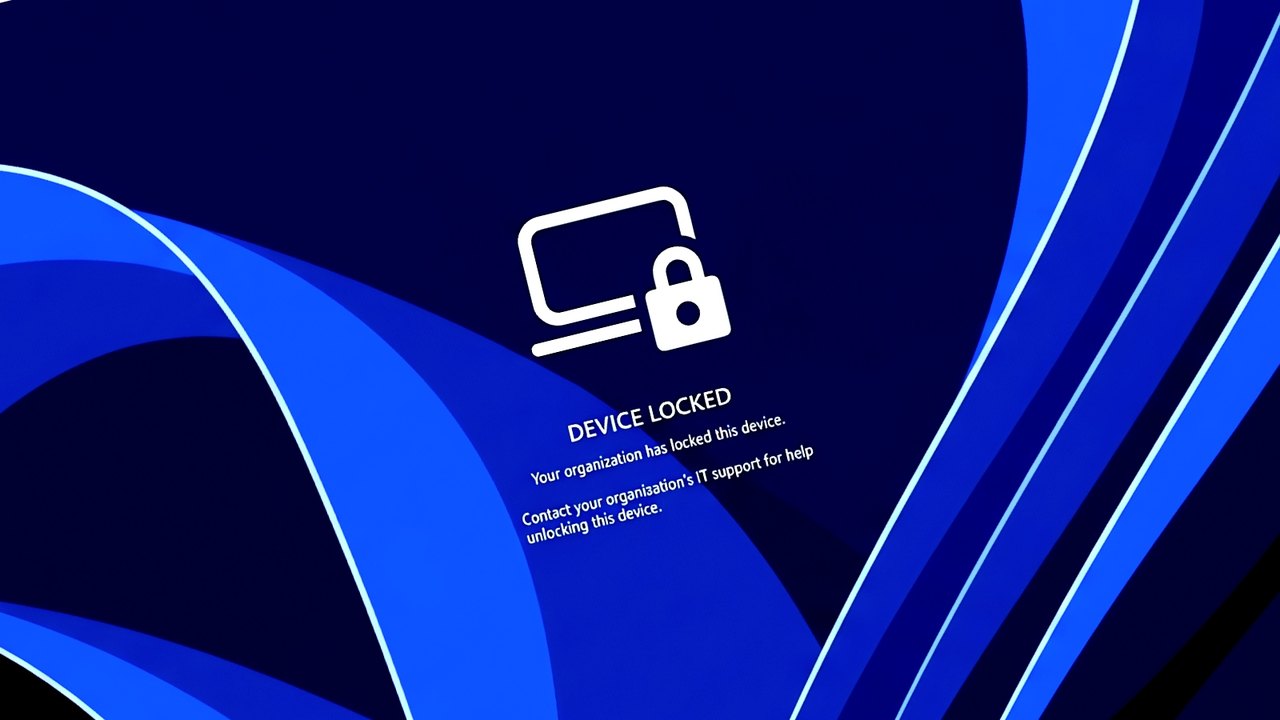
Image: BleepingComputer · Photo source · Resized and letterboxed to 16:9; no AI generation
Microsoft is testing a new Remote Lock feature designed to allow enterprise IT administrators to remotely lock lost or stolen Windows devices without wiping user data. According to reports based on recent Windows 11 Insider Preview builds, the capability is currently rolling out to the Beta (Build 26320.10003) and Experimental (Build 26340.100013) channels.
How Remote Lock Works
The feature allows administrators managing Microsoft Entra-joined, hybrid-joined, or MDM-enrolled devices running Windows Enterprise, Education, or Pro editions to secure hardware via Microsoft Intune custom configuration profiles.
- Active Session Termination: Windows signs out every active session and hides all sign-in options.
- Data Preservation: User data remains in place, BitLocker stays active, and nothing is erased from the device.
- Strict Unlock Controls: Standard passwords, local admin accounts, PINs, and web sign-ins are disabled. Only an administrator can lift the lock remotely through Intune.
- Offline Persistence: The lock remains in effect across reboots and even while the device is offline.
Configuration and Security Considerations
Administrators configure the setting by creating custom configuration profiles in the Intune admin center using specific OMA-URI settings where `LockState = 1` locks the device and `LockState = 0` unlocks it via device group assignments.
- Security Caveat: Microsoft notes that features like the Windows Recovery Environment, Safe Mode, and booting from external media are not blocked by Remote Lock. Therefore, keeping BitLocker enabled remains essential to protect data if the physical drive is removed or reimaged.
- Additional Testing: Alongside Remote Lock, Microsoft is testing advanced security key management for FIDO2 passkeys, alongside privacy controls governing microphone, camera, and location access for desktop apps.
Practical Implications and Verification
Because this functionality is currently restricted to Windows 11 Insider Preview builds, enterprise administrators cannot yet deploy it in standard production environments. Organizations wishing to review upcoming administrative capabilities can monitor official Microsoft Windows Insider documentation and verify release notes directly through the Microsoft Intune admin center.
AI-assisted reporting; source claims are attributed and have not been independently verified.
More to read
 Microsoft Fixes Remote Desktop Connection Failures Caused by Recent Windows Updates
 Windows 11 Performance Appears Improved on 8GB RAM Laptops Following Microsoft Updates
 Microsoft Releases Emergency Windows Updates to Fix Activation and Licensing Failures
 Microsoft Windows Server 2016 Extended Support Ends in 60 Days