Open-Source Android App Offers 24 Free PDF Tools and On-Device Scanner Without Ads
· GlobeWire Daily Editorial Desk · Source: github.com
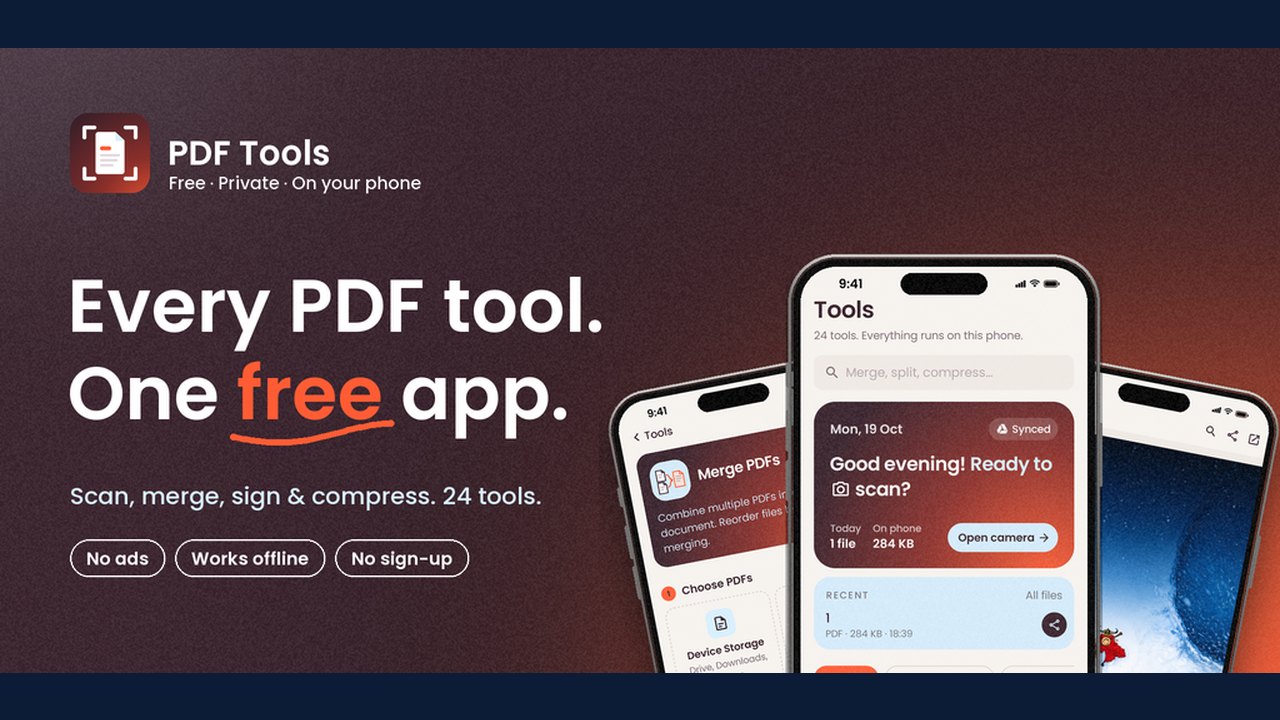
Image: GitHub · Photo source · Resized and letterboxed to 16:9; no AI generation
Overview of the Open-Source Project
A newly highlighted open-source project hosted on GitHub provides Android users with a collection of 24 free PDF utilities and a built-in document scanner. Developed using Kotlin and Jetpack Compose, the application emphasizes local processing, running entirely on the user's device without requiring accounts, sign-ups, or internet connectivity for its core functions.
Key Features and Scanner Capabilities
According to the project documentation, the application operates locally with the following features:
- Document Scanner: Features live page-edge detection, support for automatic or manual capture, flash toggling, and front or back camera utilization.
- Capture Modes: Includes specialized modes for documents, books, ID cards, business cards, and whiteboards.
- Editing and Organization: Offers cropping, rotation, filter applications, cleanup brushes, and color pickers. Saved scans can be searched using on-device OCR, which generates an invisible text layer.
- Built-In PDF Viewer: Provides scrolling, zooming, text selection, search highlights, link navigation, page thumbnails, and support for password-protected files.
- File Management: Supports folders, renaming, moving, sharing, and exporting copies as Word or JPEG files.
Privacy and Synchronization
The developer states that the app contains no advertisements, analytics, or trackers. All processing, including OCR and scanning, occurs on the device. An optional two-way synchronization feature allows users to connect the app to their own Google Drive account, restricted specifically to a designated "PDF Tools" folder.
System Requirements and Installation
- Android Version: Requires Android 7.0 or newer. The built-in PDF viewer requires Android 12 with recent system updates.
- Distribution: Available as APK downloads through GitHub releases. The repository notes that side-by-side test installations are supported to prevent overwriting existing data.
- Development Stack: Built with tools including Jetpack Compose, CameraX, OpenCV, and ML Kit. Developers can build the project using JDK 17 and the Android SDK.
How to Verify
Interested users and developers can review the source code, privacy policy, and third-party notices directly on the official GitHub repository maintained by the project author.
AI-assisted reporting; source claims are attributed and have not been independently verified.
More to read
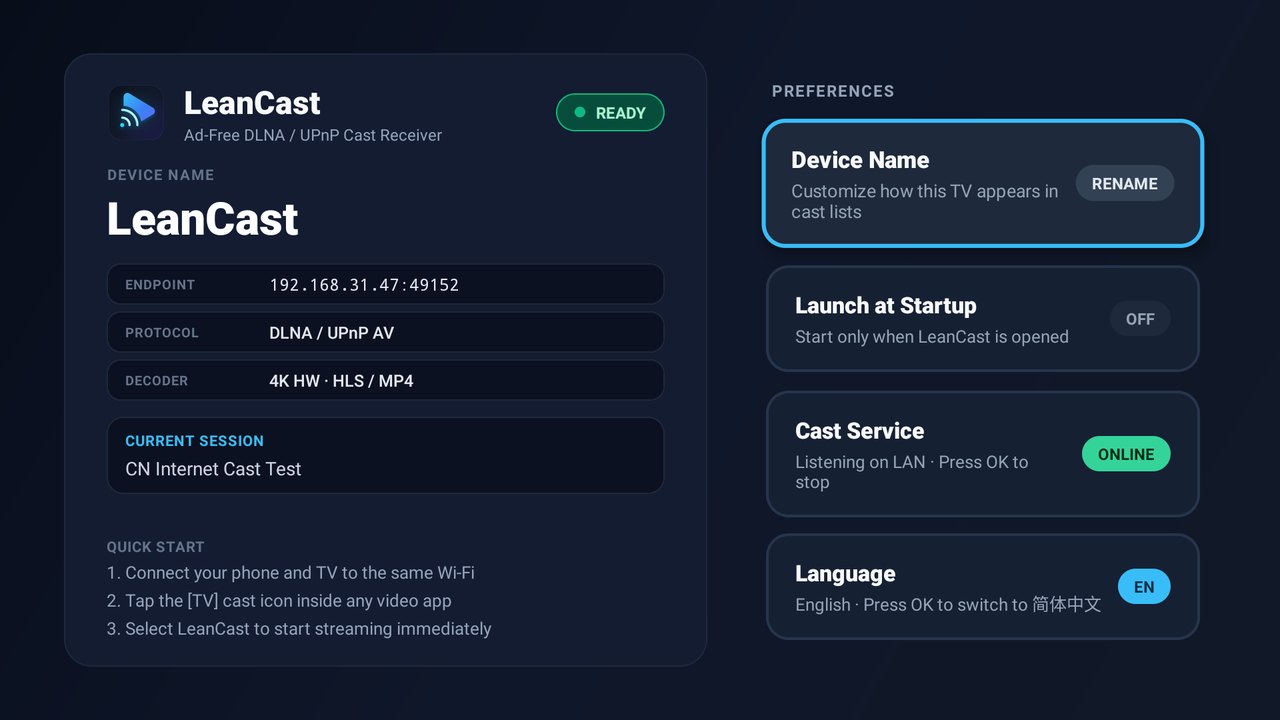 LeanCast: An Open-Source, Ad-Free DLNA and UPnP Cast Receiver for Android TV
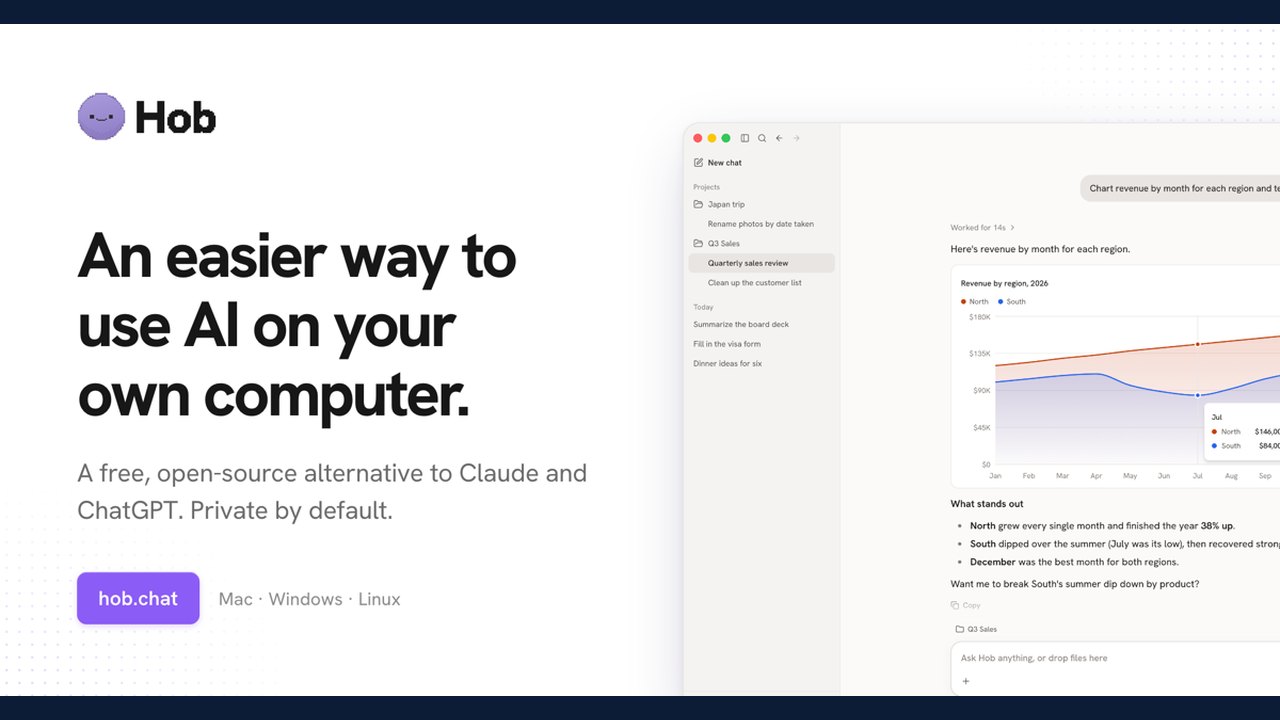 Hob Offers Free, Open-Source Local AI Tool as Alternative to Cloud Services
 Mihon Open-Source Android Manga Reader Offers Configurable Reading and Tracker Integration
 Open-Source AI Memory Project Offers Cross-Agent Handoffs and Git-Backed Markdown Storage
Trending on GlobeWire Daily
Selected from recent coverage and related topics; not live search rankings.
 Harley-Davidson Pan America: Specifications & buying guide
 Ducati Mach 1: Specifications & buying guide
 Zeekr 001: Specifications, variants & buying guide
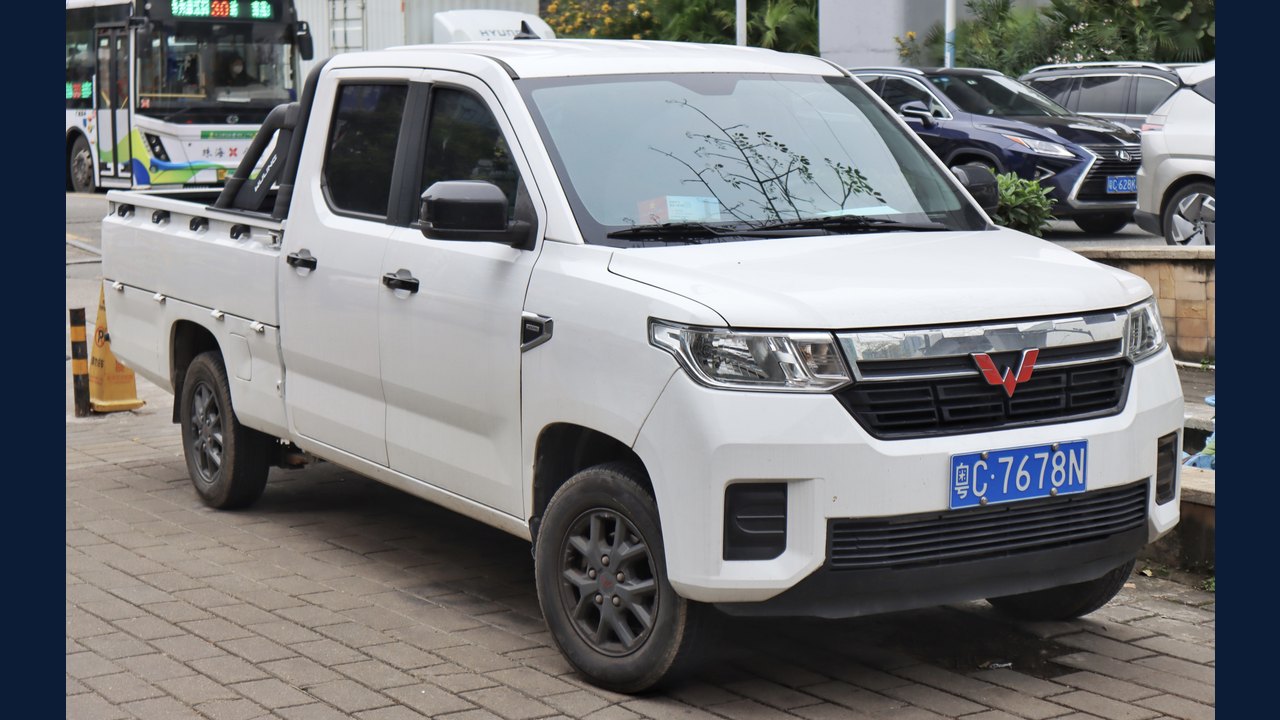 Wuling Zhengtu: Specifications, variants & buying guide
 Samsung Galaxy Note 3: Specifications & buying guide
 Huawei Ascend P6: Specifications & buying guide