Openjutsu Brings Local One-Click Video Character and Object Swapping to ComfyUI
· GlobeWire Daily Editorial Desk · Source: github.com
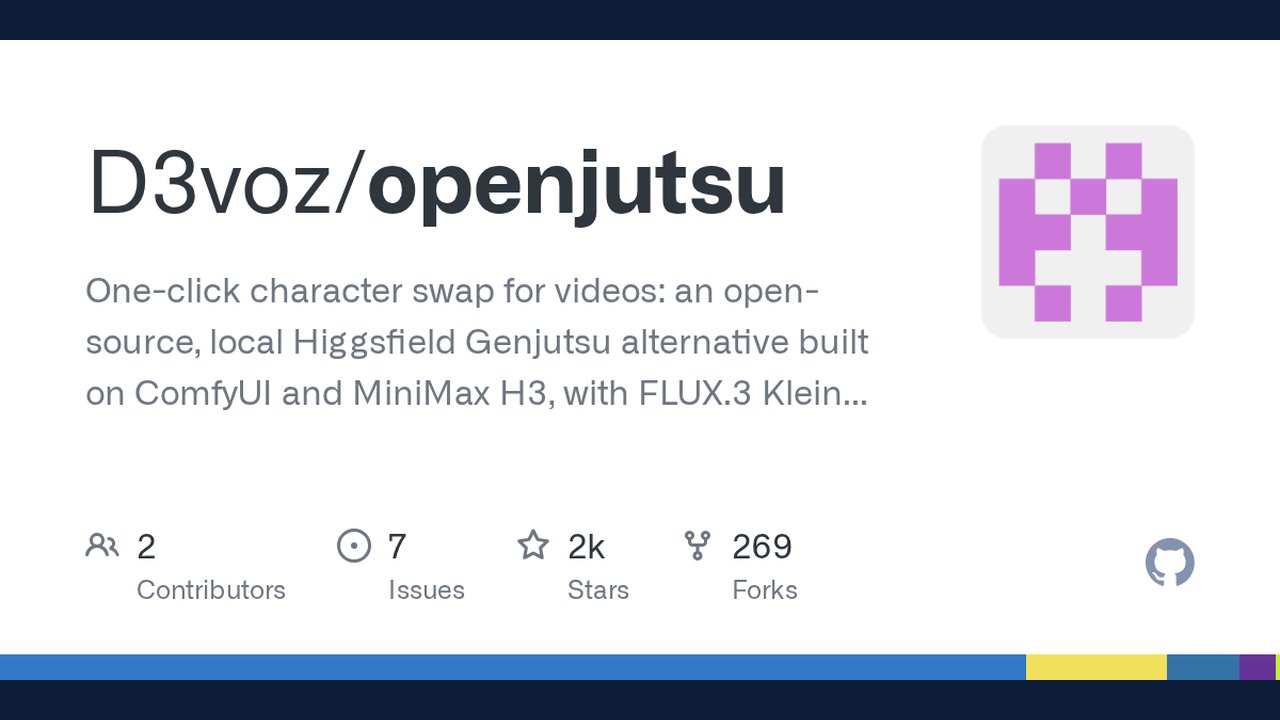
Image: GitHub · Photo source · Resized and letterboxed to 16:9; no AI generation
Overview of Openjutsu
Openjutsu is an open-source, local application designed for video character and object swaps, functioning as an alternative built on top of ComfyUI and MiniMax H3. Running entirely on local hardware using open weights, the software combines multiple machine learning models to track subjects, describe frames, and process video generation.
Core Architecture and Components
The application utilizes a Next.js front end paired with a ComfyUI workflow via the `@comfyorg/sdk` and `comfy-api-proxy`. It relies on several key models:
- MiniMax H3: Handles the primary video generation and motion transfer.
- SAM 3.1 (Segment Anything Model): Tracks people and specific objects within video frames.
- Qwen3-VL (such as the 8B INT8 variant): Acts as the vision-language model to describe pictures, video frames, and generate descriptive prompts.
Key Features and Capabilities
- Simple and Advanced Motion Transfer: Users can swap a single prominent person or manage up to four distinct characters across shots with assigned roles.
- Object Swap & Relighting: Modify specific tracked elements like clothing, hair, or backgrounds, or apply lighting adjustments during the generation pass.
- Post-Processing Tools: Includes utilities to fix distorted faces by redrawing close-ups and to adjust harsh color grading using contrast and tone mappers.
Hardware and Setup Requirements
According to the project documentation, running Openjutsu locally requires specific technical prerequisites:
- GPU: An NVIDIA GPU is required. Testing notes indicate functionality on an RTX 4060 Ti (16 GB VRAM) alongside adequate system RAM to stream int8 models.
- Software: ComfyUI (version 0.41.2 or newer) and Node.js (version 22.6 or newer).
- Dependencies: Custom nodes and proxy tools managed through ComfyUI and local installation scripts.
Practical Verification
Users interested in reviewing the complete codebase, installation instructions, and workflow templates can visit the official GitHub Repository. Verifying setup guides and ensuring compatible hardware configurations are recommended before initiating local rendering tasks.
AI-assisted reporting; source claims are attributed and have not been independently verified.
More to read
 Strata Brings Local Qwen3.8-Flash-Next Inference to Consumer Hardware with One-Click Install
 XERJ Brings Local AI Search and MCP Server Capabilities to Coding Agents
 OpenJarvis Brings Fully Local‑First Personal AI to Your Device
 Orkas Brings Local-First Multi-Agent AI Teams to the Desktop
Related coverage
Related reporting available at publication.
Strata Brings Local Qwen3.8-Flash-Next Inference to Consumer Hardware with One-Click InstallXERJ Brings Local AI Search and MCP Server Capabilities to Coding AgentsOpenJarvis Brings Fully Local‑First Personal AI to Your DeviceOrkas Brings Local-First Multi-Agent AI Teams to the Desktop Mitigating CVE-2026-98432: Linux Kernel IPv4 SYN Use-After-Free Vulnerability
 Critical Microsoft Authenticator Flaw Allowed Android Apps to Steal Session Tokens