OpenResearch Turns Coding Agents into Private Research Assistants
· GlobeWire Daily Editorial Desk · Source: github.com
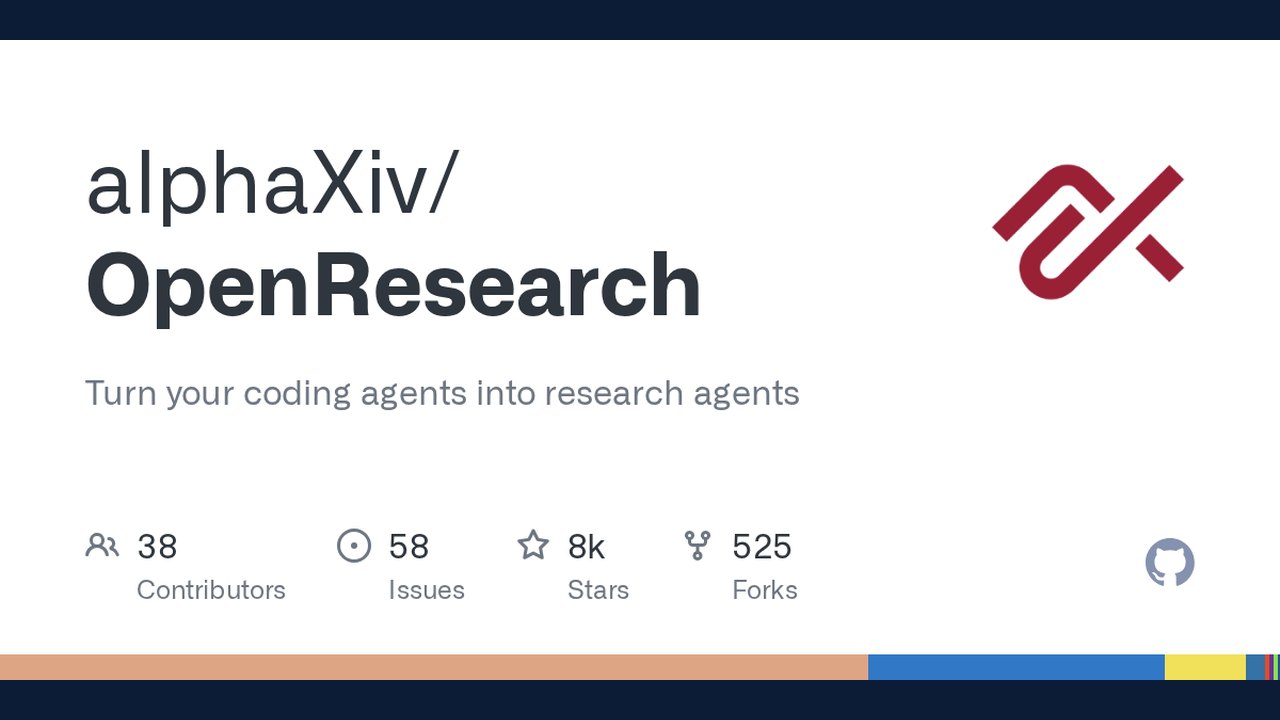
Image: GitHub · Photo source · Resized and letterboxed to 16:9; no AI generation
What OpenResearch Is
OpenResearch is a local‑first desktop application that lets developers repurpose coding agents (such as Claude Code, Codex, OpenCode, Cursor, and Google Antigravity) into autonomous research agents. The tool can search literature, generate hypotheses, run experiments, and store results without sending code or data to the cloud.
Core Capabilities
- Literature mining – Direct integration with pre‑print servers *alphaXiv*, *bioRxiv* and the PubMed database enables agents to pull the latest papers and extract relevant findings.
- Hypothesis generation – Agents can formulate research questions based on the retrieved literature.
- Experiment execution – Users can run experiments on their own machine or on remote compute resources (SSH, Slurm, Kubernetes, Modal, Tinker, Ray, Hugging Face Jobs, or the managed OpenResearch compute service).
- Result archiving – Every run is logged in a local SQLite database, preserving code, logs, and artifacts for future reference.
- Model flexibility – Besides cloud models, OpenResearch works with local models via LM Studio, oMLX, Ollama, or custom endpoints.
Installation & Platform Support
- macOS 11+ – Official desktop app available for direct download.
- Windows (beta) – Requires *Git for Windows*; the CLI installer may be blocked by device‑management policies, so the signed desktop app is recommended.
- Linux – Needs glibc 2.35+; the same desktop package can be used.
After installation, the command `orx up` opens a local dashboard at `http://127.0.0.1:4791`. The dashboard shows a timeline of agent actions, experiment metadata, and links to the underlying files.
Privacy‑Centric Design
OpenResearch emphasizes data ownership:
- All code, prompts, logs, and research artifacts stay on the user’s machine.
- The official builds send only coarse, opt‑out analytics tied to a random installation ID. No file contents, repository names, tokens, or email addresses are collected.
- Detailed agent feedback (bug reports, feature requests) is sanitized to strip any sensitive information.
- Users can disable all telemetry in Settings or via the command `orx telemetry off`.
Reported Benefits and Current Limitations
- Confirmed: The app can launch agents that browse alphaXiv, bioRxiv, and PubMed, and it records each experiment locally.
- Claimed: Developers say the tool “accelerates work” and “turns coding agents into research agents,” but performance metrics (e.g., speed of literature retrieval or hypothesis quality) have not been independently verified.
- Unknown: The scalability of the managed compute service and the exact cost model for that service are not disclosed in the repository.
Practical Implications for Researchers and Developers
- Rapid prototyping – Teams can prototype literature reviews and experimental pipelines without writing custom scripts.
- Data sovereignty – Sensitive research data never leaves the local environment, satisfying institutional compliance requirements.
- Model experimentation – Users can test different LLM back‑ends (cloud or local) to see which yields the best research suggestions.
- Auditability – The SQLite log provides a reproducible trail, useful for peer review or internal audits.
How to Verify the Announcement
- Visit the official GitHub repository: https://github.com/alphaXiv/OpenResearch
- Download the signed desktop installer for your OS from the repository’s *Releases* page.
- Create a free account at openresearch.sh to receive update emails and access managed compute.
- Check the built‑in Settings → Updates panel for the latest version and telemetry controls.
- Review the open‑source code, especially the `analytics` module, to confirm what data is transmitted.
Next Steps for Interested Users
- Install the desktop app on a test machine.
- Connect a supported coding agent (e.g., Claude Code) and run a simple literature search on a topic of interest.
- Observe the generated hypothesis and experiment logs in the dashboard.
- If privacy is a concern, toggle telemetry off and monitor network traffic to confirm no unexpected outbound requests.
--- *OpenResearch is an open‑source project; contributions and issue reports are welcomed on GitHub.*
AI-assisted reporting; source claims are attributed and have not been independently verified.
More to read
 Google Releases agents-cli to Enhance Coding Assistants for Cloud Agent Development
 OpenMontage Turns AI Coding Assistants into Complete Video Production Studios
 XERJ Brings Local AI Search and MCP Server Capabilities to Coding Agents
 Magpie Integrates Multiple AI Coding Agents and Providers into a Single Local Gateway
Trending on GlobeWire Daily
Selected from recent coverage and related topics; not live search rankings.
 Harley-Davidson Pan America: Specifications & buying guide
 Ducati Mach 1: Specifications & buying guide
 Zeekr 001: Specifications, variants & buying guide
 Wuling Zhengtu: Specifications, variants & buying guide
 Samsung Galaxy Note 3: Specifications & buying guide
 Huawei Ascend P6: Specifications & buying guide