Automobiles
Apple’s Magic Mouse: USB‑C Upgrade Doesn’t Fix Core Usability Flaws
· GlobeWire Daily Editorial Desk
What changed, where, when, and who is affected
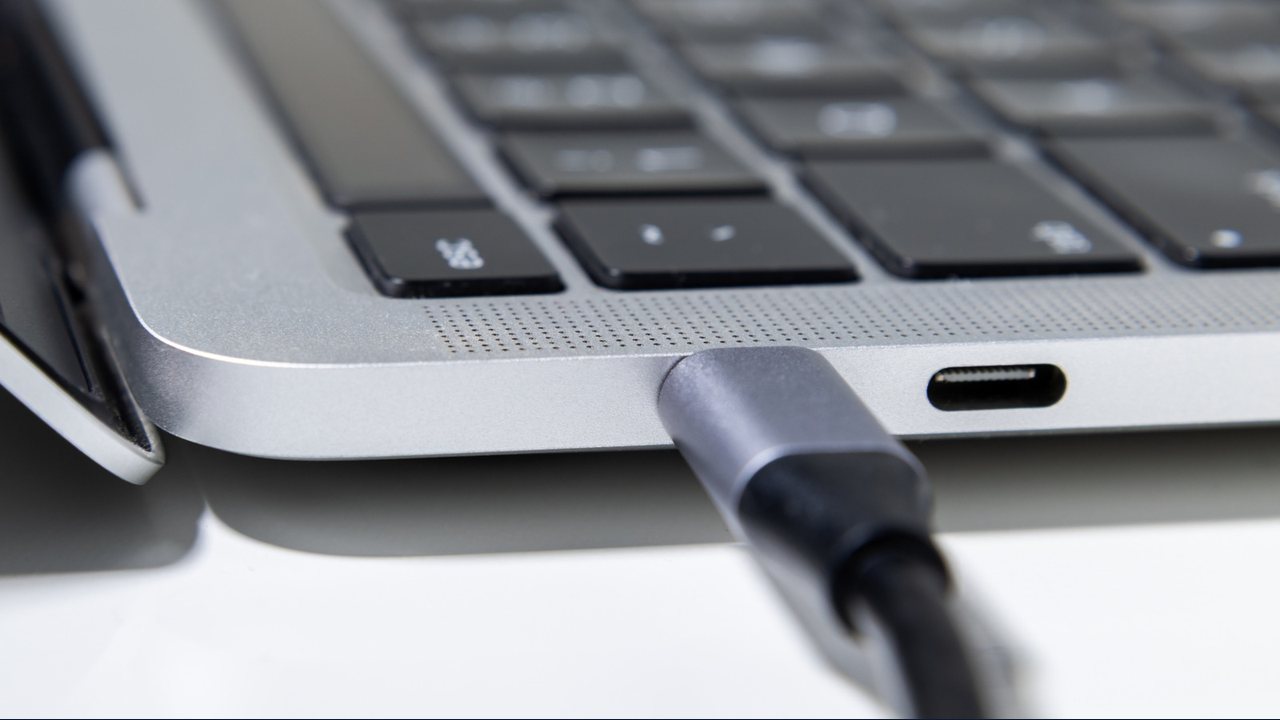
Apple’s 2024 refresh of the Magic Mouse swaps the Lightning port for USB‑C, but the mouse’s most‑criticized design choices remain. The change matters for Mac users who rely on a wireless mouse for daily work, especially those who need long‑term comfort and full button functionality.
Core downsides confirmed by users
- Charging while in use is impossible – The charging port sits on the bottom, so the mouse must be flipped and left idle until the battery is topped up. Apple’s own Magic Keyboard and Trackpad can charge while active, highlighting the inconsistency.
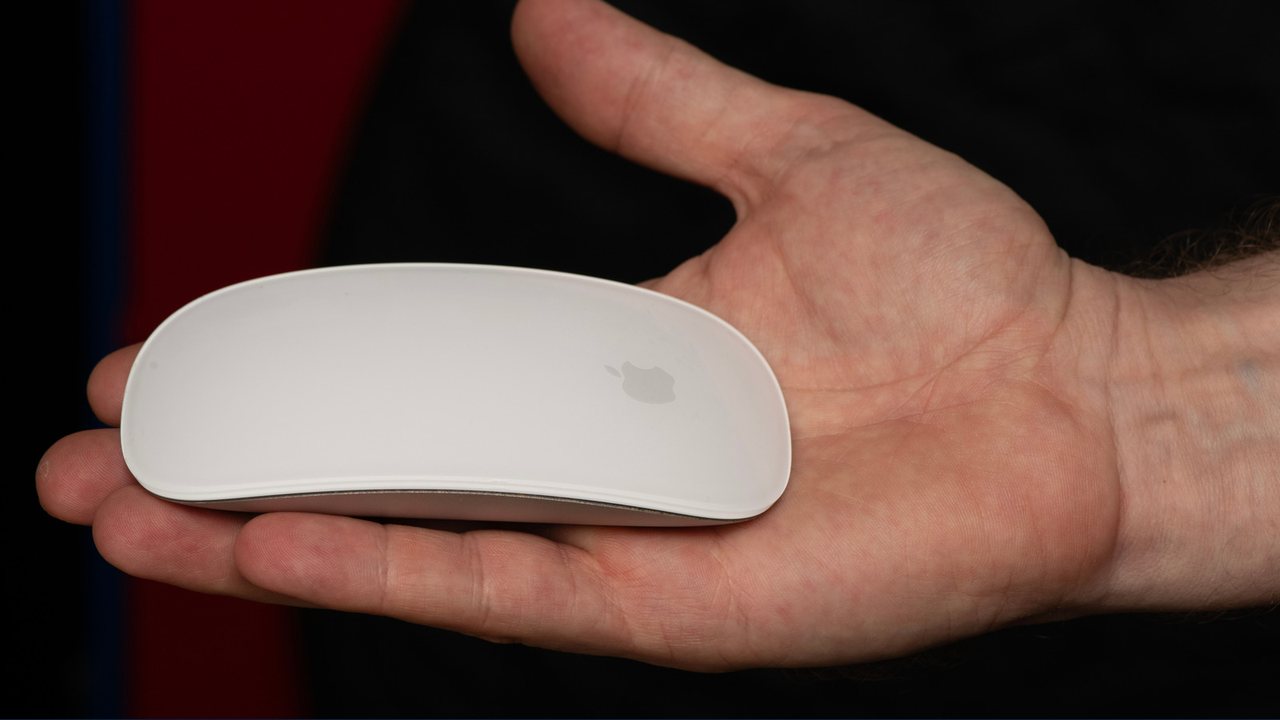
- Slim profile limits palm support – At just 0.85 inches tall, the aluminum‑clad body offers very little surface for a full‑hand grip. Users who rest their whole hand report pressure on the edges, while fingertip users find it marginally tolerable.
- Limited button set – The Multi‑Touch surface provides right‑click and gestures, but there is no middle‑click or programmable thumb button. CAD, 3D‑modeling and other professional apps that depend on a middle‑click suffer.
- Battery lifespan unknown – Apple states a month‑plus of use per charge, but does not disclose how many charge cycles the built‑in battery can endure over years.
Reported but unverified issues
- Some owners have experienced occasional tracking stutter or lag, often after a macOS update. These reports are anecdotal and not confirmed by Apple.
- Third‑party utilities can add missing buttons, but they require extra software and may not be stable for all users.
Practical implications and next steps
- If you need uninterrupted use, consider a mouse that charges while in use (e.g., Logitech M650) or keep a spare Magic Mouse charged.
- For ergonomics, test the mouse in‑store or use a fingertip grip to avoid palm strain.
- To add missing buttons, explore reputable utilities like BetterTouchTool, but be prepared for occasional glitches.
- Verify Apple’s claims by checking the battery health in System Settings → Mouse → Battery, and monitor performance after macOS updates.
Alternatives at a lower price
- Logitech Signature M650: $39.99, physical scroll wheel, side buttons, contoured grip.
- Other Bluetooth mice from brands like Microsoft or Razer also work on macOS and provide more conventional ergonomics.
--- *The information reflects the 2024 Magic Mouse refresh and user feedback up to November 2026. No new hardware revisions have been announced since.*
Share this article