How to Successfully Migrate Between Password Managers
· GlobeWire Daily Auto Desk · Source: www.engadget.com

Image: Engadget · Photo source · Resized and letterboxed to 16:9; no AI generation
Managing digital credentials across different platforms is a common challenge for internet users. While password managers like Bitwarden and NordPass simplify account security, migrating data between these services requires careful handling to avoid data loss or security risks.
The Migration Process
To transition your data safely, follow these essential steps:
- Set up the destination: Install your new password manager and create an account before exporting any data.
- Export credentials: Locate the 'Export' feature in your current manager's settings. Most services support CSV file formats for this purpose.
- Secure transfer: Perform the entire migration on a single, private device. Do not upload the exported CSV file to cloud storage services.
- Import and verify: Use the 'Import' function in the new manager to upload the file. Compare the new database against the old one to ensure all entries are present and accurate.
- Finalize: Test logins on your frequently used websites to confirm autofill functionality. Only after verification should you delete the original exported CSV file and close your old account.
Managing Passkeys
Passkeys present a more complex challenge because they are linked to specific device authentication and generally cannot be exported via CSV files. While manual recreation of passkeys is often required, standards are evolving. The FIDO Alliance is actively working on interoperability. Currently, users of Android and iOS may utilize supported features for direct passkey transfers between specific providers like 1Password, Bitwarden, and Dashlane. Users should consult the specific documentation for their chosen apps to determine if direct transfer is available, as these methods often bypass the need for CSV files.
AI-assisted reporting; source claims are attributed and have not been independently verified.
More to read
 Understanding the Differences Between Dry and Wet Dual-Clutch Transmissions
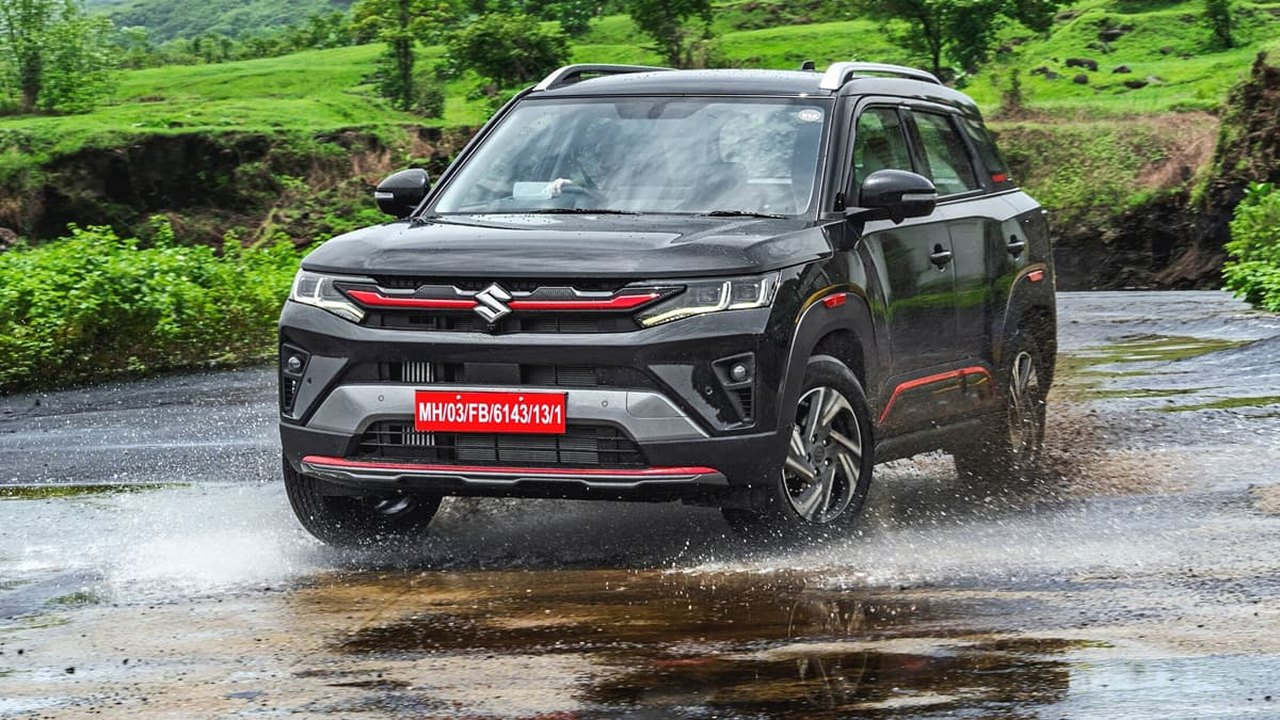 Choosing Between Maruti Suzuki Brezza and Grand Vitara Under Rs 16 Lakh: Advice and Comparisons
 Hyundai Bayon First Look: Bridging the Gap Between Venue and Creta with Radical Design and Spacious Cabin
 Deoria Road Accident: One Youth Killed and Four Injured in Collision Between Two Motorcycles