Automobiles
Practical Ways to Extend Your Fitbit Battery Life and Longevity
· GlobeWire Daily Editorial Desk · Source: www.engadget.com
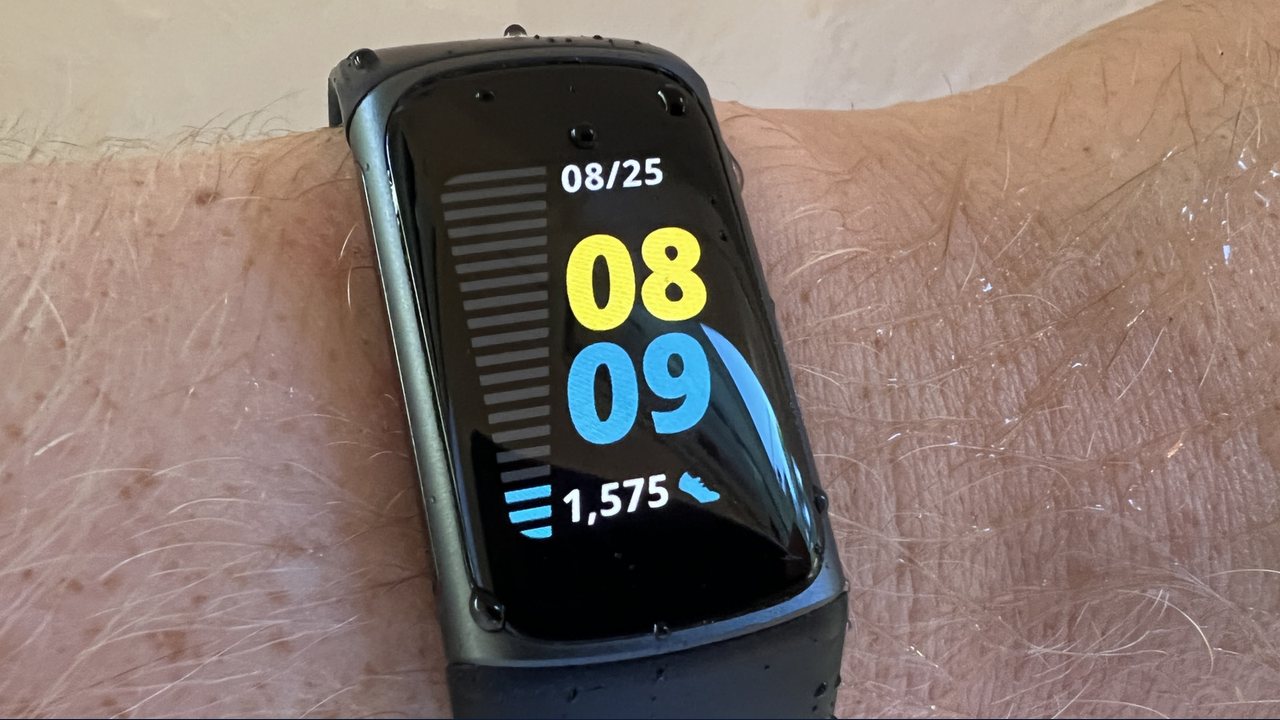
This report outlines practical methods reported to help extend the per-charge battery life and overall longevity of Fitbit devices, based on general guidelines and device specifications mentioned in the source material.
Optimizing Daily Battery Life
- Display Settings: Turning off the always-on display can significantly improve battery longevity. For models like the Charge 5 and 6, Inspire 3, Sense 2, and Versa 2 and 4, keeping the always-on display active can reduce battery life to about three days, while the Edge may drop to two days per charge. Users can also dim indoor screen brightness, select a shorter screen timeout, and avoid animated clock faces.
- GPS Usage: Built-in GPS is noted as a major power consumer. Usage limits reported include up to 10 hours for the Fitbit Edge, five hours for Charge 4, 5, and 6, and 12 hours for Sense and Versa models. Using connected phone GPS or turning off the feature entirely when not needed helps conserve power.
- Connectivity and Features: Limiting smartphone notifications to essential alerts (calls, messages, and calendar updates) helps save power. Reducing the use of music controls, navigation, on-wrist calls, contactless payments, and continuous SpO2 tracking can also prevent rapid battery drain.
- Charging Accessories: Always use the charging cable that came with the device, or purchase replacements directly from official channels like Google or Amazon if needed.
Long-Term Maintenance and Storage
- Temperature Control: Avoid charging the device in extreme temperatures below 32 degrees Fahrenheit or above 113 degrees Fahrenheit, and store it in a cool, dry place.
- Storage Best Practices: If storing the device for an extended period, charge it to full, power it off, and recharge it at least every six months to prevent deep discharge. Avoid leaving it plugged in continuously.
- Software Updates: Keep the device software up to date.
Recognizing When to Replace
- Signs of Wear: Rapid battery draining, erratic display behavior, slow recharging, syncing issues, or lagging performance may indicate that the device or battery is nearing the end of its lifecycle.
- Model Specifics: The Fitbit Edge is noted as the brand's first model featuring a replaceable battery option, which involves servicing costs.
Readers are advised to verify compatibility and official instructions directly through Fitbit's official support channels.
Share this article
Read the original source Ways you can help your Fitbit's battery last longer