How to Build Your Own Galaxy 'Pause Point' Alternative Using One UI
· GlobeWire Daily Editorial Desk · Source: www.androidpolice.com
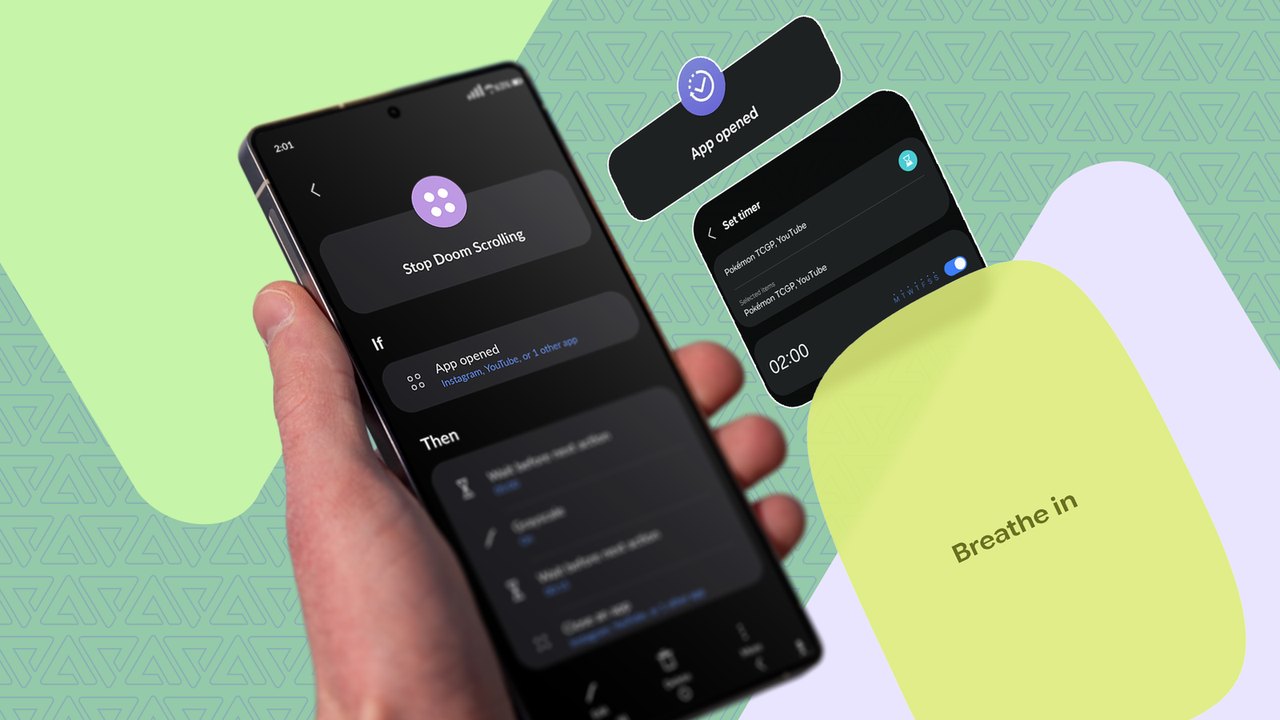
Image: Android Police · Photo source · Resized and letterboxed to 16:9; no AI generation
Understanding the Pause Point Feature
Pause Point is designed to disrupt habitual phone scrolling by intercepting users right before a distracting feed loads. According to reports, the feature introduces an unskippable delay or prompts a brief pause—such as breathing exercises—when opening targeted apps. Deactivating it reportedly requires a full device restart, creating a significant hurdle during moments of temptation.
While the feature has reportedly expanded to various devices through updates like Android 17 QPR1 and specific vendor betas, many Samsung Galaxy users are still waiting for official availability.
Creating a DIY Stand-In with One UI Tools
While waiting for native support, Galaxy users can combine existing Samsung features to replicate aspects of the pause mechanism:
- App Timers: Navigate to Settings > Digital Wellbeing and parental controls > App timers to set strict daily limits on distracting apps. Setting a limit to one minute can quickly block access, though Samsung's interface currently allows users to easily bypass the restriction with a tap.
- Modes and Routines: Under Settings > Modes and Routines, users can set up custom Focus modes to restrict apps, though this requires manual activation or scheduling in advance.
- Automated Routines: To react instantly when an app opens, go to the Routines tab:
- Set the If condition to "App opened" and select your target apps.
- Set the Then action to enable system-wide grayscale (found under Settings > Accessibility > Vision enhancements) to remove engaging colors.
- Add an action to trigger Edge lighting for a jarring visual alert the moment the app launches.
Practical Implications and Verification
Homemade workarounds lack the strict safeguards of a native operating system feature, such as mandatory device restarts to disable restrictions. However, these custom routines offer a practical stopgap to interrupt mindless scrolling until official updates roll out to Galaxy devices.
To verify original announcements regarding software updates and feature rollouts, check official Samsung and Android release channels or verified tech journalism outlets.
AI-assisted reporting; source claims are attributed and have not been independently verified.
More to read
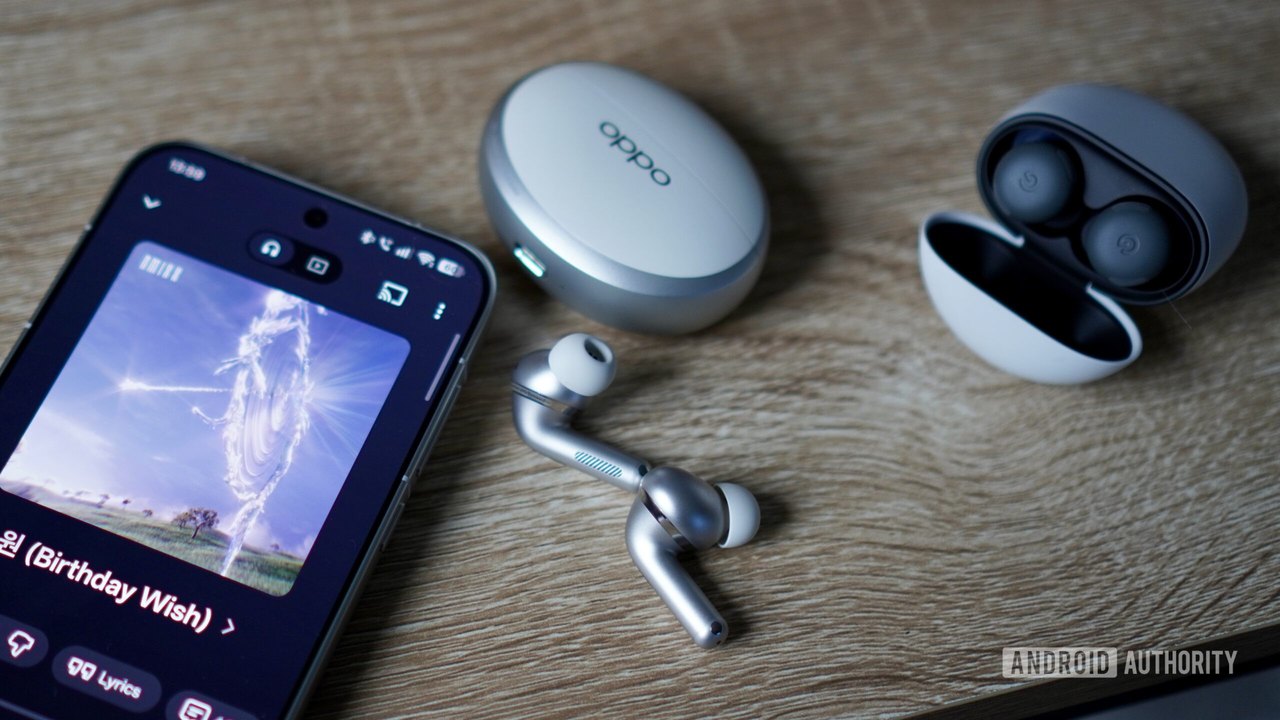 Why I Prefer the OPPO Enco X4 Over the Google Pixel Buds Pro 2
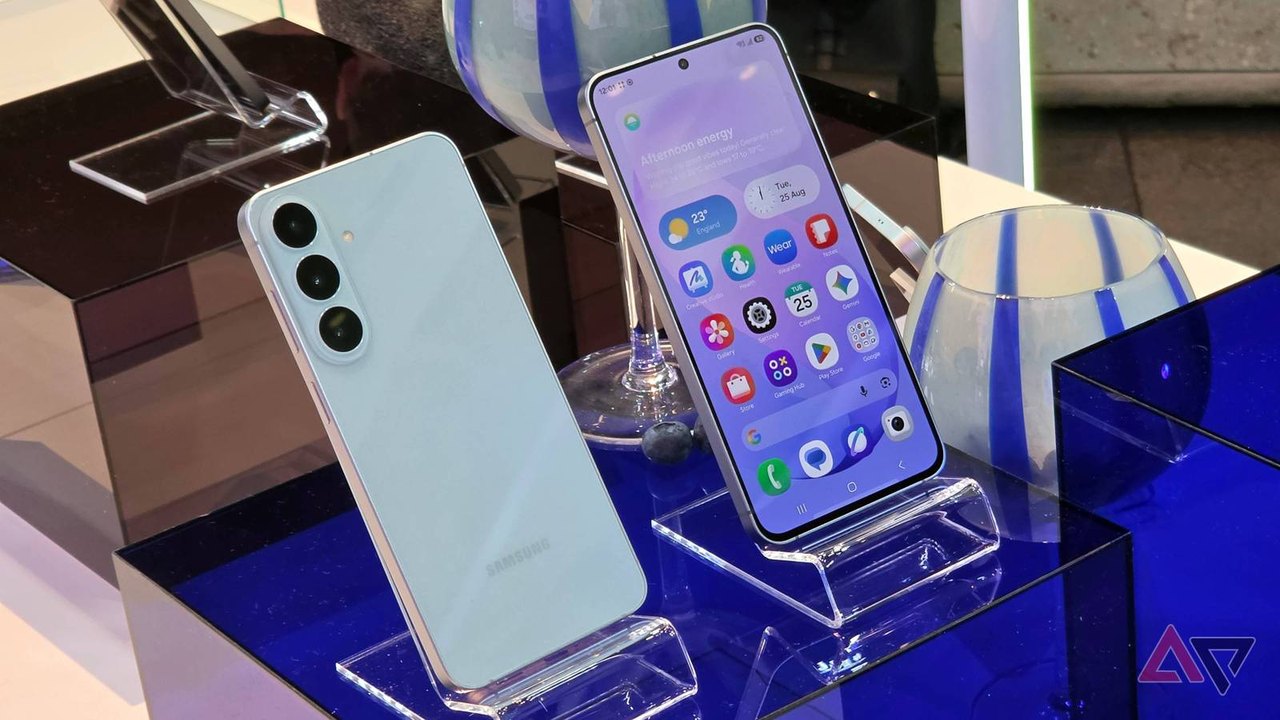 Verizon vs. T-Mobile Samsung Galaxy S26 FE Deals Compared
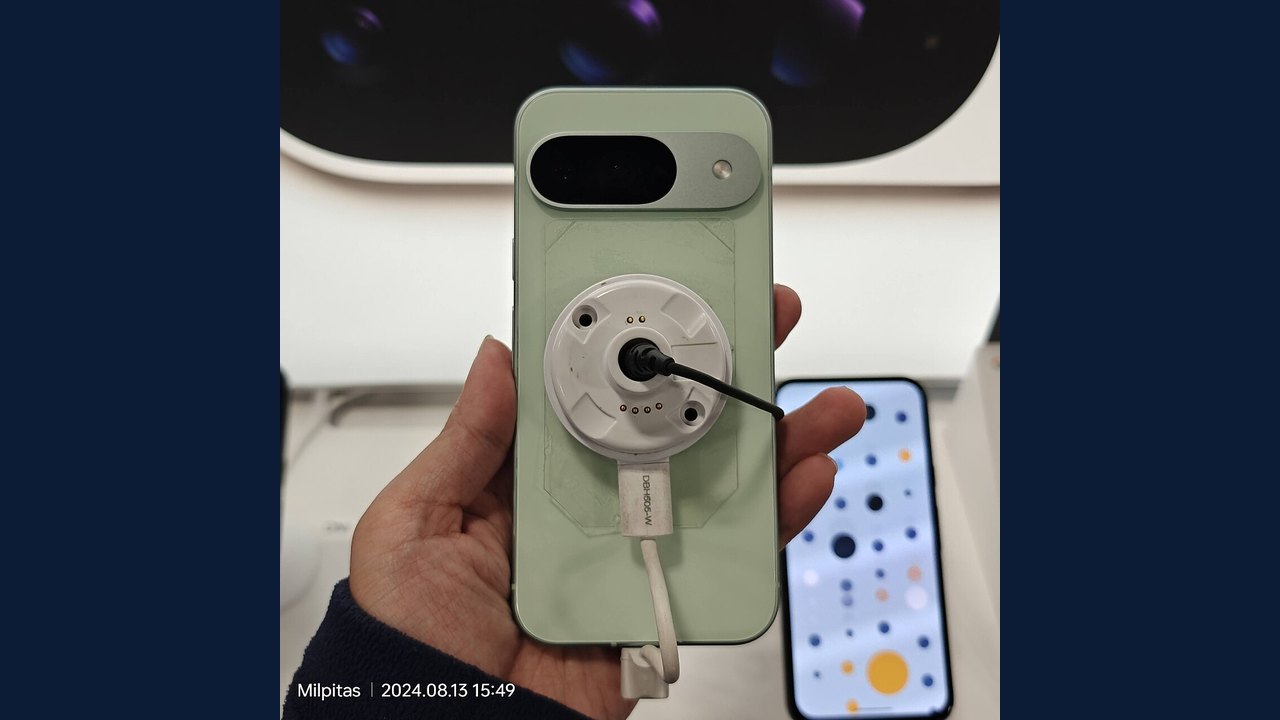 Google Pixel 9: Smartphone Specifications, Facts and Verification Guide
 Samsung Galaxy S24: Smartphone Specifications, Facts and Verification Guide
Trending on GlobeWire Daily
Selected from recent coverage and related topics; not live search rankings.
 Manchester United Crisis Deepens After Defeat and Martínez Red Card
 Tottenham Defeat Crystal Palace Following Early Red Card for Mateta
 Air Chief Marshal AP Singh Retires After 42-Year Career; Air Marshal Ashutosh Dixit to Take Charge
 Solar Mills Empower Women in Ayodhya Amid Power Cuts
 Hundreds Evacuated from Oleshky Amid Rare Russia‑Ukraine Ceasefire, Media Say
 AI Usage Doesn't Equal Value, Oracle Warns Amid Rising Enterprise Costs