Mobiles & Gadgets
How to Turn Your Samsung Galaxy Watch Into a Productivity Powerhouse
· GlobeWire Daily Editorial Desk · Source: www.androidpolice.com
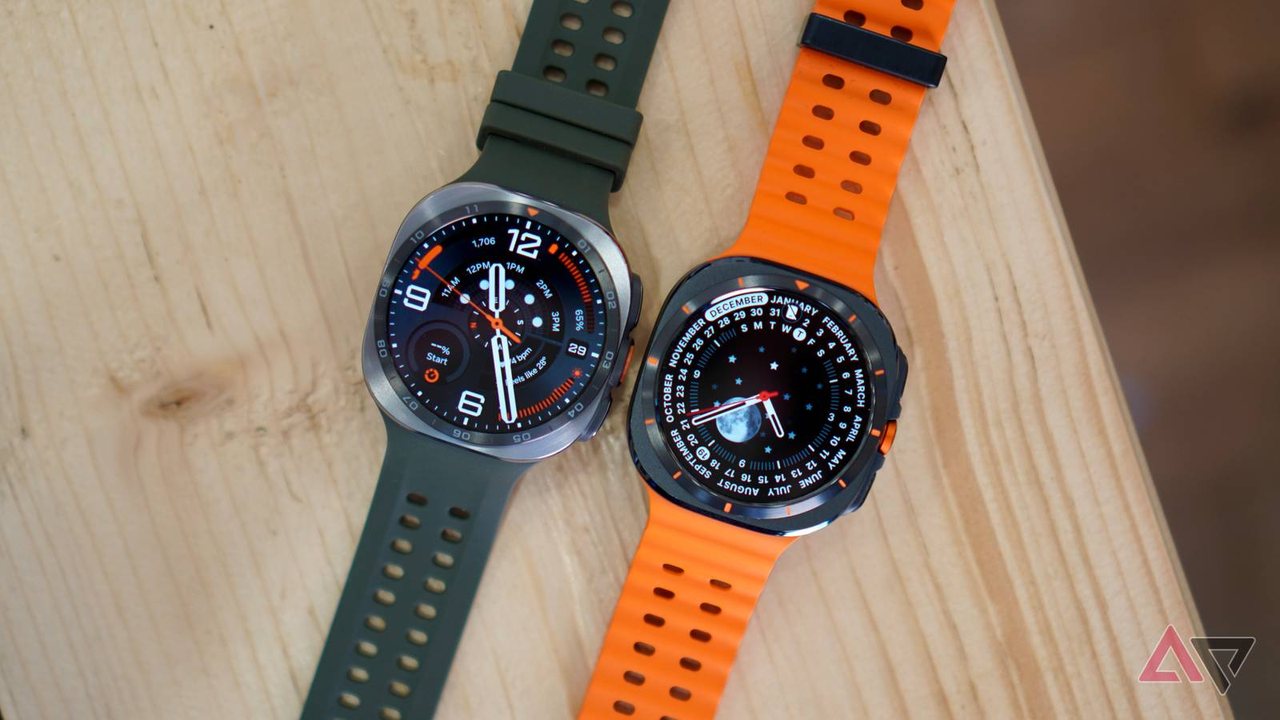
The Samsung Galaxy Watch offers robust capabilities out of the box, but default settings often leave much of its potential untapped. While the device handles basic fitness tracking and notifications well upon setup, thoughtful customization can transform it into a genuine daily productivity tool.
Transforming the Watch Face Into a Dashboard
- Information-rich displays: Replacing a standard photo watch face with a complication-heavy layout allows for immediate data access.
- Key metrics at a glance: Users can configure displays to show battery percentage, upcoming calendar appointments, daily step counts, and weather conditions.
- Additional complications: Options such as heart rate tracking, sunrise and sunset times, reminders, and camera shortcuts help reduce time spent navigating menus.
Leveraging Gemini as a Wrist Assistant
- Ecosystem integration: Configuring Gemini to launch via a long press of the Home button or a wrist gesture provides hands-free functionality.
- Quick note-taking and tasks: Voice commands can instantly save notes to Google Keep or create items in Google Tasks across linked devices without unlocking a phone.
Streamlining Payments With Samsung Wallet
- Card storage: Adding credit cards to Samsung Wallet enables contactless wrist payments at compatible terminals.
- Shortcut configuration: Setting a double press of the Home button to launch Samsung Wallet provides near-instant access for quicker transactions during errands.
Customizing the Quick Panel
- Prioritizing toggles: Moving frequently used shortcuts, such as Do Not Disturb (DND) and the flashlight, to the top of the panel saves time.
- Reorganizing layouts: Pushing rarely used shortcuts to secondary pages minimizes clutter for everyday tasks.
Readers can verify these configuration options directly within the settings menu of their Galaxy Watch or through the Galaxy Wearable companion app on a connected smartphone.
Share this article
Read the original source Galaxy Watch is basic out of the box, but these changes make it a productivity powerhouse
More to read
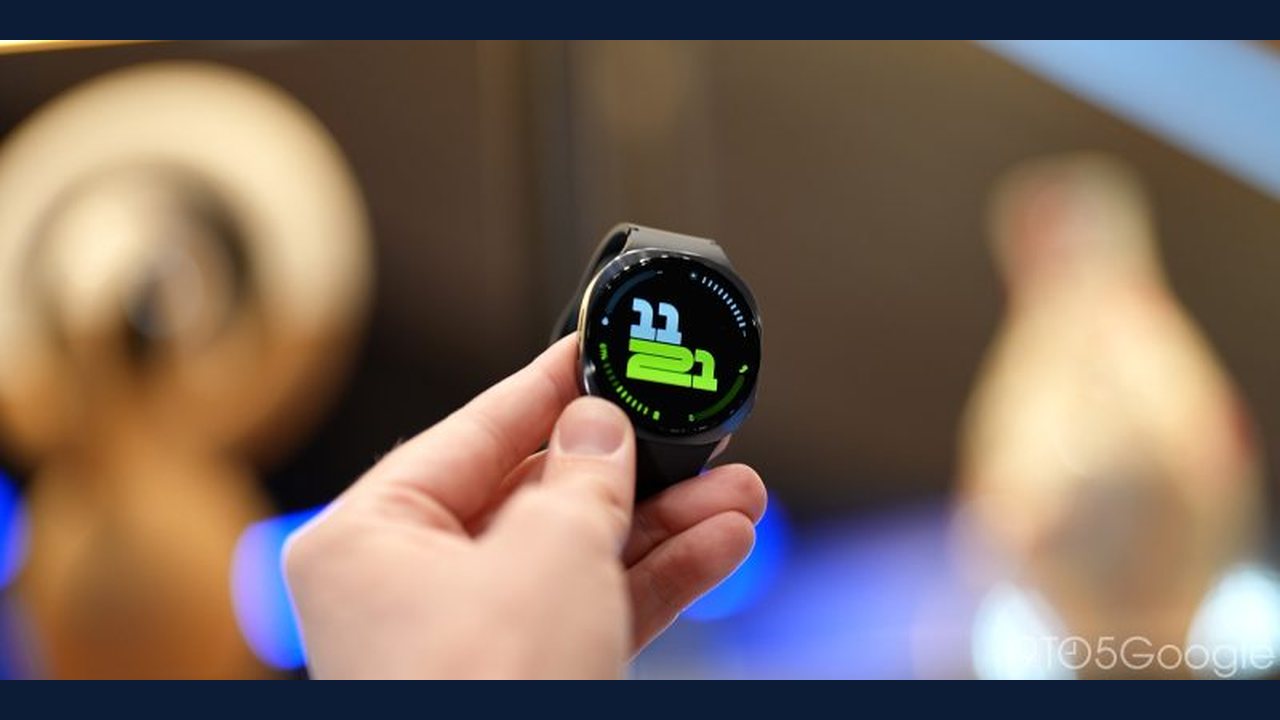 Samsung Galaxy Watch 8 discounted to $199 in Amazon Black Friday promotion
 Samsung's Mobile Repair Vans Reach Over 50,000 Galaxy Device Fixes Across Europe
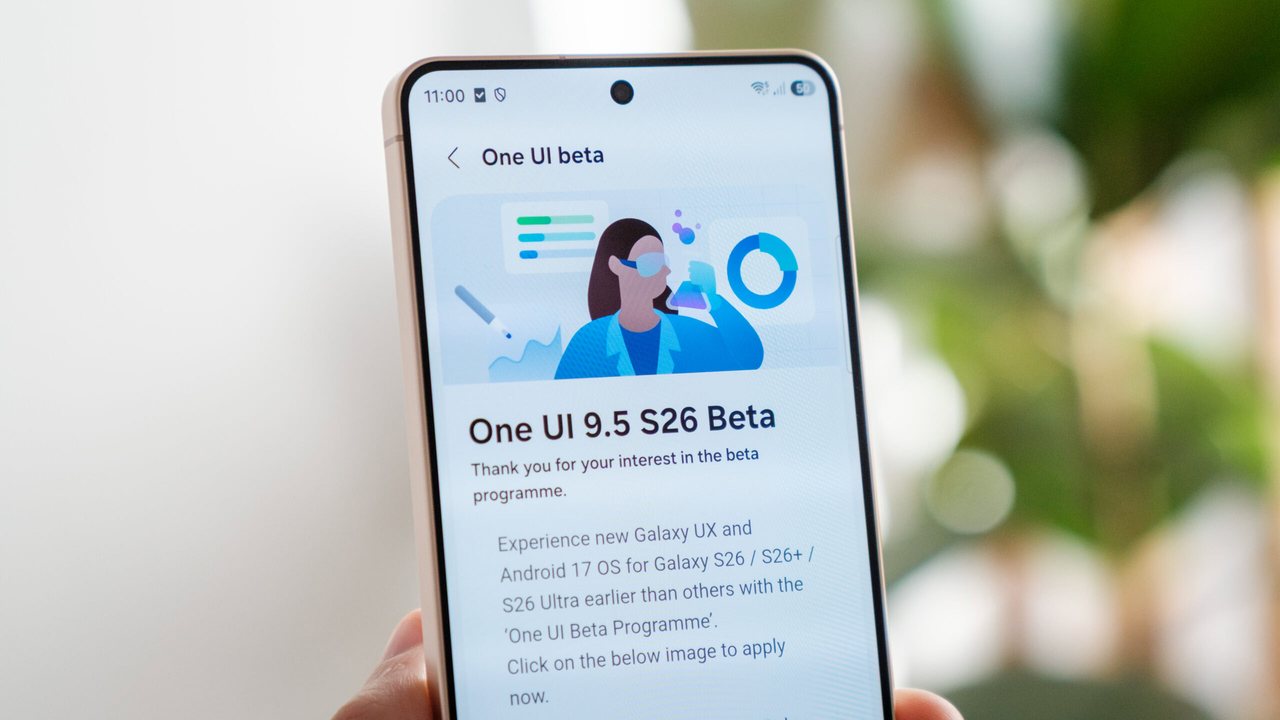 Samsung Introduces Camera App Enhancements in One UI 9.5 Beta for Galaxy S26
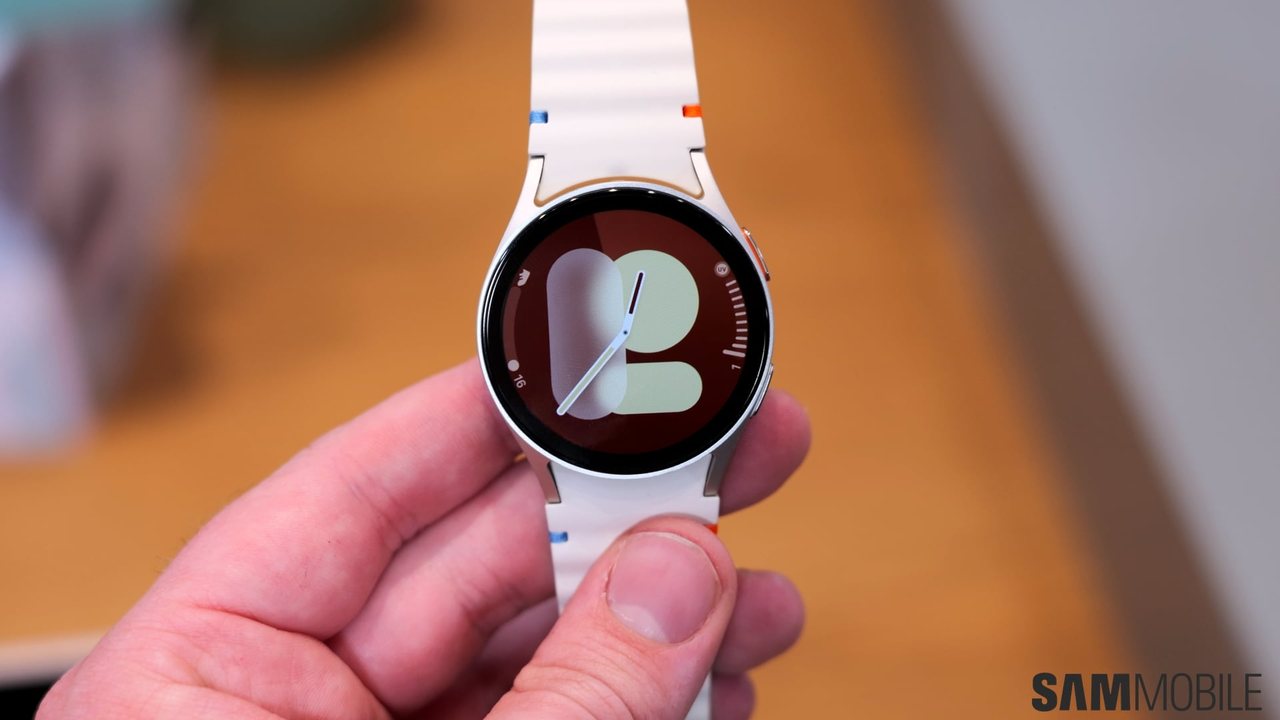 Galaxy Watch 7 and Watch Ultra Receive Seventh One UI 9 Watch Beta Update