Samsung Galaxy Watch 4 Series Excluded from Upcoming One UI 9 Watch Update
· GlobeWire Daily Editorial Desk · Source: www.engadget.com
Original GlobeWire Daily editorial illustration — not an event photograph.
Overview of the Software Decision
According to a report by Engadget, Samsung has announced that the Galaxy Watch 4 and Galaxy Watch 4 Classic will not receive the upcoming One UI 9 Watch software update. Having launched in 2021, these models have previously received four major operating system upgrades, including One UI Watch 4.5, One UI 5 Watch, One UI 6 Watch, and One UI 8 Watch.
Impacted Devices
The decision affects the following models released in 2021:
- Galaxy Watch 4
- Galaxy Watch 4 Classic
- Limited variants such as the Galaxy Watch 4 Golf Edition and Galaxy Watch 4 Classic Thom Browne Edition
Supported Devices and Timeline
While older models are missing out on the new platform, Engadget reported that newer devices are slated to receive support. Samsung has reportedly committed to bringing One UI 9 Watch to the following hardware:
- Galaxy Watch 5 and Galaxy Watch 5 Pro
- Galaxy Watch 8 and Galaxy Watch 8 Classic
- Galaxy Watch 9 and Galaxy Watch 2 Ultra
Reports indicate that these supported devices are expected to receive the update by the end of 2026.
Practical Implications for Users
Users continuing to use the Galaxy Watch 4 or Galaxy Watch 4 Classic may face several limitations:
- Software and Security: The absence of the One UI 9 Watch update means these devices will not gain future feature enhancements tied to the new release.
- App Compatibility: Over time, third-party applications and services tailored for newer Wear OS environments might present compatibility hurdles.
- Alternative Uses: Users who choose not to upgrade hardware may repurpose their existing watches for basic tasks such as activity tracking, notifications, or smart-home monitoring.
How to Verify the Announcement
To confirm software availability and support status, users can utilize the following verification steps:
- Visit the official Samsung Support website to review software lifecycle and update documentation for specific watch models.
- Check the original reporting via the Engadget coverage at Engadget.
- Navigate to Settings > Software Update directly on the smartwatch interface to check for pending or available updates.
AI-assisted reporting; source claims are attributed and have not been independently verified.
More to read
 Diverse Mobile App Categories Highlighted in Recent App Store Data
 Comparing iPhone Pro Prices and Features: 2019 Versus 2026 Reports
 Apple AirPods won't connect to iPhone? Common causes and troubleshooting steps
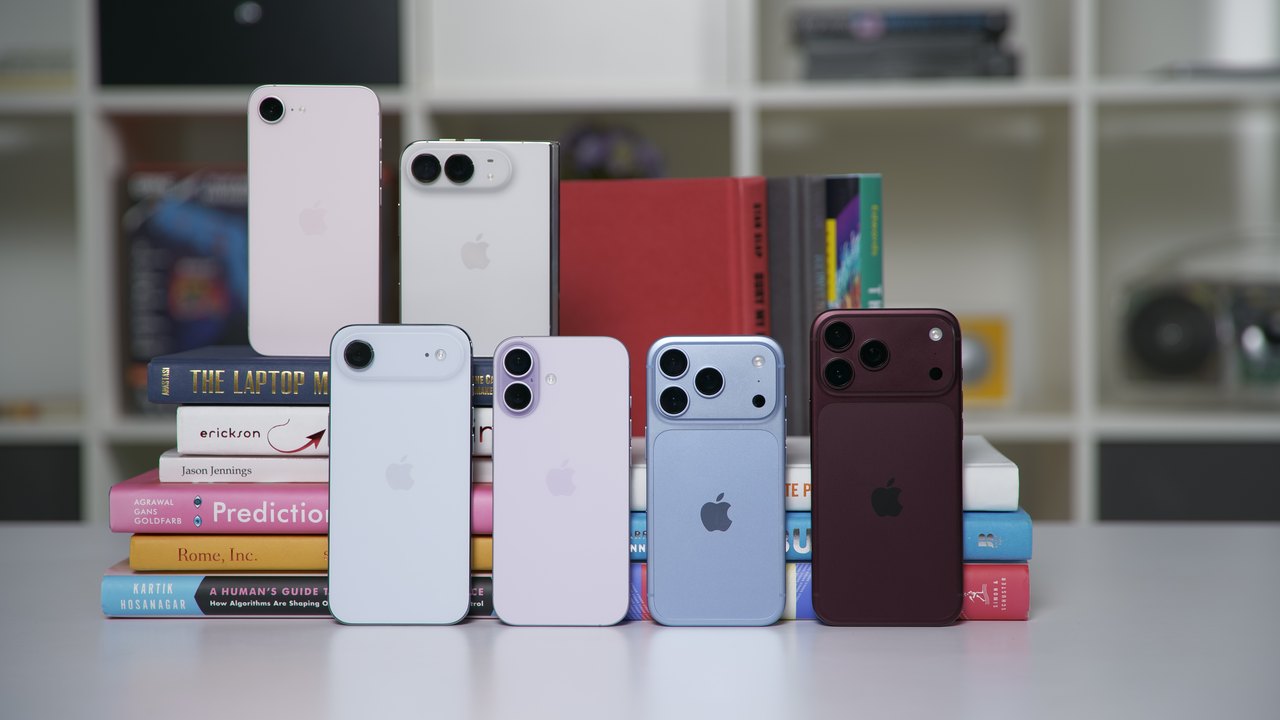 How Apple’s iPhone Duo Dimensions Compare to Other Models
Trending on GlobeWire Daily
Selected from recent coverage and related topics; not live search rankings.
 Xbox Manager's Deleted Posts Reignite Debate Over AI in Game Development
 Dulquer Salmaan’s Fantasy Action Film ‘I’m Game’ to Stream on JioHotstar from Nov 6, 2026
 Cognizant Launches OpenAI Frontier Capability Group, Deploying Over 25,000 Professionals to Accelerate Enterprise AI Adoption
 Anthropic Blocks AI Game Clones in Claude Opus Update
 Open‑Source Repository Launches Modular Design Skills for AI Coding Assistants
 ONGC Announces 3,047 Apprentice Posts for 2026; Applications Open Until 20 November