Fallout: A Tale of Two Realities Brings Combined Wastelands to VR
· GlobeWire Daily Editorial Desk · Source: gamerant.com
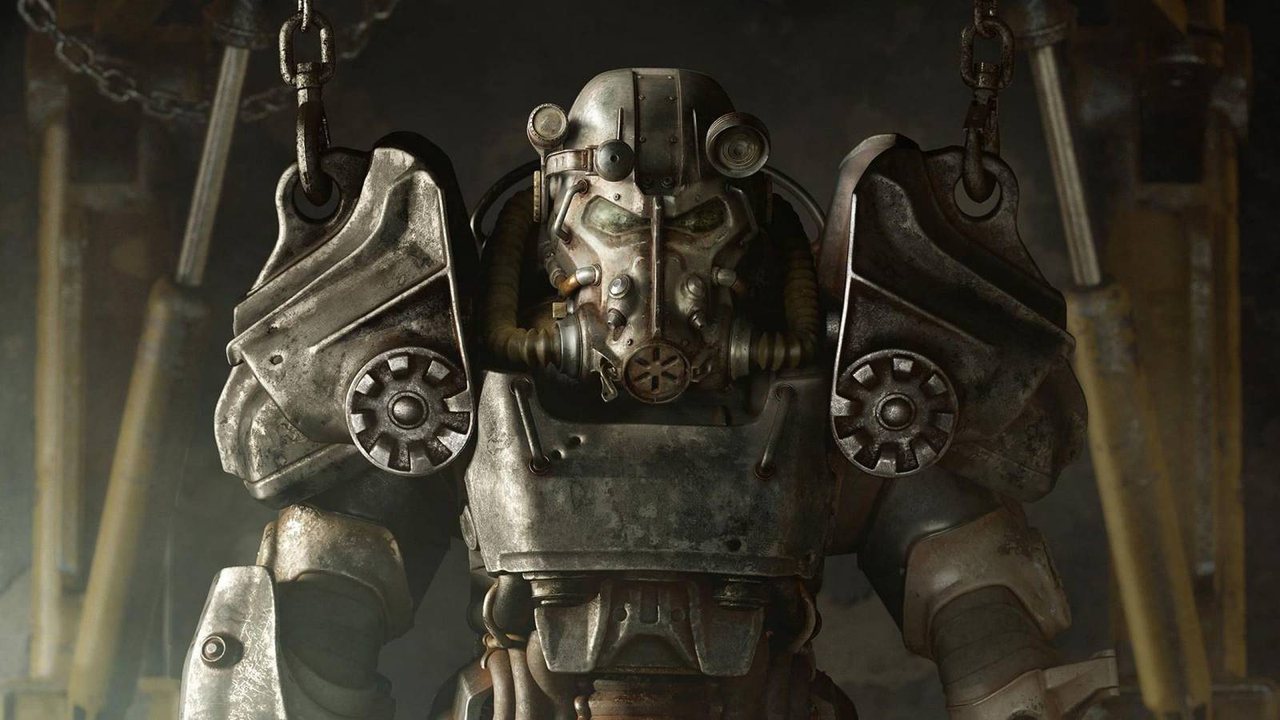
A new fan-made modification titled Fallout: A Tale of Two Realities has been officially released, bringing the well-known A Tale of Two Wastelands project into virtual reality. The release allows players to experience both Fallout 3 and Fallout: New Vegas as a single, combined VR adventure.
According to available reports, the project integrates the Capital Wasteland and the Mojave Wasteland into one virtual reality environment. Because official upcoming projects from Bethesda and Obsidian Entertainment currently lack confirmed release dates, this fan release provides a new option for players seeking franchise content.
Requirements and Setup
To access and run the VR mod, users must have specific software and game files properly configured:
- Original copies of both Fallout 3 and Fallout: New Vegas
- The base A Tale of Two Wastelands mod successfully installed
- Mod Organizer 2 to manage the files and run both the base mod and its VR counterpart
Features of the Combined Experience
The underlying A Tale of Two Wastelands project combines content from both titles, including all associated downloadable content and restored cut content. It also introduces gameplay mechanics from Fallout: New Vegas into Fallout 3, such as companion wheels, companion perks, weapon modifications, crafting systems, and harvestable plants.
Broader Franchise Context
While fans await official updates regarding future franchise entries and confirmed remasters without launch dates, the community continues to produce active content. Bethesda previously promoted community projects for Fallout Day 2026, and a tabletop adaptation titled Fallout: The Roleplaying Game with its New Vegas Setting Guide offers alternative ways to engage with the setting.
How to Verify and Practical Implications
Players interested in trying the modification should review community pages and download hubs directly to ensure they meet all technical requirements before installation. Always verify file integrity and support documentation from the original mod creators.