GTA 6 Photo Mode and Smartphone Camera Guide Reported
· GlobeWire Daily Editorial Desk · Source: gamerant.com
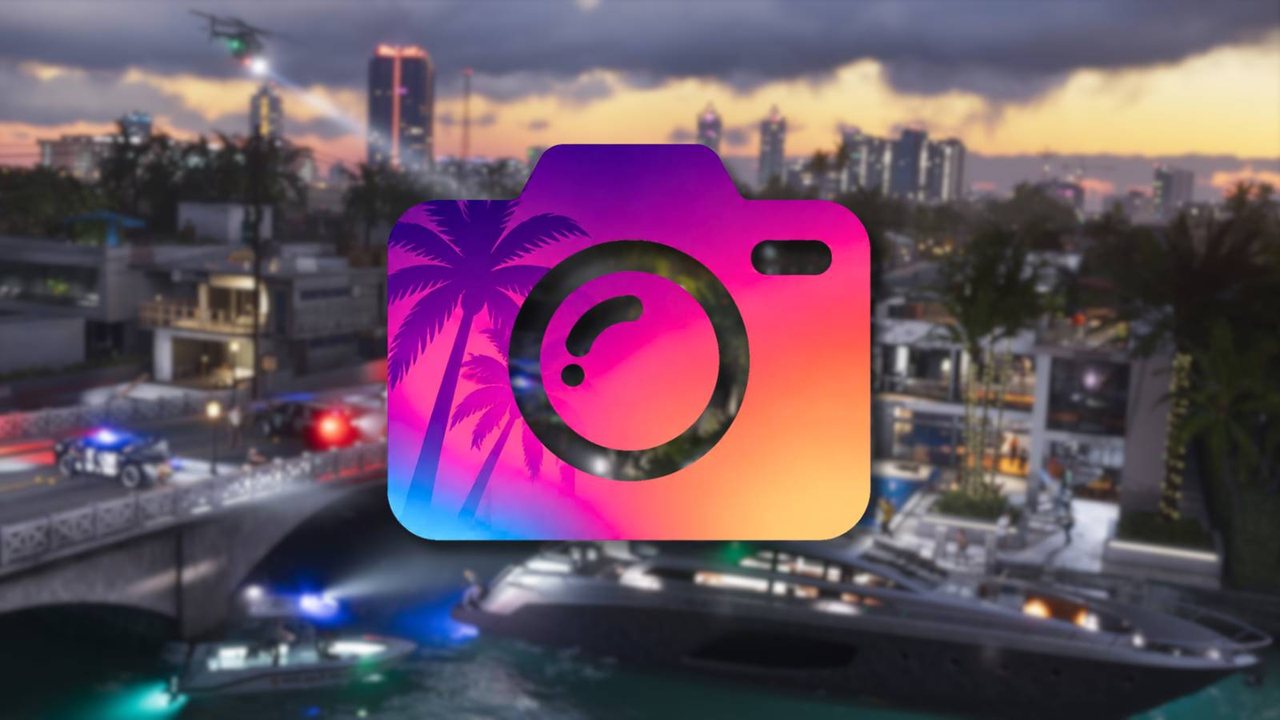
Reports indicate that Grand Theft Auto 6 is expected to feature a dedicated photo mode and a smartphone camera system, allowing players to capture in-game scenes and take selfies. Based on available descriptions, these tools offer various customization features for adjusting screenshots within the game environment.
Accessing Photo Mode and Camera Controls
According to reported details, the photo mode can be accessed after taking control of the character Lucia in the prologue by opening the pause menu. Additionally, reports state that the smartphone camera becomes available after progressing to the section where players control Jason, accessed by pressing up on the directional pad and selecting the camera application.
Reported Features and Customization Options
- Photo Mode Settings: Reports suggest options for camera movement speed, grid lines, tilt angles, aspect ratios, field of view adjustments, focus control, and hiding or showing player characters like Jason or Lucia.
- Visual Adjustments: Reported tools include contrast, brightness controls, color intensity, sharpness, film grain, temperature adjustments, and lighting sources.
- Smartphone Camera Options: Reports indicate features such as flash toggles, a 3x3 grid, up to 5x zoom, and options to change partner poses, character poses, and facial expressions for selfies.
Practical Implications and Verification
Players looking forward to the release can verify these features by checking official updates and announcements directly from Rockstar Games. As game mechanics and interfaces may change before release, verifying details through official channels remains the most reliable approach.