Hyundai Bayon Trim Details Reveal Feature Variations and Smartphone Limits for Indian Buyers
· GlobeWire Daily Editorial Desk · Source: www.hyundai.com
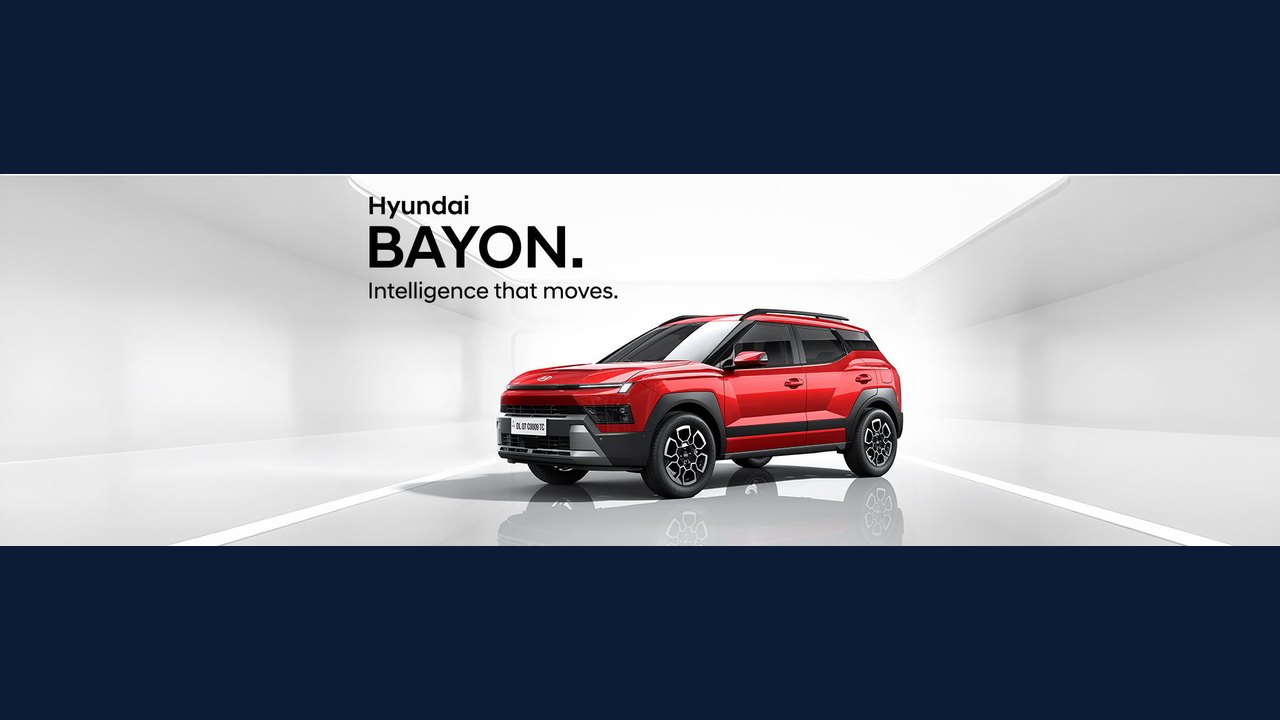
Image: HYUNDAI MOTORS · Photo source · Resized and letterboxed to 16:9; no AI generation
Overview
Hyundai India has published a detailed breakdown of the Bayon’s equipment across its trim range (HX 2 – HX 10) on the official website. The page lists which features are standard, which depend on the selected trim, and highlights specific limitations such as smartphone compatibility and colour‑option availability. The information is intended to help prospective owners compare the sub‑compact SUV’s offerings before making a purchase.
Trim‑Level Feature Structure
The feature list uses a set of symbols to indicate the status of each item:
- S – Standard: Items marked with “S” are included on all trims.
- Leatherette: Indicates the presence of a synthetic leather upholstery option on certain trims.
- MT / iVT: Denotes the transmission type – Manual Transmission (MT) or Hyundai’s Intelligent Variable Transmission (iVT).
- ~: A tilde notes that the number of applicable features varies according to the specific trim level.
- # and ##: These symbols refer to exterior colour availability. “#” signals that a colour is offered in mono‑tone and matte finishes, while “##” indicates exclusive dual‑tone options.
The page does not enumerate every individual feature per trim; instead, it provides a legend that readers can cross‑reference with the full trim‑by‑trim table on the site.
Smartphone Integration Limits
Two notes address the Bayon’s connectivity suite:
- Works with select Android & Apple smartphones only
- Works with compatible smartphones only
These statements confirm that the vehicle’s infotainment system is not universally compatible with all devices. Only smartphones that meet Hyundai’s compatibility criteria will support functions such as Android Auto or Apple CarPlay. The exact list of supported models is not disclosed in the source.
Colour and Interior Options
The colour‑option symbols clarify that some finishes are limited to specific trims:
- Mono‑tone and matte finishes are broadly available across the range.
- Dual‑tone finishes are offered exclusively on certain trims, as indicated by the “##” symbol.
Leatherette upholstery is also listed as a feature that may appear on higher‑priced trims, though the source does not specify which ones.
Transmission Choices
Hyundai offers both manual and iVT options for the Bayon. The iVT is described as an “Intelligent Variable Transmission,” suggesting a continuously variable gearbox that aims to improve fuel efficiency and driving smoothness. The manual transmission (MT) remains available on other trims, giving buyers a conventional gearbox choice.
Smart Cruise Control Note
A specific disclaimer applies to the top‑of‑the‑range HX 10 equipped with iVT:
HX 10 iVT will have smart cruise control S&G (SCC with S&G) instead of Cruise Control
This indicates that the HX 10 iVT model replaces the standard cruise‑control function with a “smart cruise control” that includes stop‑and‑go (S&G) capability, likely using radar or camera sensors to maintain speed and distance in traffic.
Practical Implications for Buyers
- Feature Planning: Prospective owners should review the trim‑by‑trim table to confirm whether a desired feature (e.g., leatherette seats or a specific colour) is standard or optional on their chosen trim.
- Smartphone Compatibility: Buyers who rely heavily on Android Auto or Apple CarPlay need to verify that their device model is listed among the “compatible smartphones” before finalising a purchase.
- Transmission Preference: Those preferring an automatic-like experience may opt for the iVT, while drivers who favour direct control can select an MT variant.
- Advanced Driver‑Aid Access: The inclusion of smart cruise control with stop‑and‑go on the HX 10 iVT may be a decisive factor for customers seeking higher‑level driver assistance.
What Is Confirmed vs. Unknown
| Aspect | Confirmed by Source | Not Specified / Unknown |
|---|---|---|
| Standard features (S) | Yes – indicated by “S” symbol | Exact list of standard items |
| Leatherette availability | Yes – indicated by label | Which trims include it |
| Smartphone compatibility | Yes – limited to select devices | Full compatibility list |
| Colour options | Yes – mono‑tone, matte, dual‑tone indicated | Specific colour names |
| Transmission types | Yes – MT and iVT offered | Performance specs |
| Smart cruise control on HX 10 iVT | Yes – replaces regular cruise control | Whether other trims have any cruise‑control function |
How to Verify the Details
Readers can confirm all the points above by visiting Hyundai India’s official Bayon features page: https://www.hyundai.com/in/en/find-a-car/bayon/features The page contains the full trim matrix, colour palettes, and the symbols explained in the article. For any further clarification—such as the exact list of compatible smartphones—potential buyers should consult Hyundai’s customer service or an authorized dealership.
--- *This report is based solely on the information published by Hyundai India and does not include any unpublished data or third‑party speculation.*
AI-assisted reporting; source claims are attributed and have not been independently verified.
More to read
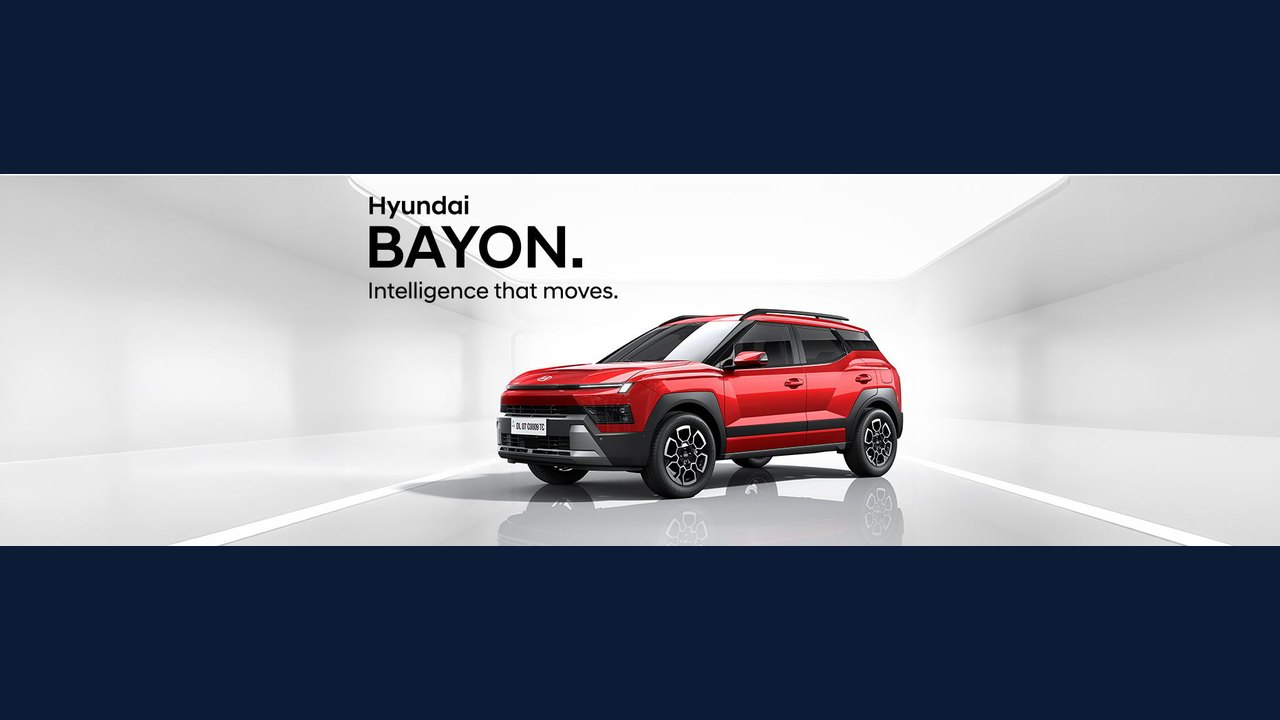 Hyundai Details Bayon Cabin Tech Featuring Generative AI and Dual 12.3-Inch Displays
 Hyundai Details Safety Equipment and Level 2 Pro ADAS Features for BAYON
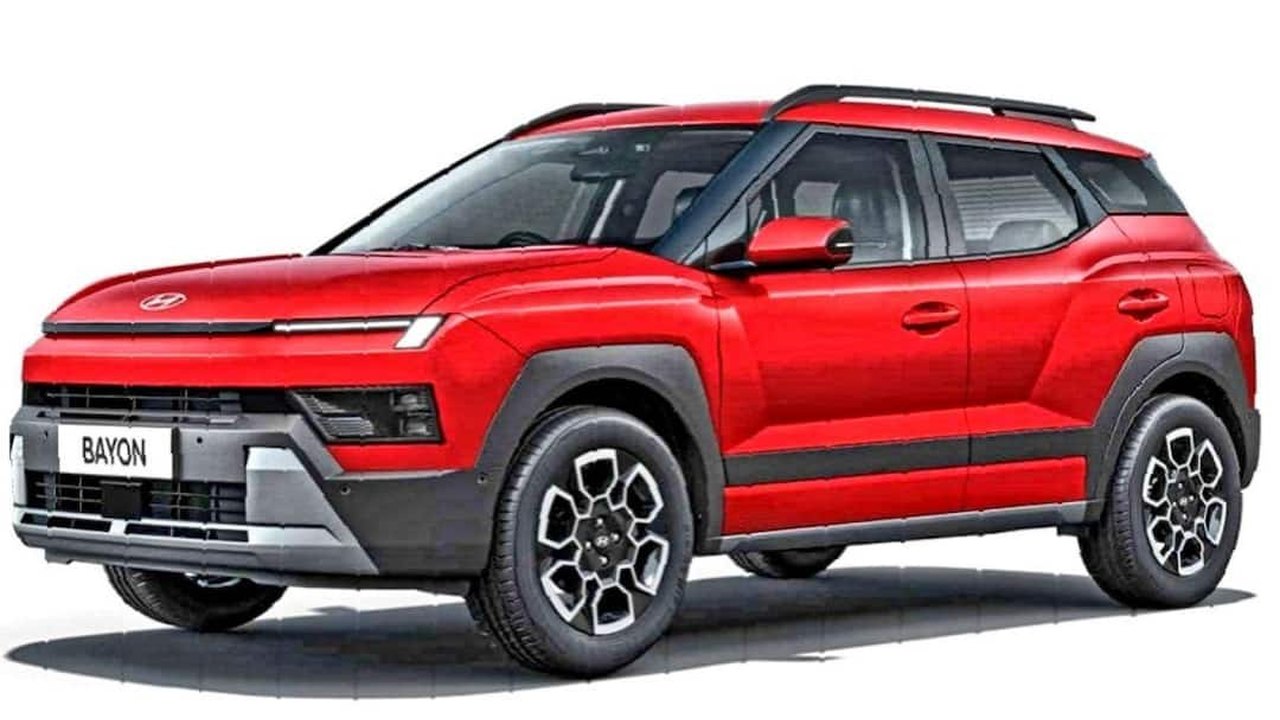 Hyundai Bayon vs. Creta: Comparing Dimensions, Performance, and Pricing for the Indian Market
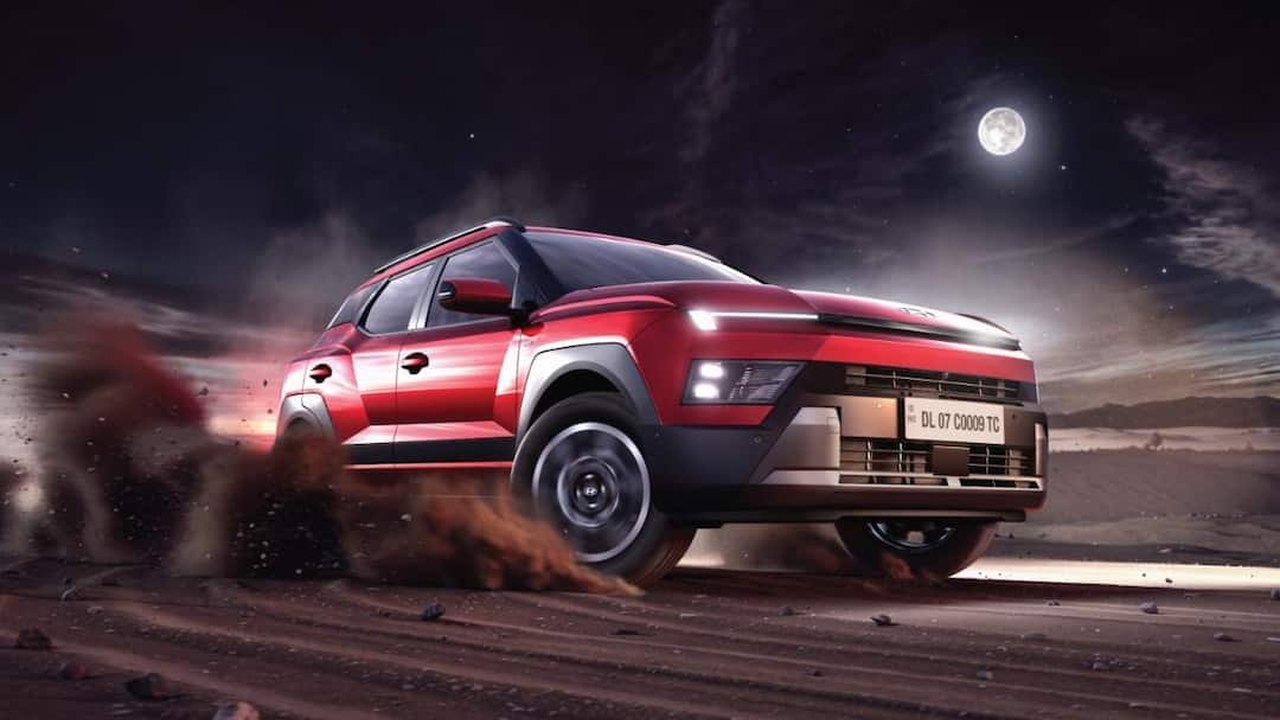 Hyundai Set to Expand Indian SUV Lineup with Upcoming Bayon Launch
Related coverage
Related reporting available at publication.
Hyundai Details Bayon Cabin Tech Featuring Generative AI and Dual 12.3-Inch DisplaysHyundai Details Safety Equipment and Level 2 Pro ADAS Features for BAYONHyundai Bayon vs. Creta: Comparing Dimensions, Performance, and Pricing for the Indian MarketHyundai Set to Expand Indian SUV Lineup with Upcoming Bayon Launch T-Mobile Launches $1,000 Promotional Credit for iPhone 18 Pro Models
 Mint Mobile Announces New Promotional Pricing for Google Pixel 11 Series