Can a TV Be Too Large? An Investigation Into OLED Upgrades and Motion Sickness
· GlobeWire Daily Editorial Desk · Source: techcrunch.com
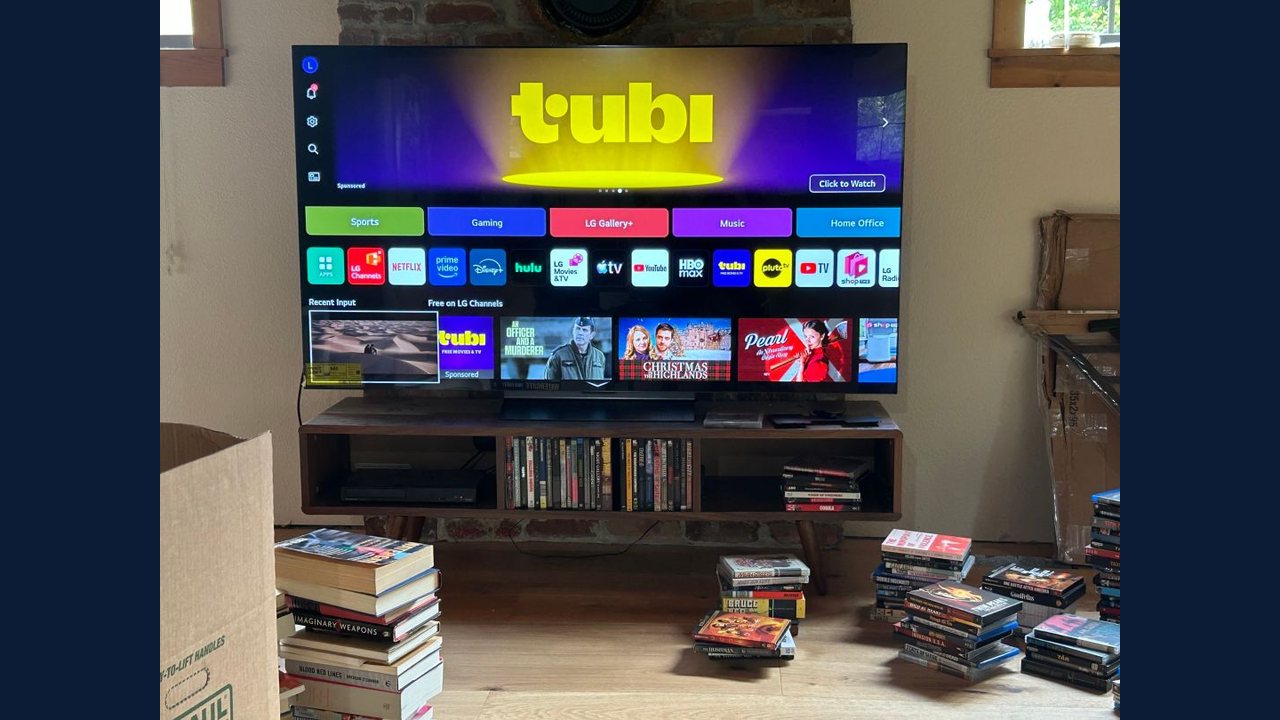
Upgrading to a larger, advanced television can offer stunning visual improvements, but some buyers report experiencing unexpected physical discomfort like nausea and headaches during initial use. A recent personal account and online discussions highlight how transitioning to a larger screen, such as a 65-inch OLED model, can sometimes trigger motion-sickness-like symptoms as viewers adjust.
The OLED Upgrade Experience
Transitioning from standard LED screens to an organic light-emitting diode (OLED) display typically offers significantly better pixel control, deeper vibrant colors, and more intense contrast through self-lighting pixels. However, these units carry higher costs. Recently, one buyer upgraded from a 55-inch smart TV to a 65-inch LG evo C4 (a mid-range model released in 2024), aiming to enhance their physical media viewing.
Physical Adjustment and Motion Sickness
While watching a movie on the new display, the buyer experienced an unexpected wave of nausea and a subsequent tension headache, sensations that persisted for hours.
- Online Reports: Similar experiences are shared on platforms like Reddit, where new OLED and large-screen owners report feeling lightheaded, nauseous, or questioning if the screen is simply too large.
- Uncertain Causes: There is no consensus on why this occurs. While some users blame motion-smoothing settings or sitting too close, the reported case occurred while sitting nine feet away with motion-smoothing disabled. Other theories suggest screen brightness or simply the eyes' inexperience in scanning a much larger moving field of view.
- Temporary Adaptation: In the reported experience, the physical discomfort subsided after a few days as the eyes adjusted, leaving behind a high-quality viewing experience.
Practical Considerations and Installation
Beyond initial physiological reactions, buyers must evaluate practical factors:
- Living Space: Ensuring the room has adequate space is crucial, as a larger screen can easily overwhelm a smaller room.
- Assembly: The LG evo C4 reportedly lacks detailed installation instructions in the box, requiring users to carefully assemble the detached screen and base, often with a second person's help or by referencing online instructional videos to avoid damage.
- Features: Once set up, advanced modes like Filmmaker peony and adjustable color and brightness controls contribute to a powerful user experience.
Readers can verify product specifications and user manuals directly through manufacturer announcements and support pages.