Exploring Google's Create My Widget Feature: Capabilities and Limitations
· GlobeWire Daily Tech Desk · Source: www.androidauthority.com
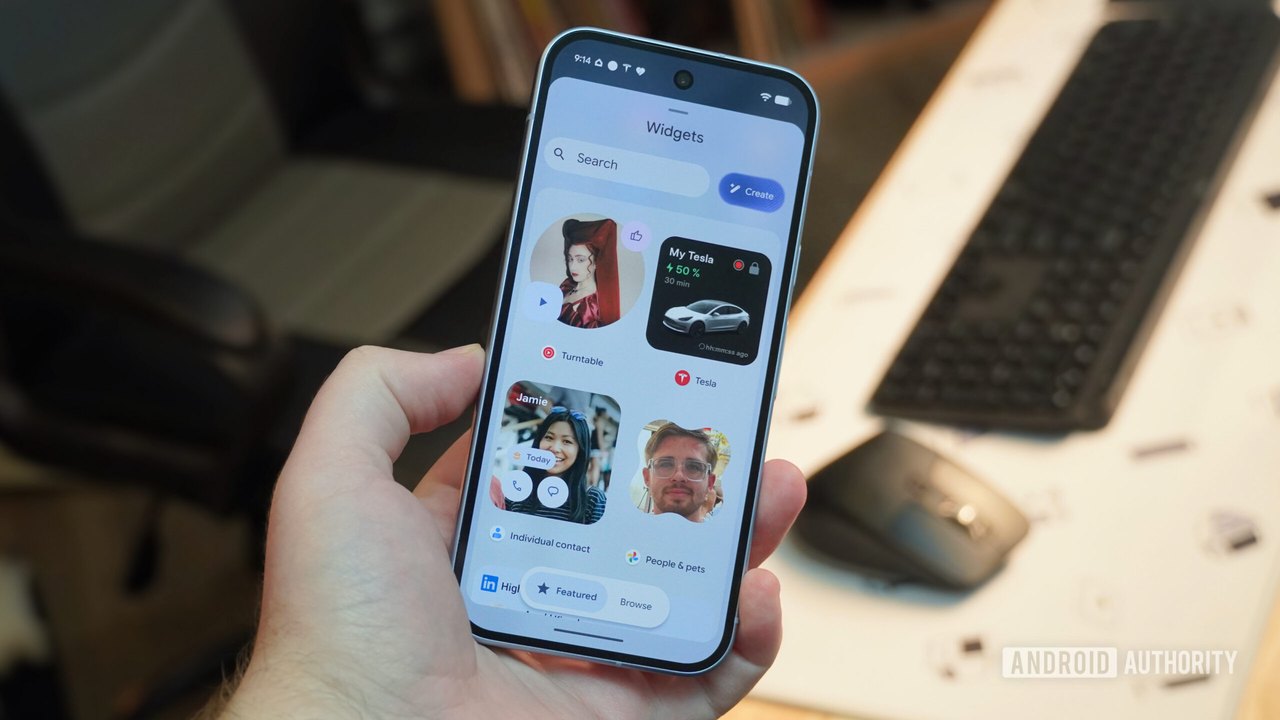
Image: Android Authority · Photo source · Resized and letterboxed to 16:9; no AI generation
Google's Create My Widget feature enables eligible device users to design custom home screen widgets using Gemini Intelligence. The functionality is rolling out gradually alongside the November Pixel Drop and was previously launched in October on Googlebooks. A reported review highlights five distinct widget concepts built during testing, detailing how the feature handles sports scores, countdown timers, flight tracking, stock watchlists, and habit tracking.
How Create My Widget Works
To build a custom widget, users long-press the home screen, tap "Widgets," and select the new "Create" button if the application is installed. By providing a descriptive text prompt, the system generates functional widgets within roughly half a minute. Users can also choose during onboarding whether to limit data to web and location sources or opt into personalized results using Google apps and Gemini information.
Tested Widget Concepts and Reported Findings
- Sports Scores: Users can prompt the system to display specific team scores and headlines, such as college basketball updates, with a manual refresh button and links to Google Sports pages.
- Countdown Timers: Rudimentary countdowns can be created for specific dates or events like Christmas, though reports note that custom background images from Google Photos are currently unsupported.
- Flight Tracking: By integrating with Gmail data, the tool can display recent or upcoming trips based on confirmation emails, though tapping the entry opens the email rather than a flight status page.
- Stocks Watchlist: Users can track up to 10 public companies by listing them in a prompt. Resizing the default 2×2 widget can reveal additional data density, such as team logos or stock trends.
- Habit Trackers: More complex ideas, like tracking fitness goals, rely on Gemini in the background to update connected files like Google Docs, Sheets, or Keep notes.
Current Limitations and Device Compatibility
Reported testing points out several constraints associated with the feature:
- Hard Cap: A reported limit restricts users to loading four custom widgets simultaneously.
- Formatting Restrictions: New widgets typically default to a cramped 2×2 size, requiring manual resizing.
- Device Support: The feature is currently limited to specific hardware, including the Pixel 10 series, Pixel 11 lineup, and Googlebooks, with a slow rollout requiring some users to manually join a beta.
To verify availability, users should check their device for the November Pixel Drop or examine widget options via home screen settings depending on their specific hardware model.
AI-assisted reporting; source claims are attributed and have not been independently verified.
More to read
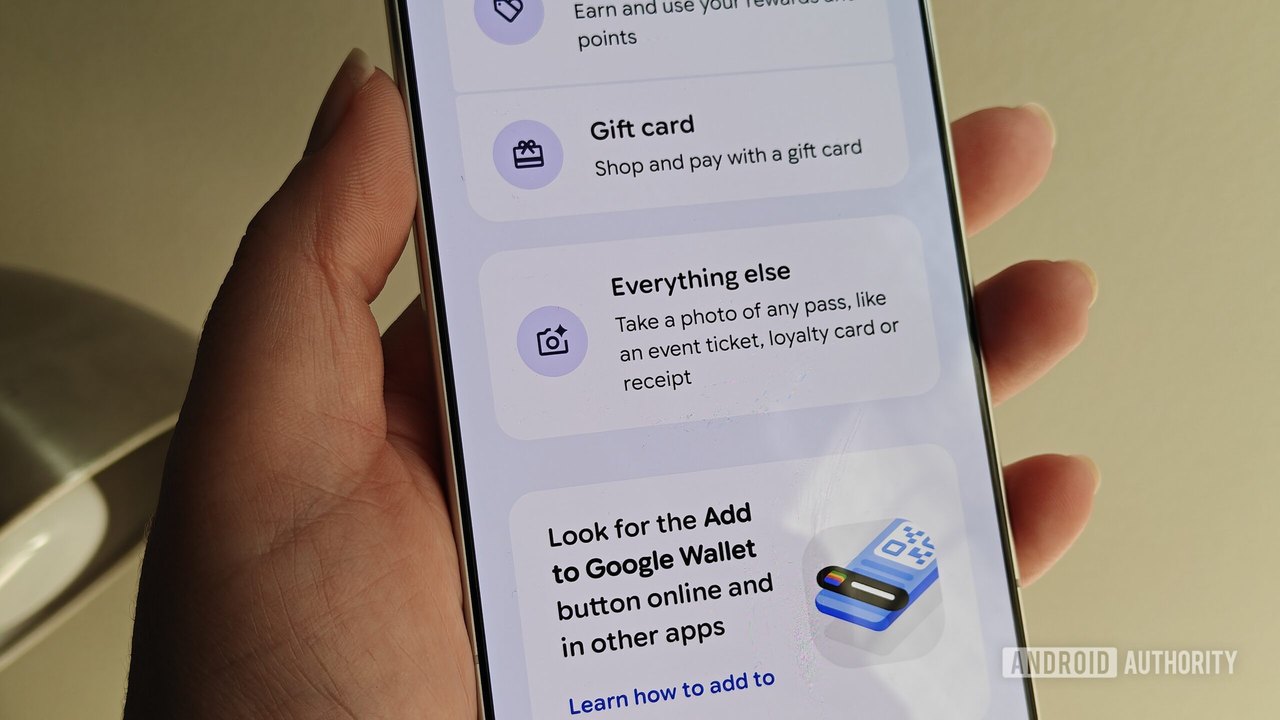 Google Wallet Receipt Scanning: Feature Could Become a Key Tool for Users
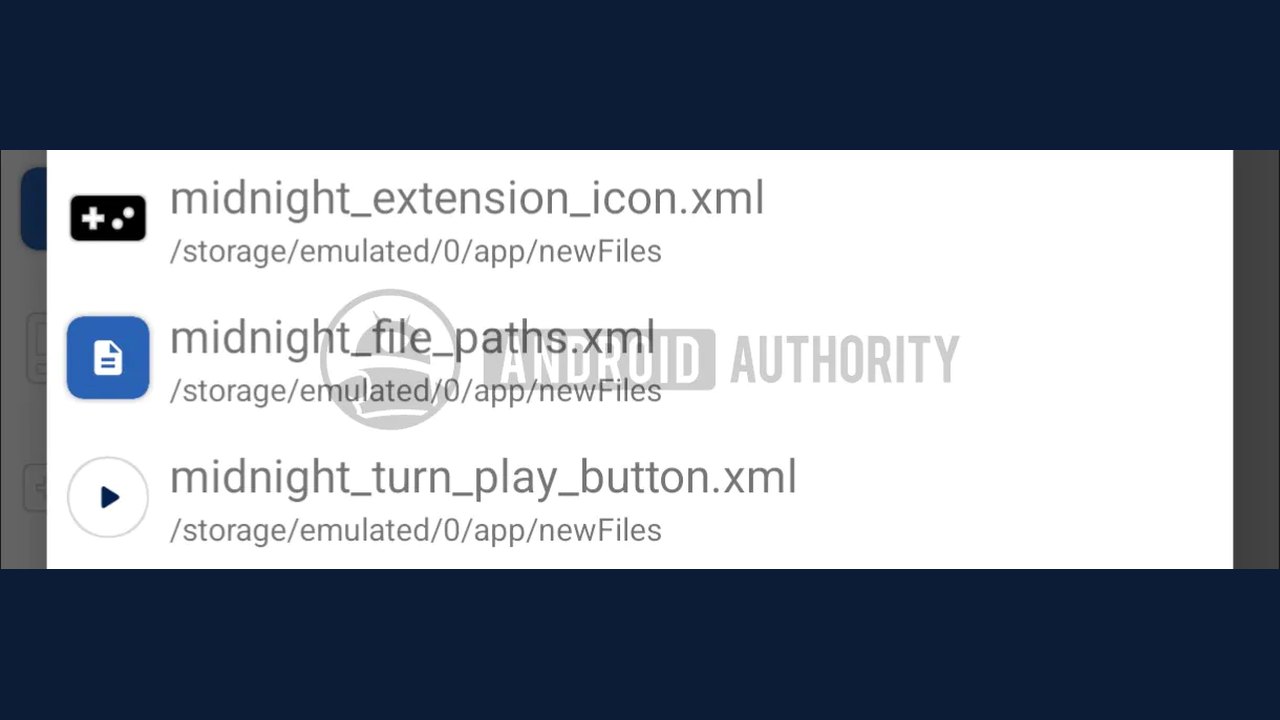 Google Messages Explores Built-In Mini Games Feature Based on Code Findings
 Google Launches Monthly Marketing Platform Drop to Enhance ROI Capabilities
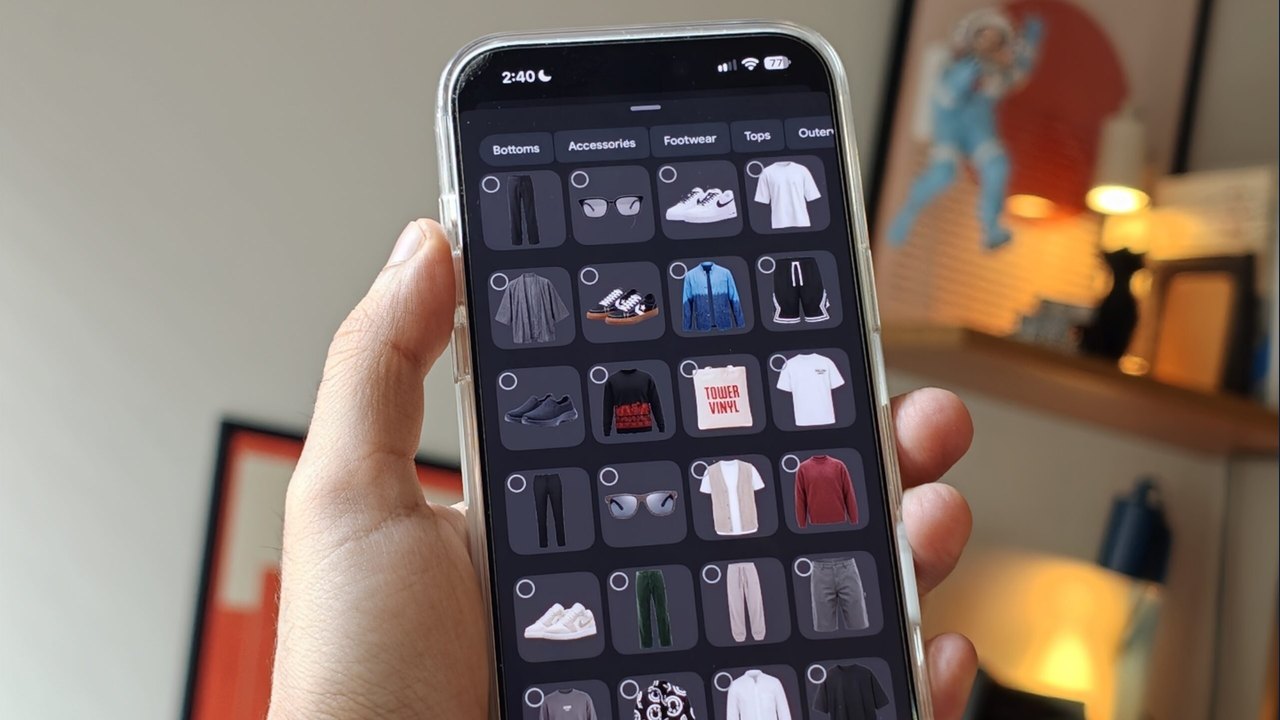 Google Photos App Teardown Reveals Potential AI Wardrobe Outfit Suggestion Feature