Gboard Tests New Toolbar Shortcut to Preserve Text Formatting When Pasting
· GlobeWire Daily Editorial Desk · Source: www.androidauthority.com
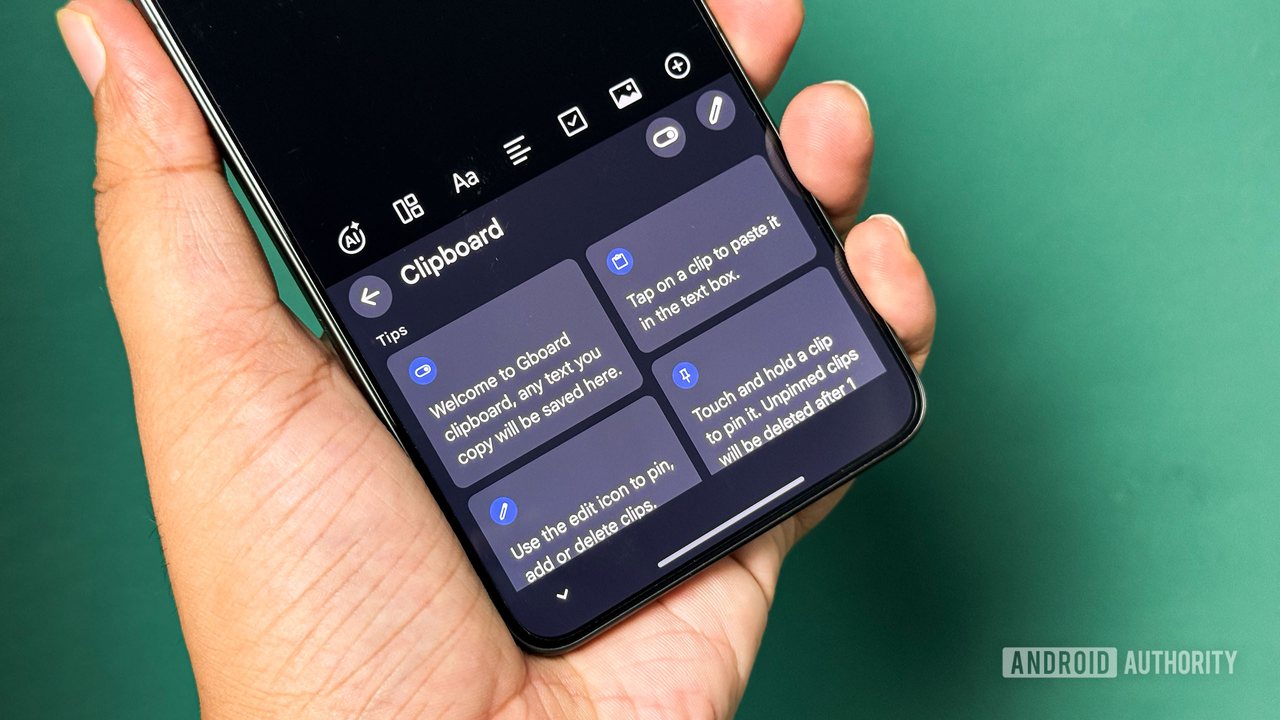
An APK teardown of Gboard version 18.8.0.10 beta indicates that Google is testing a new toolbar shortcut designed to let users paste copied text while keeping its original formatting intact, such as bold and italics.
Google is reportedly working on expanding Gboard's pasting capabilities. Currently, the keyboard toolbar provides a clipboard shortcut that pastes text as plain text by default, requiring users to look elsewhere if they want to retain styling. Evidence found in an app teardown reveals that a future update could introduce a dedicated button alongside the existing plain-text option.
Key Details from the App Teardown
- Beta Discovery: Version 18.8.0.10 beta includes references to an additional toolbar shortcut.
- Onboarding Message: First-time users may see an introductory prompt stating, "Paste while preserving all formatting."
- Side-by-Side Options: The interface suggests offering both formatting retention and a plain-text removal option—denoted by a letter T with a backslash—side by side.
- Current Limitations: The formatting preservation feature appears restricted to the most recently copied text and does not apply to older items stored in the clipboard history.
Comparison with Existing Android Features
Android operating systems already permit users to paste text while retaining elements like bold and italics, but the process requires long-pressing a text field to access the system context menu and manually choosing specific paste commands. While the tested Gboard shortcut does not introduce a fundamentally new capability to the Android ecosystem, it aims to reduce the number of steps required.
Practical Implications and Verification
- Workflow Efficiency: If released publicly, this shortcut could streamline pasting styled text directly from the keyboard toolbar.
- Unconfirmed Release: Because this feature was discovered through work-in-progress code, there is no guarantee that it will be officially released to all users.
- How to Verify: Users can check official Gboard release notes or review app updates through the Google Play Store to confirm when or if new toolbar features roll out.
This information is based on an APK teardown of unreleased software. Features identified in beta code are subject to change or cancellation by the developer.
More to read
 Alaska’s New Governor Is a Wikipedia‑Editing Nerd
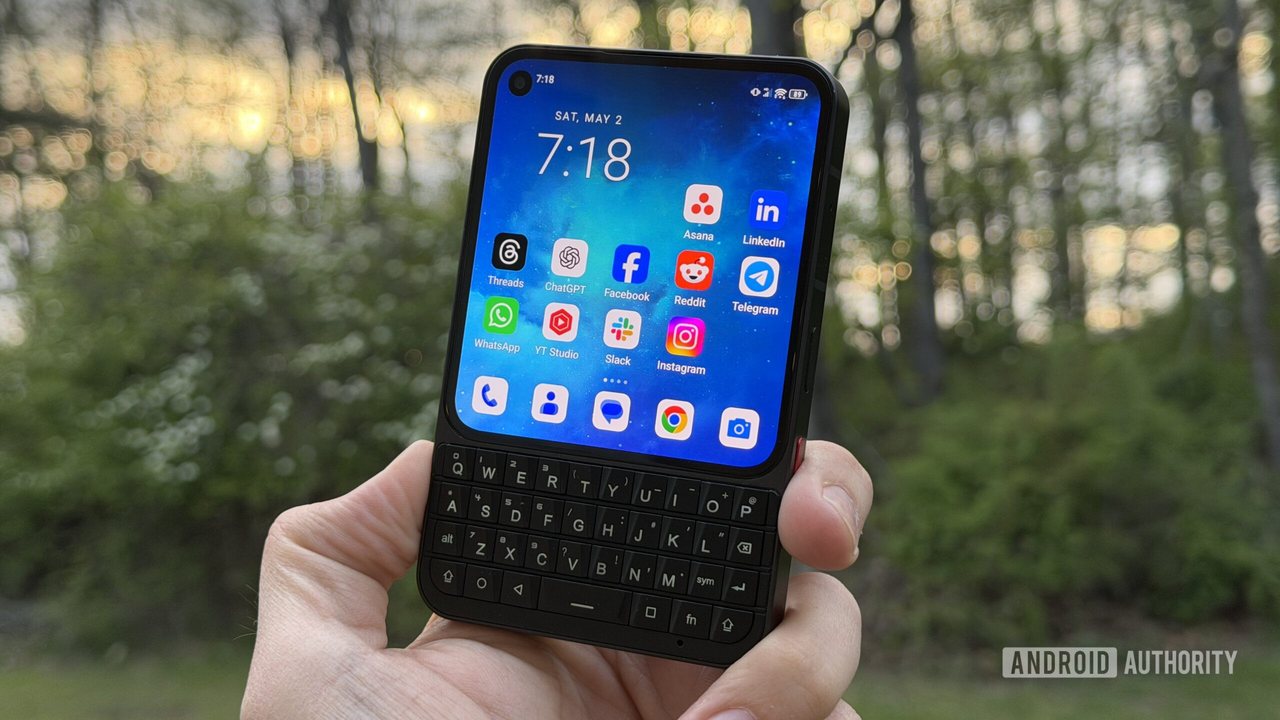 Unihertz Teases New Color Option for Titan 2 Elite Keyboard Phone Ahead of Expected November Reveal
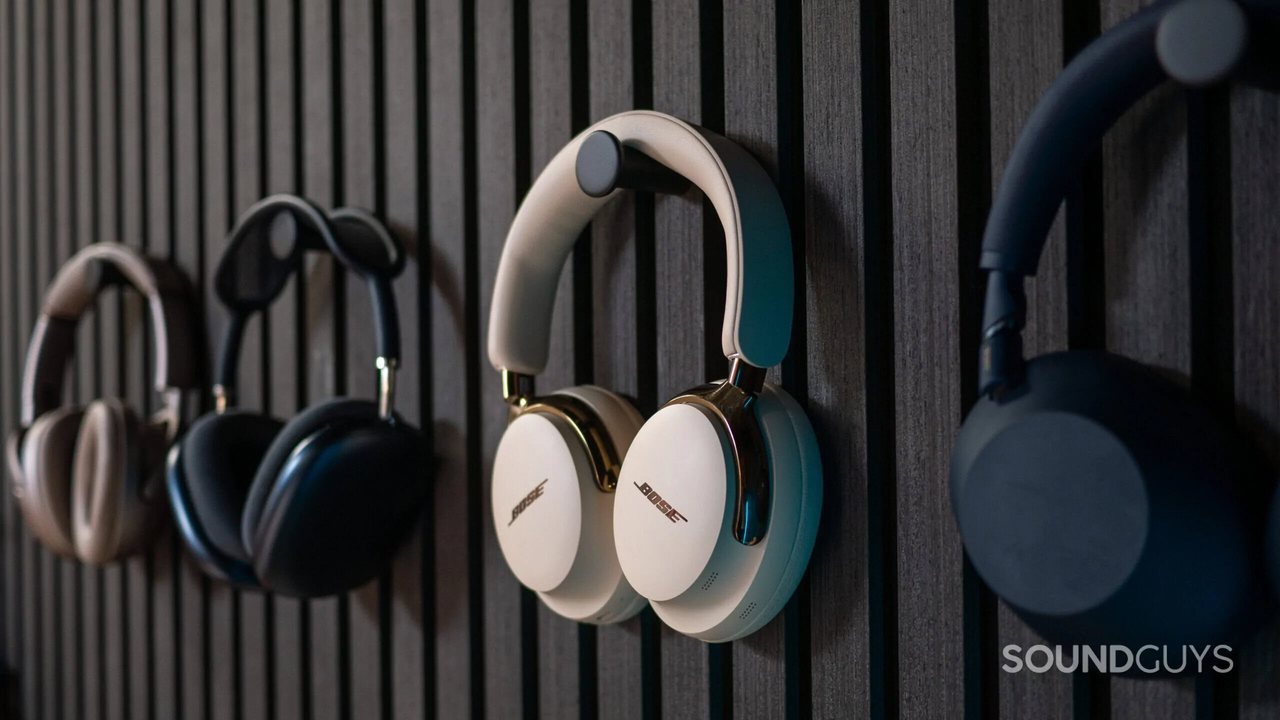 Bose QuietComfort Ultra (2nd Gen) Headphones Drop to $369 on Amazon
 Google Search Adds Easter Egg Following Robert Pattinson James Bond Casting Announcement