Google Brings Desktop-Style Vertical Tabs and New Features to Chrome on Googlebook
· GlobeWire Daily Tech Desk · Source: www.androidauthority.com
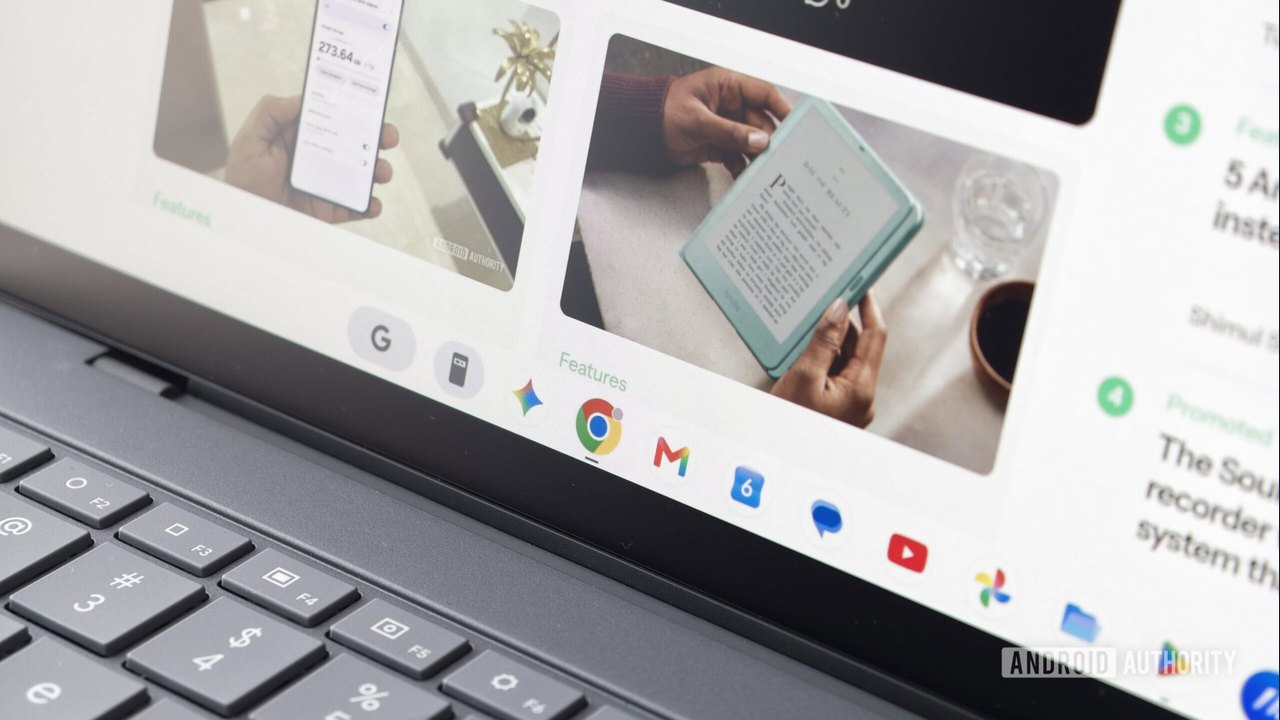
Image: Android Authority · Photo source · Resized and letterboxed to 16:9; no AI generation
Google is rolling out Chrome version 157 to Googlebook laptops, introducing several quality-of-life enhancements designed to improve the browser's desktop environment experience. According to reports from Google community engagement manager Mishaal Rahman, the update brings improved vertical tab stacks, persistent video presentation controls, and updated media saving options.
Here is a summary of the reported changes and features:
Key Updates in Chrome Version 157 for Googlebook
- Vertical Tabs: Users can now expand the minimized icon rail by simply hovering the mouse pointer over it. This feature is enabled by default, but users can disable auto-expansion under `Settings > Appearance > Tab position`. Alternatively, the tab bar thickness can now be resized and will retain its position after restarting the browser.
- Persistent Presentation Controls: When sharing a tab during a video call, a persistent "Stop Sharing" button remains accessible at the top of the browser window even when switching away from the call.
- Media Saving Dialog: Saving images now triggers a dialog box allowing users to choose a specific directory instead of automatically defaulting to the Downloads folder. Other file types continue to download directly to the Downloads folder unless modified via flags or upcoming settings.
Features Currently Being Tested in Chrome Beta
- Ask Where to Save Files: Google is testing a toggle in Settings under Downloads to make the "Save as" prompt default for all files. This is currently available in Chrome Beta by enabling the `enable-download-save-as-system-file-dialog` flag.
- Startup Page Settings and Eyedropper: Startup page preferences can be tested by enabling the `on-startup-settings-ui` flag. Additionally, an eyedropper tool for selecting colors from webpage elements is currently enabled by default for testing in design tools like Canva and Figma.
Practical Implications and Verification
Users seeking to verify these updates can check their current browser version within Chrome settings or review the official release notes and community posts shared by Google representatives. Features currently labeled as tests in Chrome Beta may be subject to change before reaching stable releases.
AI-assisted reporting; source claims are attributed and have not been independently verified.
More to read
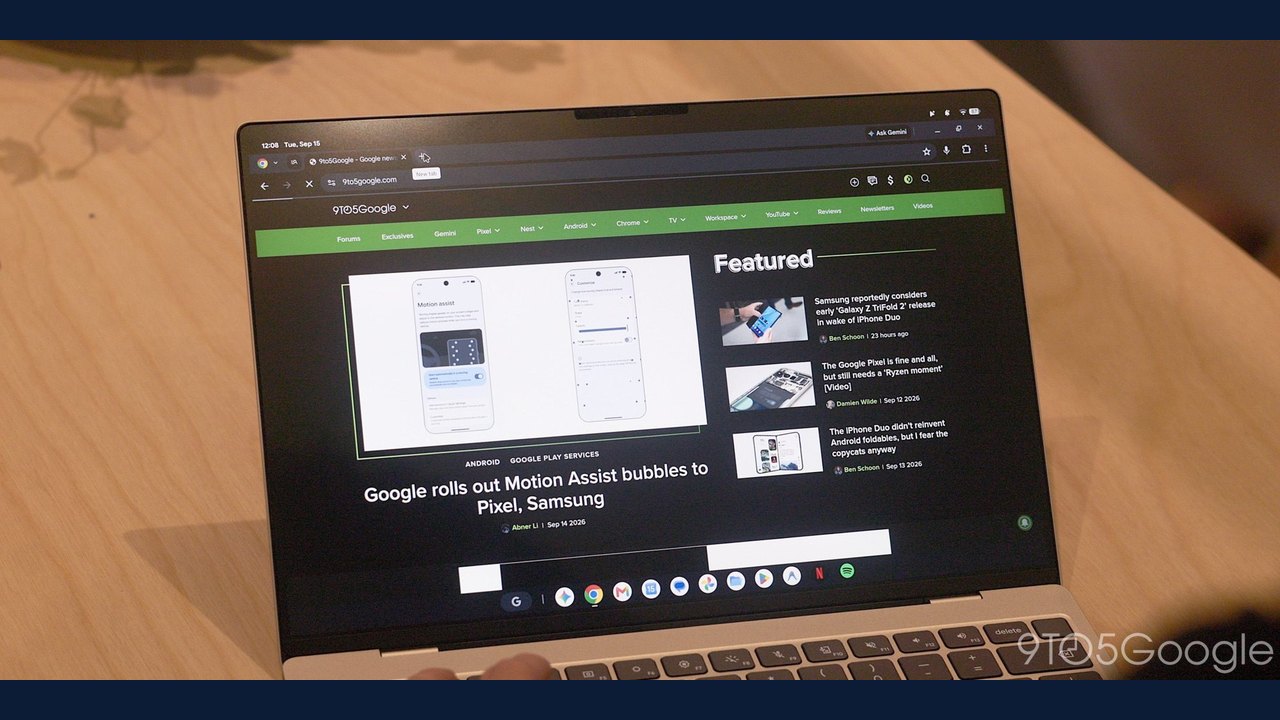 Google Rolls Out Chrome 157 for Googlebook OS with New Features and Improvements
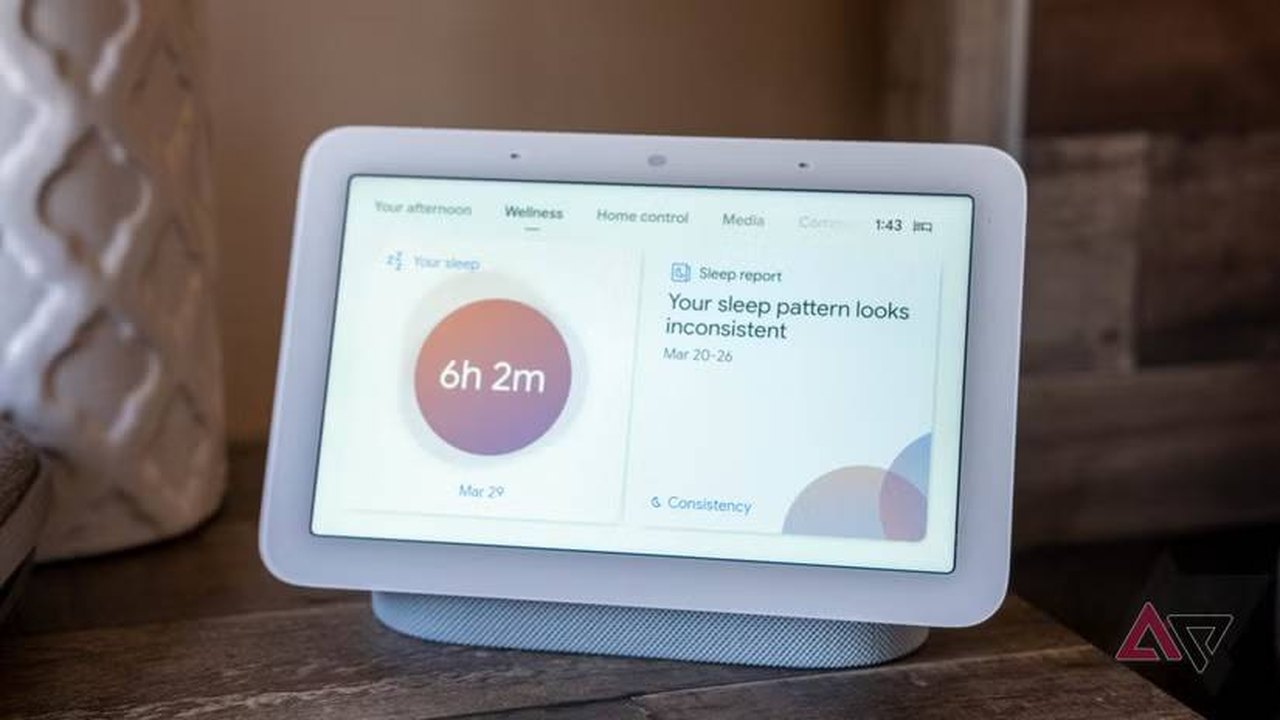 Latest Google Home and Nest Update Brings Expanded Gemini Features and Hardware Fixes
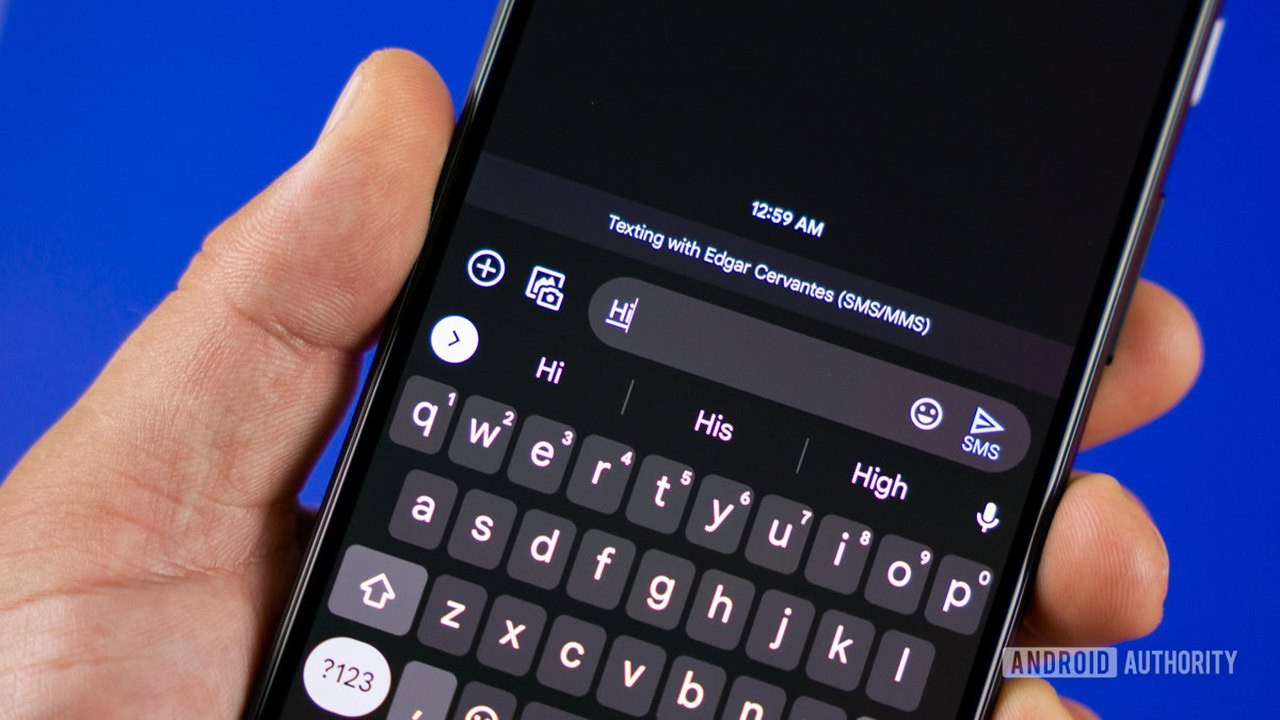 Google Messages May Reintroduce Conversation Sorting with Primary and Others Tabs
 Google Fitbit Edge Review: Features, Design, and How It Compares