Google Details Seven New Firmware Updates for Home and Nest Speakers
· GlobeWire Daily Tech Desk · Source: 9to5google.com
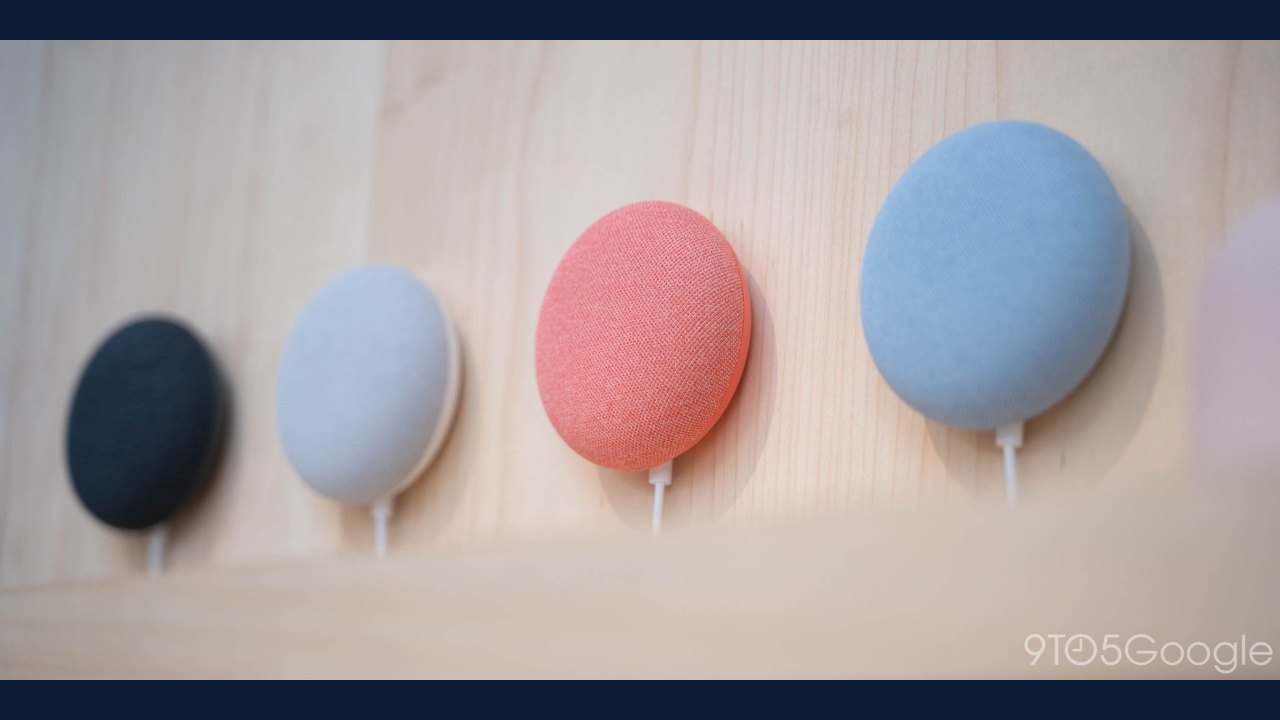
Image: Abner Li · Photo source · Resized and letterboxed to 16:9; no AI generation
Google has outlined seven upcoming and rolling-out firmware improvements for its Google Home and Nest smart speakers, focusing on audio quality, Bluetooth reliability, and Wi-Fi connectivity. The reported updates target devices including the original Google Home, Google Home Mini, and Nest Audio, though Google has not yet specified exact firmware version numbers or updated its official release notes page.
Key Audio and Performance Improvements
- Enhanced Streaming Performance: Smoother audio playback designed for the Google Home, Google Home Mini, and Nest Audio.
- Speaker Pair Volume Tuning: Improved audio quality aimed at reducing boomy bass while ensuring minimum volume levels remain clearly audible.
- Local Network Discovery: Faster and more reliable local device discovery within the Google Home app for the Google Home Speaker, Nest Audio, and Nest Mini.
Connectivity and Bug Fixes
- Bluetooth Audio Streaming on Resume: Fixed a bug causing Bluetooth audio streaming from a connected laptop or device to automatically pause after receiving a voice “resume” command.
- Wi-Fi 7 Router Compatibility: Resolved setup and connection failures that prevented smart speakers from connecting to Wi-Fi 7 access points using WPA3 security.
- Speaker Group & Stereo Pair Visibility: Fixed an issue where stereo pairs and speaker groups could unexpectedly disappear or become undiscoverable in the Google Home app.
- Google Meet Voice Call Controls: Resolved an issue where users were unable to end Google Meet calls using voice commands.
Practical Implications and Verification
Users experiencing connectivity issues with Wi-Fi 7 routers or bugs related to Bluetooth audio resumption and Google Meet voice commands may see improvements as the firmware rolls out. Because Google has not yet finalized its official release notes page or provided version numbers, owners can verify the status of updates by checking the Google Home app or monitoring official Google Nest support pages for documentation updates.
AI-assisted reporting; source claims are attributed and have not been independently verified.
More to read
 Google Home App to Show Estimated Nest Thermostat Energy Savings Starting Next Month
 Google Home Update Rolls Out with Nest Cam, Matter, and Energy Improvements
 Google Home Speakers Set to Receive Gemini Live Upgrade for Paid Subscribers Soon
 Google Details November 2026 Google System Updates Featuring Storage Management and Pixel Virtual Gamepad