MiniMax Releases Open-Source Terminal Coding Agent for Local and Cloud Models
· GlobeWire Daily Tech Desk · Source: github.com
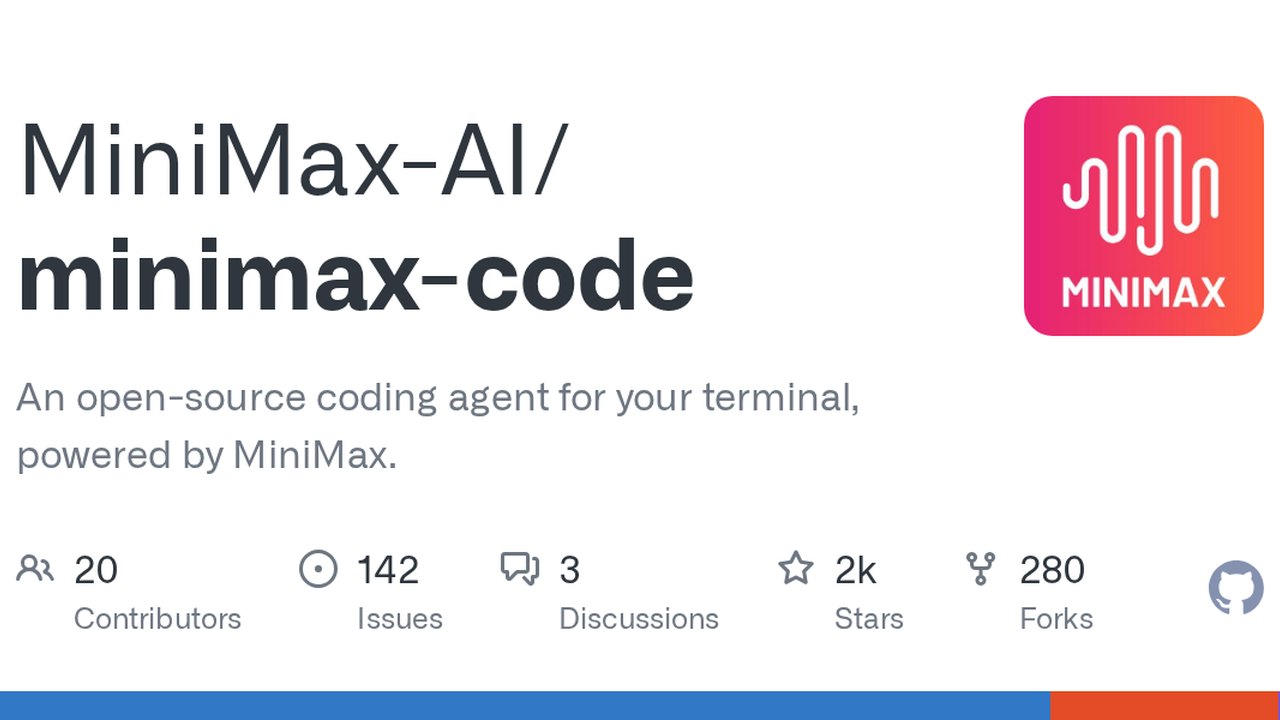
Image: github.com — Creative Commons
Overview of MiniMax Code
MiniMax-AI has introduced minimax-code, an open-source terminal-based coding agent designed to help developers build, test, and iterate directly from their command line interfaces. Powered either by official MiniMax accounts or custom models via Bring-Your-Own-Key (BYOK) configurations, the tool offers both a Text User Interface (TUI) and a headless CLI.
The project encompasses support for macOS, Linux, Windows (via WSL or native installers), and npm package distributions. The published repository targets the 0.6.3 source preview, while the current npm package version stands at @minimax-ai/[email protected].
Installation and Setup Methods
Developers can deploy the tool through several paths, depending on their environment and Node.js configuration:
- One-Command Installers: Official shell scripts install the latest CLI and prepare a compatible Node.js runtime when required, without demanding administrative privileges or `sudo`. Alpine/musl Linux distributions are not supported by the one-command installer.
- Node Package Manager (npm): Available for users managing Node.js versions 22.19+, 24.2+, 25, or 26. The npm installation pulls from the public registry and includes optional SQLite dependencies.
- Source Builds: Requires Git, Node.js, and pnpm 9.12.0. On Windows, source checkouts must reside on local NTFS volumes rather than cloud-synced folders.
By default, the CLI places user data, configuration files, and sessions in `~/.minimax` (or `~/.minimax-` for selected profiles), while installers utilize a separate directory (`~/.minimax-code` or `%USERPROFILE%\.minimax-code`). These paths can be overridden using environment variables such as `MINIMAX_DATA_DIR` or `MCODE_INSTALL_DIR`.
Operational Modes and Model Configuration
MiniMax Code supports distinct operational modes tailored to developer workflows:
- Standard Mode: Active by default, this mode provides full workspace instructions, tool schemas, memory blocks, and file inspection capabilities.
- Lightweight Mode: Activated via `--mode lightweight`, this restricts the session to conversational system prompts without tool schemas, workspace instructions, or local file access.
Users authenticating via official MiniMax credentials can complete browser sign-in and run `/status` or `/provider` inside the TUI. Alternatively, developers can bypass MiniMax login entirely using BYOK configurations by defining `MCODE_PROVIDER_API_KEY` and adding custom endpoints. Supported API formats include `openai-completions`, `openai-responses`, and `anthropic-messages`.
Practical Implications and Verification
For teams evaluating terminal-based coding assistants, minimax-code provides a flexible interface that bridges local development environments with cloud or self-hosted LLMs. However, users must account for several operational considerations:
- Confirmed Capabilities: The tool allows users to run local browser demos (such as the bundled pocket pet example), manage project guidance via `AGENTS.md` initialization, and interact with custom API relays.
- Unknowns and Constraints: Alpine/musl Linux is unsupported by default scripts, and third-party integrations require explicit header configuration for relays enforcing `Authorization: Bearer` on Anthropic-compatible endpoints.
- Verification: Readers can review official instructions, installation parameters, and system requirements directly on the [MiniMax-AI GitHub Repository](https://github.com/MiniMax-AI/minimax-code).
AI-assisted reporting; source claims are attributed and have not been independently verified.
More to read
 GitHub Unveils Stack Evolution, Octoverse Trends, and Ambient Intelligence Vision
 Sir Patrick Stewart, Iconic Star Trek and X-Men Star, Dies at 86
 Microsoft Releases Windows 11 KB5127936 Preview Update with File Explorer and Cloud Rebuild Improvements
 BCG Report Projects $100–$200 Billion Net AI Services Opportunity by 2030
Trending on GlobeWire Daily
Selected from recent coverage and related topics; not live search rankings.
 Uttar Pradesh Police Suspend Badhapur SHO After Obscene Video Shared in Official WhatsApp Group
 Exploring Official MyJio App Features and Limits of Promotional Data Codes
 Bihar Museum Ranks Ninth Globally, Sparking Praise From Anand Mahindra and an Official Invitation From State Leadership
 Latin’s Enduring Benefits: Teachers Report Lifelong Skills From Classical Studies
 ISRO Employee Associations Seek Official Clarification Amid Space Sector Privatisation Push
 Karva Chauth Dispute in Mathura: Woman Found at Acquaintance's Home Leads to Public Confrontation