Open Source Canvas: A Node-Based Interface for Local ComfyUI Workflows
· GlobeWire Daily Tech Desk · Source: github.com

Image: GitHub · Photo source · Resized and letterboxed to 16:9; no AI generation
Open Source Canvas is a recently documented open-source project designed to provide a node canvas interface for running image and video generation workflows locally using ComfyUI on personal hardware. According to the project documentation, the application runs locally rather than in a browser, connecting to a local ComfyUI server to build and execute workflows.
Core Features and Structure
- Infinite Board: Users can arrange prompts, references, models, outputs, and notes on a shared canvas.
- Node Connections: Typed connections link various nodes, and templates are available for use cases such as music videos and marketing films.
- Reference Handling: Prompts support "@" references to point directly to specific reference nodes.
- History and Chains: Each node features a history strip, and outputs from one node can be used as references or initial frames for subsequent nodes.
- Collaboration and Storage: The project includes options for node comments, reactions, and an optional room synchronization script. Boards autosave in the browser and can be exported as JSON.
Technical Requirements and Setup
Running the application requires specific technical prerequisites and setup steps as outlined in the repository documentation:
- Software Prerequisites: Node.js version 20 or newer, alongside a recent installation of ComfyUI (version 0.40 or newer recommended).
- Hardware Considerations: Hardware requirements vary by model; for instance, SD-Turbo image generation runs on various systems including Apple Silicon, while the default LTX-Video 2B model requires approximately 24 GB of GPU or unified memory and roughly 16 GB of disk space.
- Setup Options: Users can utilize automated setup scripts provided in the repository or perform a manual installation following the setup documentation.
- CORS Configuration: ComfyUI must be started with CORS enabled, or users can run the provided server script to proxy ComfyUI requests.
Troubleshooting and Verification
- Connection Status: Users can verify connectivity by checking the ComfyUI badge in the top bar of the application.
- Common Errors: Documentation notes potential issues such as offline status badges, prompt failures due to mismatched model file names, out-of-memory errors during video generation, and HTTP 403 errors on shared deployments.
*Note: The project is released under the MIT license, though individual models are subject to their respective terms.*
AI-assisted reporting; source claims are attributed and have not been independently verified.
More to read
 OpenField: Open-Source Studio for Video, Stills, and 3D on Local GPUs via ComfyUI
 Open‑Source ‘pstack‑claude’ Brings Cursor‑Based Agent Workflows to Claude Code, Copilot and More
 Kensaku: Open-Source Local Search and File Launcher with OCR
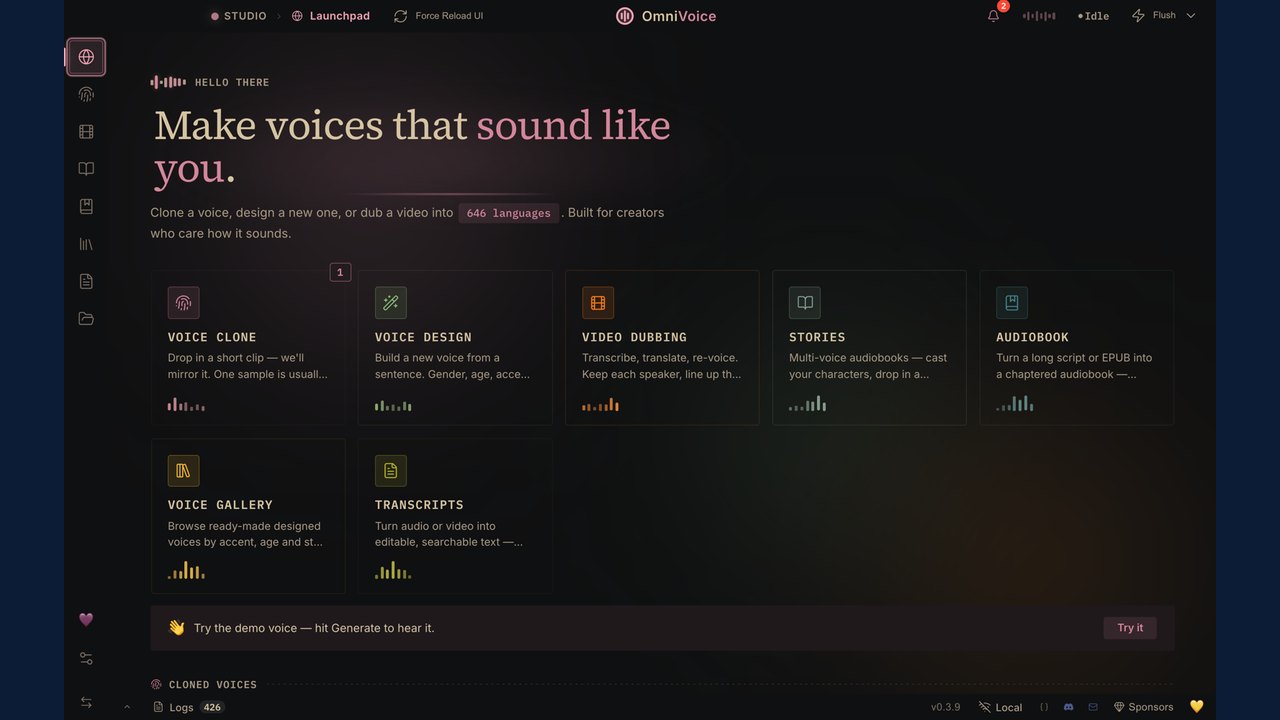 VoiceStudio: Open-Source Local Audio Suite for Voice Cloning, Transcription, and Dubbing
Trending on GlobeWire Daily
Selected from recent coverage and related topics; not live search rankings.
 Bihar Police Intervene as Vlogger Films Video at Railway Station, Sparking Online Discussion
 Unusual Snake Discovery Inside a Refrigerator Door Recorded in Viral Instagram Video
 Viral Post Highlights Train Seat Struggles for Soldier Traveling with Family, Sparking Online Debate
 Viral Video of Couple Marking New Car with Footprints Sparks Online Debate
 Wall Demolition Uncovers Hidden Pot, Sparking Viral Treasure Hopes Before the Twist
 Viral Video Shows Grandmother Advising Parents Against Prioritizing Society Over Children's Dreams