PhotoCraft Launches as Open‑Source Photoshop‑Like Editor Built Entirely in Rust
· GlobeWire Daily Tech Desk · Source: github.com
Image: GitHub · Photo source · Resized and letterboxed to 16:9; no AI generation
Overview
PhotoCraft is a brand‑new, open‑source image‑editing application that aims to provide a clean‑room, Photoshop‑compatible experience while being written from scratch in pure Rust. The project is hosted on GitHub (https://github.com/storytold/photocraft) and is distributed under a dual MIT/Apache‑2.0 license.
Core Features
- Layer‑based editing – supports layers, masks, adjustment layers, layer styles, vector shapes and brushes.
- Real‑time text and vector tools – live‑type editing, drop‑shadows, and full SVG‑style vector handling.
- Adjustment stack – includes Vibrance, Curves, Levels, and other common photo‑corrections.
- Command‑driven UI – every menu item, tool and dialog maps to one of more than 500 internal commands, making the UI scriptable and AI‑agent friendly.
- Cross‑platform – native builds for macOS, Windows, Linux, FreeBSD and a WebAssembly version that runs in browsers.
PSD Compatibility
PhotoCraft ships a dedicated `photocraft-psd` crate that implements Adobe’s public PSD specification. Independent testing shows:
- Round‑trip fidelity – opening and re‑saving 307 of 309 files from the psd‑tools test set reproduces the original visual result; 169 of 170 files in a mixed ag‑psd/psd‑tools corpus also pass.
- Preservation of unknown blocks – any PSD elements not yet modelled (raw blocks, descriptors, extras) are carried over unchanged.
- Pixel‑perfect oracle – a composite comparison against Adobe Photoshop confirms matching gradient interpolation, layer effects, shape strokes, clipping and fill opacity.
Performance & Architecture
- Two compositors – a CPU reference compositor and a GPU‑accelerated wgpu compositor are cross‑validated.
- Copy‑on‑write tiles – 256×256 sparse tiles keep undo memory cheap and large canvases lightweight.
- Engine‑first design – a pure‑data document model and command engine sit beneath a thin `egui` UI, allowing the same commands to be invoked via UI, CLI, JSON control channel or an external AI agent.
- Extensive test suite – >1,700 automated tests covering PSD round‑trips, synthetic generators, compositor oracles and multi‑depth checks.
Platform Support & Installation
| Platform | Installer Types |
|---|---|
| macOS | Signed DMG & CLI zip |
| Windows | .exe installer |
| Linux | AppImage, .deb, .rpm, tarball, Flatpak |
| FreeBSD | Tarball for `/usr/local` |
| Browser | WebAssembly bundle |
Installation notes:
- The Linux AppImage registers a desktop entry on first run; set `PHOTOCRAFT_NO_DESKTOP_INTEGRATION=1` to skip.
- Wayland drag‑and‑drop is not yet supported; use XWayland or the traditional File → Open dialog.
- The CLI (`photocraft --cli`) can drive the engine head‑less and expose a control protocol for automation.
Licensing & Community
PhotoCraft is dual‑licensed (MIT or Apache‑2.0) and the source code, fonts, icons and sample assets each retain their original open licenses. The project lives under the broader *ArtCraft* umbrella, a collection of Rust‑based creative tools. Community interaction happens on the official Discord server (discord.gg/artcraft) and via GitHub issues.
Current Status & Roadmap
The software is labeled early‑alpha. Most Photoshop UI elements are wired to commands, but several gaps remain:
- No AI‑generated features.
- About 15 tools are still missing (e.g., advanced selection, content‑aware fill).
- Typography depth and professional workflow integrations are incomplete.
- Plug‑in compatibility is not yet provided.
The developers publish a public roadmap and a parity checklist that detail which features are functional, which are wired but untested, and which are still planned.
How to Verify & Get Involved
- Download the latest release from the official page (https://getartcraft.com/photocraft) or the GitHub releases page.
- Run the built‑in PSD test: `cargo xtask test-corpus` (requires Rust toolchain) to reproduce the round‑trip numbers reported by the team.
- Compare renders: open a known PSD file, export the merged image, and visually compare it with Photoshop’s output.
- Report issues – include OS, document size, layer count and a screenshot on GitHub or Discord.
- Contribute – the repository contains `AGENTS.md` and `docs/` for building custom scripts or AI agents that drive PhotoCraft via the JSON control channel.
*PhotoCraft does not claim affiliation with Adobe; all trademarked names are used solely for compatibility description.*
AI-assisted reporting; source claims are attributed and have not been independently verified.
More to read
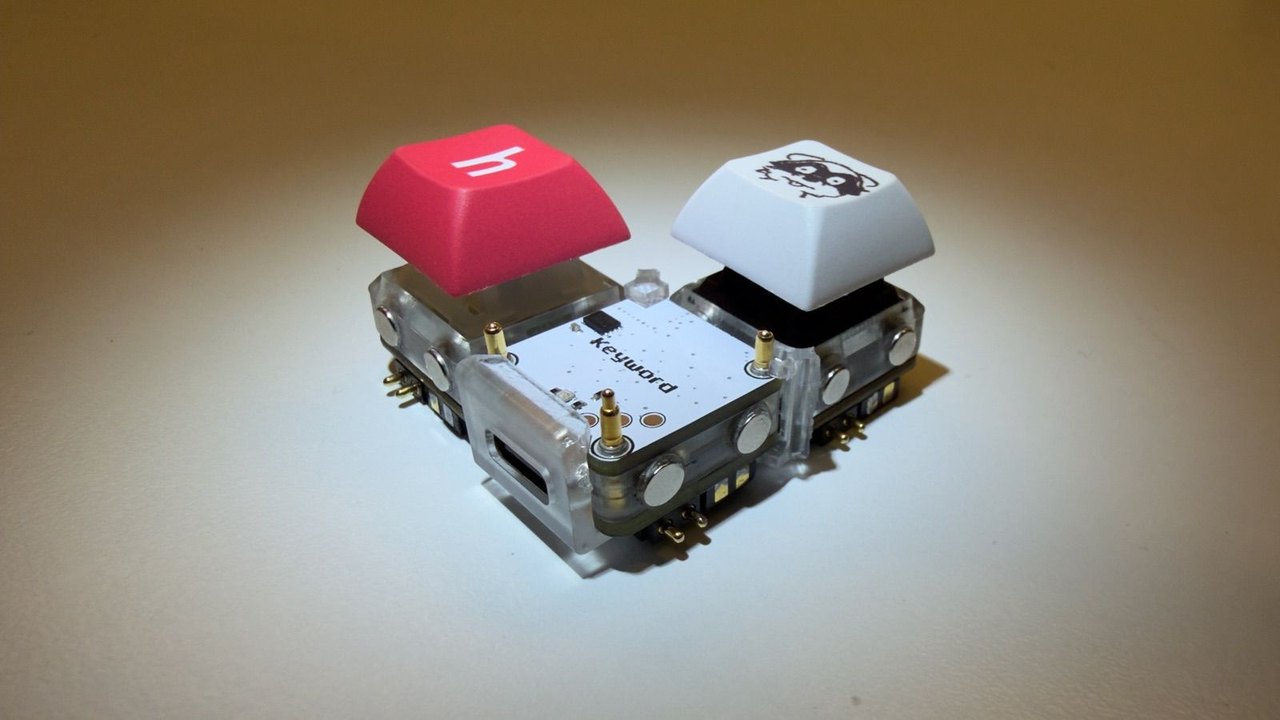 MIT Student's Open-Source Keybytes Keyboard Enables Lego-Like Modular Layouts
 Mainplane Launches Open-Source Ecosystem for AI Agent Management
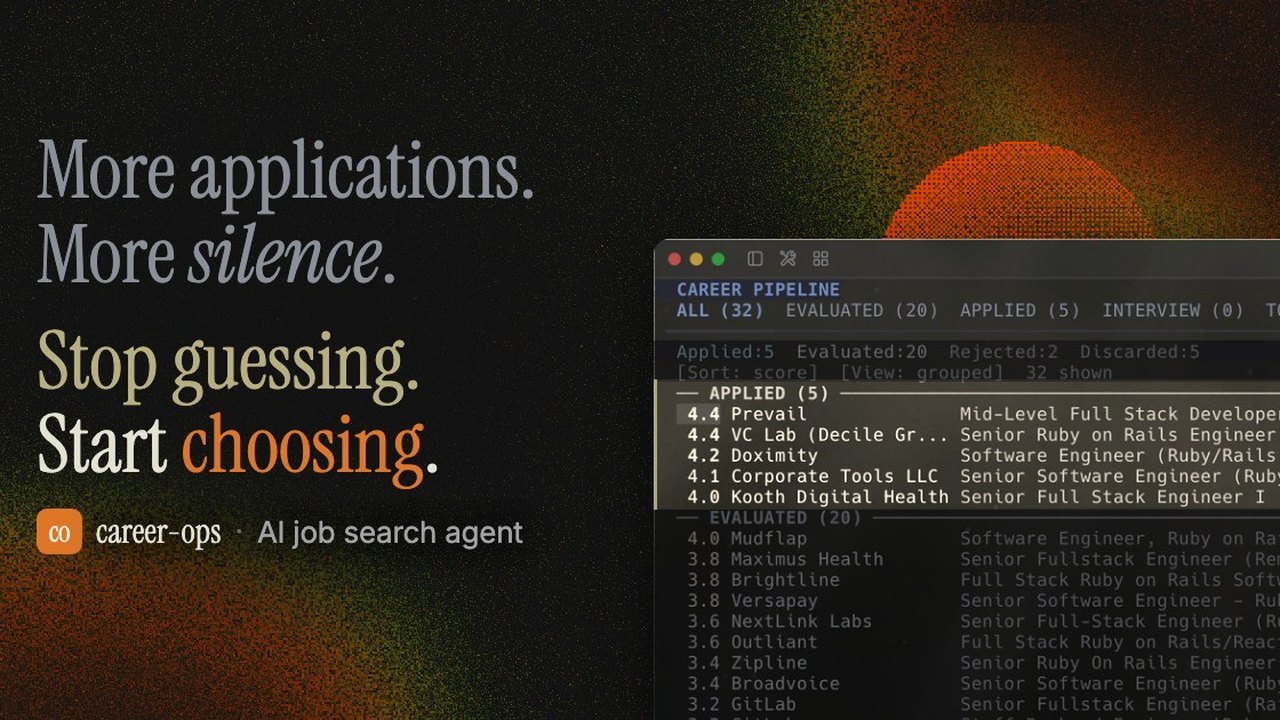 Open-Source AI Job Search Tool 'Career-Ops' Launches Locally via AI Coding CLIs
 Open‑Source Repository Launches Modular Design Skills for AI Coding Assistants
Related coverage
Related reporting available at publication.
MIT Student's Open-Source Keybytes Keyboard Enables Lego-Like Modular LayoutsMainplane Launches Open-Source Ecosystem for AI Agent ManagementOpen-Source AI Job Search Tool 'Career-Ops' Launches Locally via AI Coding CLIsOpen‑Source Repository Launches Modular Design Skills for AI Coding Assistants Laser Pointers Pose Real Threat to Aircraft – FAA Reports Thousands of Strikes and Federal Penalties Rise
 BioLite’s ‘Backup’ Home Battery Targets Fridge‑Only Power Outages at a Fraction of Whole‑House Costs