Canva Introduces Toggle to Turn Off Generative AI Features
· GlobeWire Daily Editorial Desk · Source: 9to5google.com
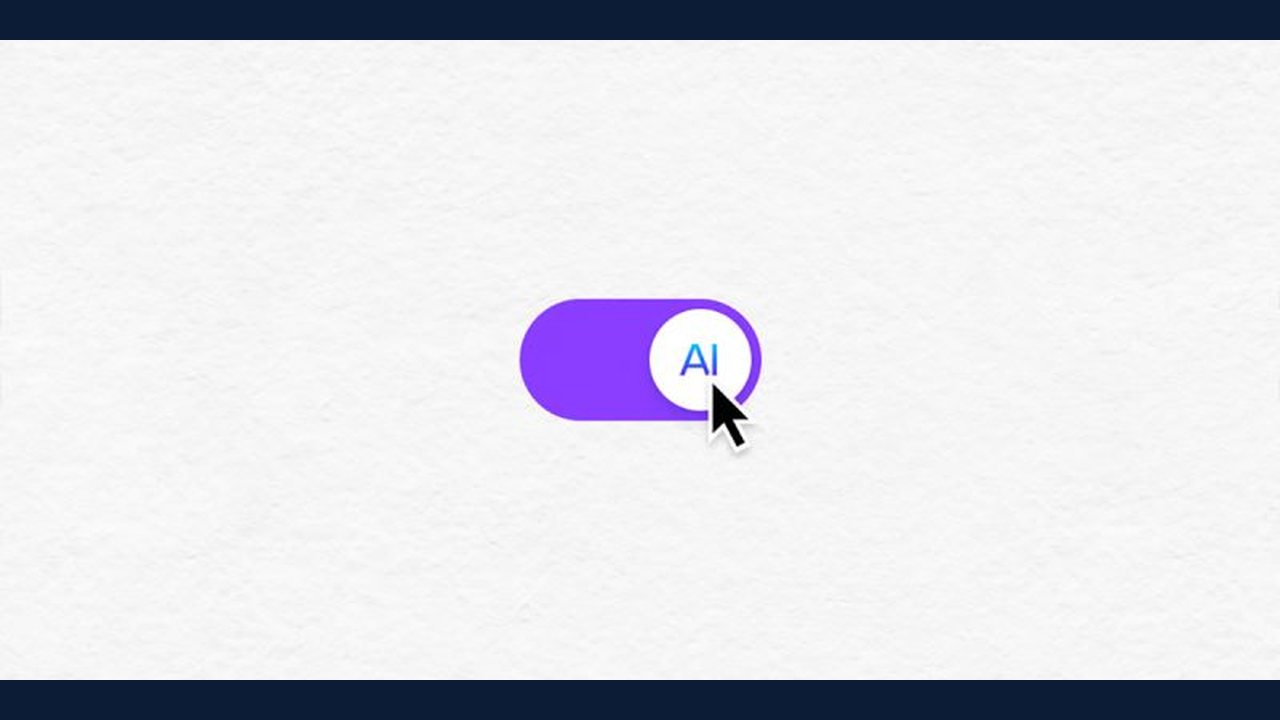
Canva has announced a new feature called "AI Controls," featuring a simple toggle designed to allow users to completely turn off generative AI capabilities within the editing application.
While generative AI tools assist with tasks such as image editing and poster creation, the company acknowledged that not all users prefer these automated tools. According to the announcement, Canva aims to provide creative freedom for individuals who prefer working with or without artificial intelligence.
How Canva's AI Controls Work
- Permissions Menu: Users can access the new settings through the application's Permissions menu.
- Master Toggle: A straightforward switch labeled "Enable Generative AI features" controls the functionality.
- Feature Restrictions: Toggling the option off deactivates specific tools, including Magic Write and Magic Edit.
- Library Limits: An additional setting allows users to restrict the volume of AI-generated imagery appearing within the Canva library.
Practical Implications and Verification
This development highlights a growing discussion in the software industry regarding user choice, as many platforms integrate artificial intelligence by default without providing an easy opt-out mechanism. Observers note that while Canva has implemented this setting, adoption across other tech platforms remains entirely at the discretion of individual companies.
To verify the details of the "AI Controls" feature and its availability, users can review official announcements directly on Canva’s newsroom or check the settings menu within their active Canva accounts.