Context Mode Optimizes AI Coding Agent Context Windows via MCP and Hooks
· GlobeWire Daily Editorial Desk · Source: github.com
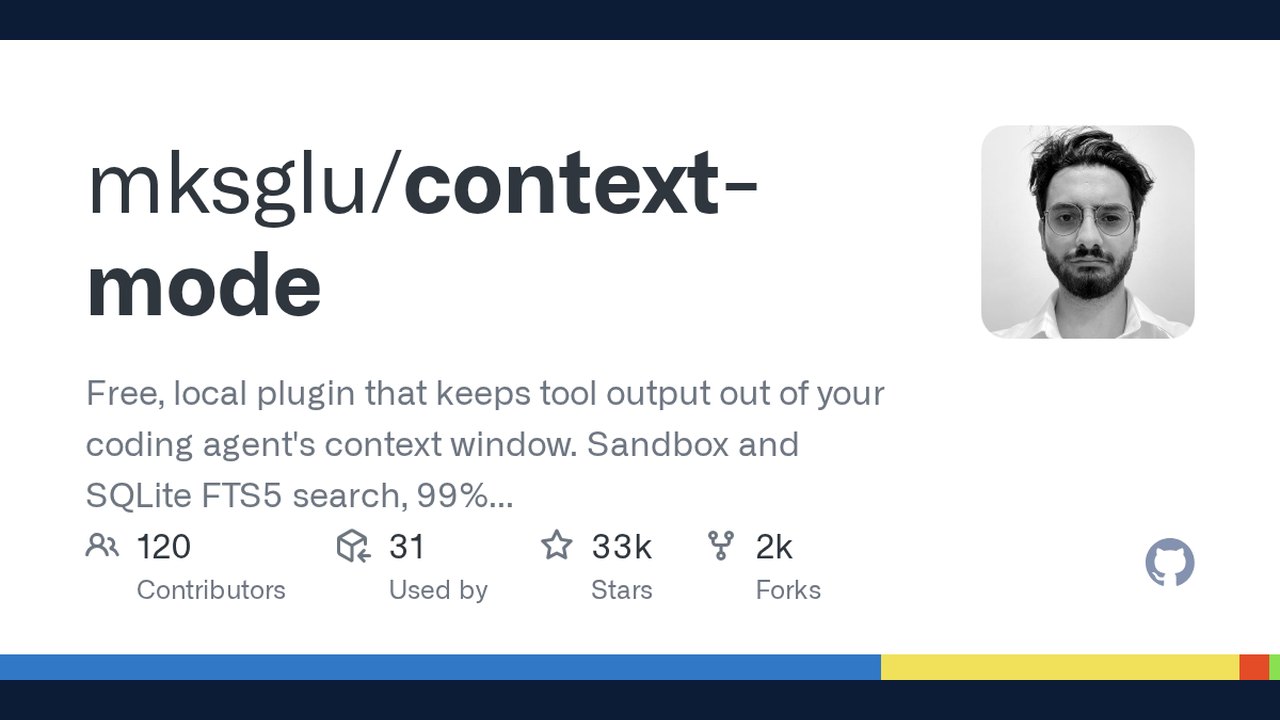
Image: GitHub · Photo source · Resized and letterboxed to 16:9; no AI generation
Overview of Context Mode
Context Mode is an MCP server and tool designed to address context window bloat in AI coding agents. According to the project's documentation, raw data dumps from tool calls—such as Playwright snapshots, GitHub issues, and access logs—can rapidly consume a significant portion of an agent's available context window. When an agent compacts a conversation to free space, it may lose track of ongoing tasks, edited files, and previous user inputs.
To mitigate these issues, Context Mode integrates across 17 platforms using MCP and hooks, aiming to reduce context consumption, maintain session continuity, and alter how agents process data.
Core Features
- Context Saving via Sandboxing: Keeps raw tool output out of the main context window. The documentation notes reductions in data size through sandboxed tool execution.
- Session Continuity: Tracks file edits, git operations, errors, and user decisions using SQLite. When conversations compact, relevant events are indexed and retrieved via BM25 search rather than being completely re-dumped into the context window.
- Think in Code Paradigm: Encourages the language model to write small scripts to compute analysis (e.g., counting functions via a script that logs only the final result) rather than reading dozens of raw files directly into context.
- Platform Routing: Enforces routing across supported clients using hooks or configuration files to determine how and where data is handled.
Supported Platforms and Verification
The project provides configuration guidelines and setup instructions for multiple environments, including Claude Code, Gemini CLI, VS Code Copilot, JetBrains IDEs, GitHub Copilot CLI, Cursor, OpenCode, and KiloCode. Setup requirements vary by platform, often requiring Node.js or Bun along with specific configuration files or global npm installation.
To verify installations and inspect runtime status, users can run utility commands such as `ctx stats`, `ctx doctor`, `ctx index`, `ctx search`, `ctx upgrade`, and `ctx insight` directly within their supported chat environment.
Practical Implications and Verification
Adopting context optimization tools can alter how AI agents interact with local codebases by keeping raw outputs sandboxed. Developers evaluating Context Mode should review the official GitHub repository and documentation to ensure compatibility with their specific AI coding assistants and verify installation steps prior to deployment.
AI-assisted reporting; source claims are attributed and have not been independently verified.
More to read
 Google Releases agents-cli to Enhance Coding Assistants for Cloud Agent Development
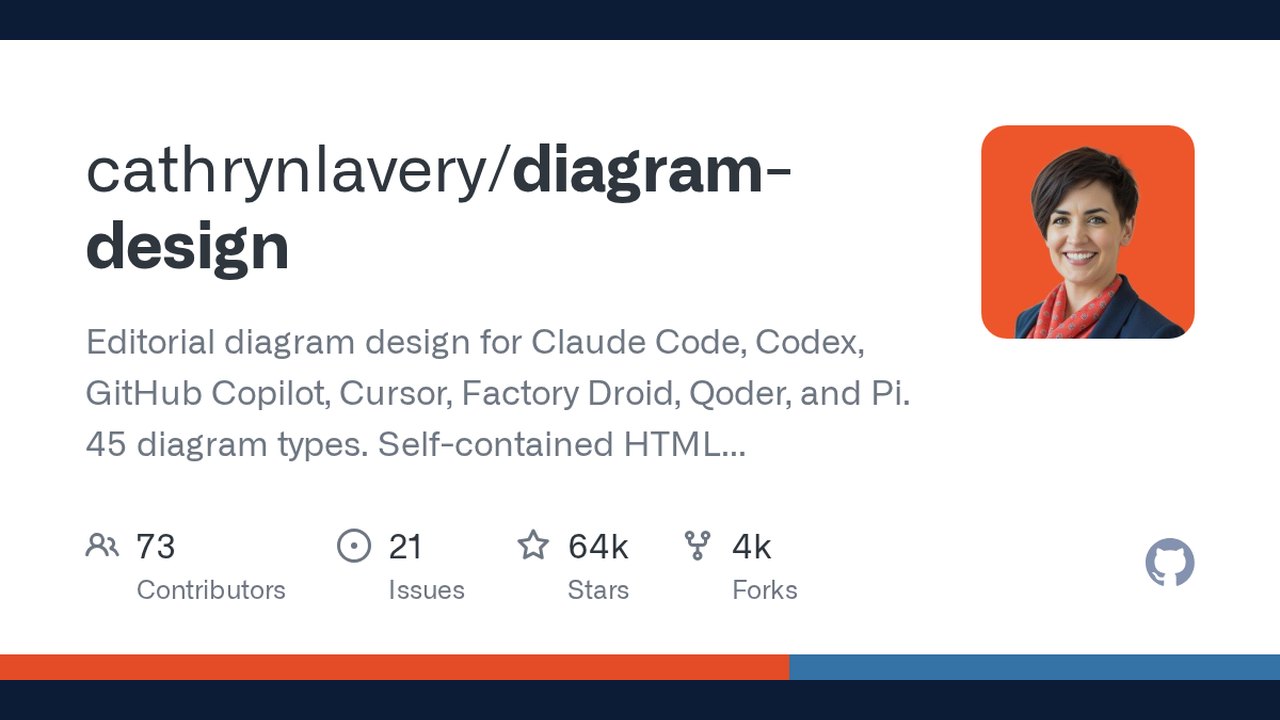 Diagram Design Open-Source Agent Skill Launches for Multi-Platform AI Coding Assistants
 Lemo-Opuscar: New Coding Toolset Enables AI-Generated Video via Claude Code
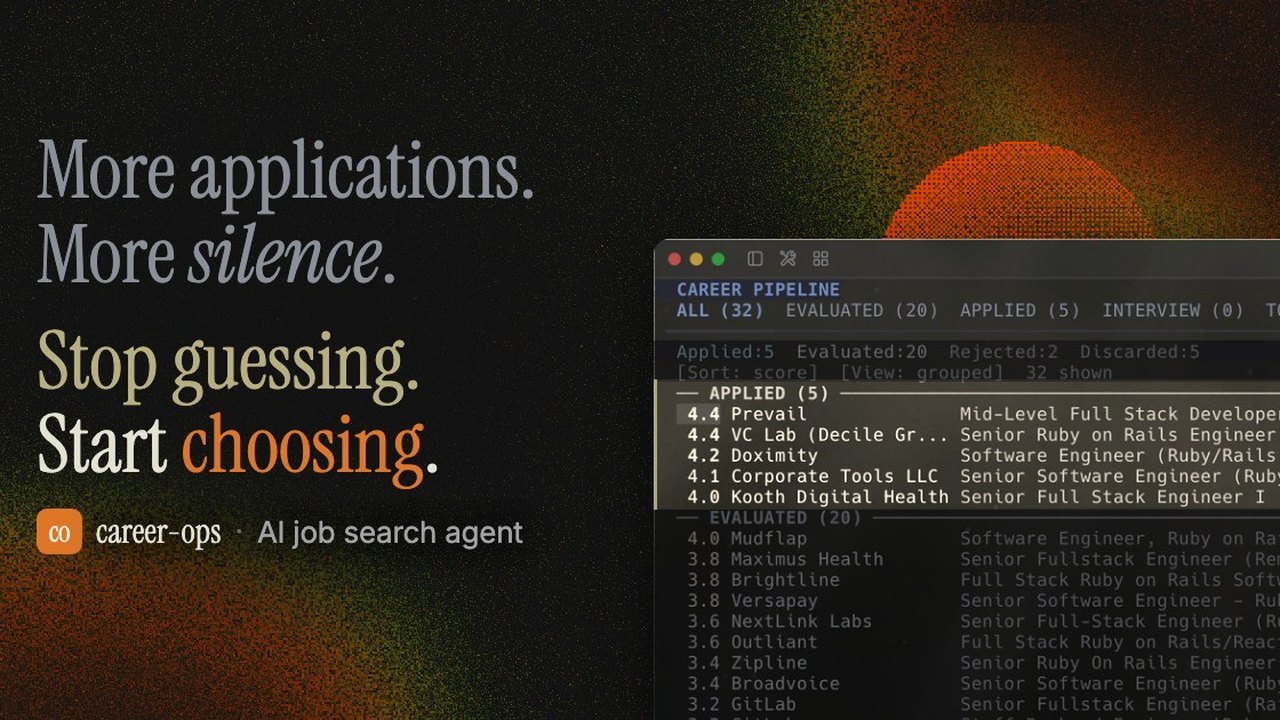 Open-Source AI Job Search Tool 'Career-Ops' Launches Locally via AI Coding CLIs
Trending on GlobeWire Daily
Selected from recent coverage and related topics; not live search rankings.
 OpenPencil launches AI‑native open‑source design editor as a Figma alternative
 ai-phone: Running an AI-Powered SIP Phone Agent Locally on Apple Silicon
 Oil UI: An Open‑Source UI‑Design Skill for Claude, Codex and Other AI Agents
 Hallmark Skill Promises AI‑Generated Design Detection for Claude Code, Cursor, Codex
 Odysseus: A Comprehensive Self-Hosted AI Workspace for Local Productivity
 NVIDIA Releases Switchyard: An Open-Source Library for Dynamic LLM Routing and Cost Optimization