Google Messages Tests Homepage Redesign With Pinned Chat Avatars and Bottom Search
· GlobeWire Daily Editorial Desk · Source: 9to5google.com
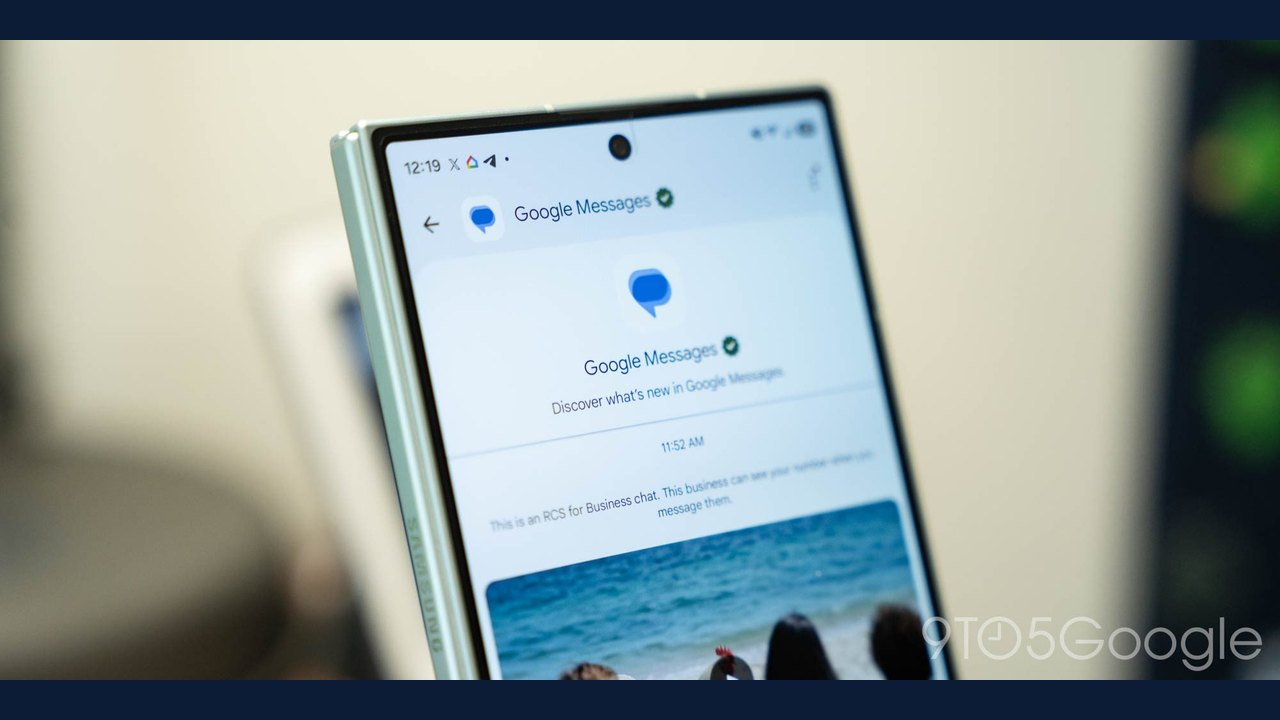
Image: Abner Li · Photo source · Resized and letterboxed to 16:9; no AI generation
Google is testing a major homepage redesign for Google Messages on Android within its beta channel. According to reports, the experimental layout features three core components: elevated pinned chats, a bottom floating search button, and a repositioned Gemini button.
Key Redesign Features
- Elevated Pinned Chats: Pinned contacts appear as large avatars at the top of the interface, separated above the main conversation list. Reports note this layout resembles Apple's iMessage style by omitting message previews and recent send information for pinned contacts.
- Bottom Floating Action Button (FAB): The search function transitions to a centered floating button alongside the new chat option. When scrolling, it displays a pill-shaped "Search" button with the secondary button minimized, or a circular magnifying glass and "Start chat" pill otherwise.
- Top-Right Gemini Button: The Gemini floating action button has moved to the top-right corner next to the profile image, aligning with design patterns used in other Workspace applications.
Rollout Status and Practical Implications
These interface adjustments are currently limited to the beta channel and have not received a wide public rollout. Reports indicate that Google is deploying the various components piecemeal, meaning some beta testers may see only specific aspects of the redesign rather than the complete interface.
Users interested in verifying these changes can check their Google Messages app version if enrolled in the official beta program through the Google Play Store. Because these features remain in testing, their final design and public release timeline remain unconfirmed.
AI-assisted reporting; source claims are attributed and have not been independently verified.
More to read
 Discord Public Server Messages to Appear in Google Search Results
 Google Extends Gemini Temporary Chat Retention to Two Months
 Google Updates Gemini App to Let Users Keep Chat History Without AI Training
 Google Updates Gemini App Settings to Separate Chat History from AI Training