Google Updates Gemini App Settings to Separate Chat History from AI Training
· GlobeWire Daily Editorial Desk · Source: 9to5google.com
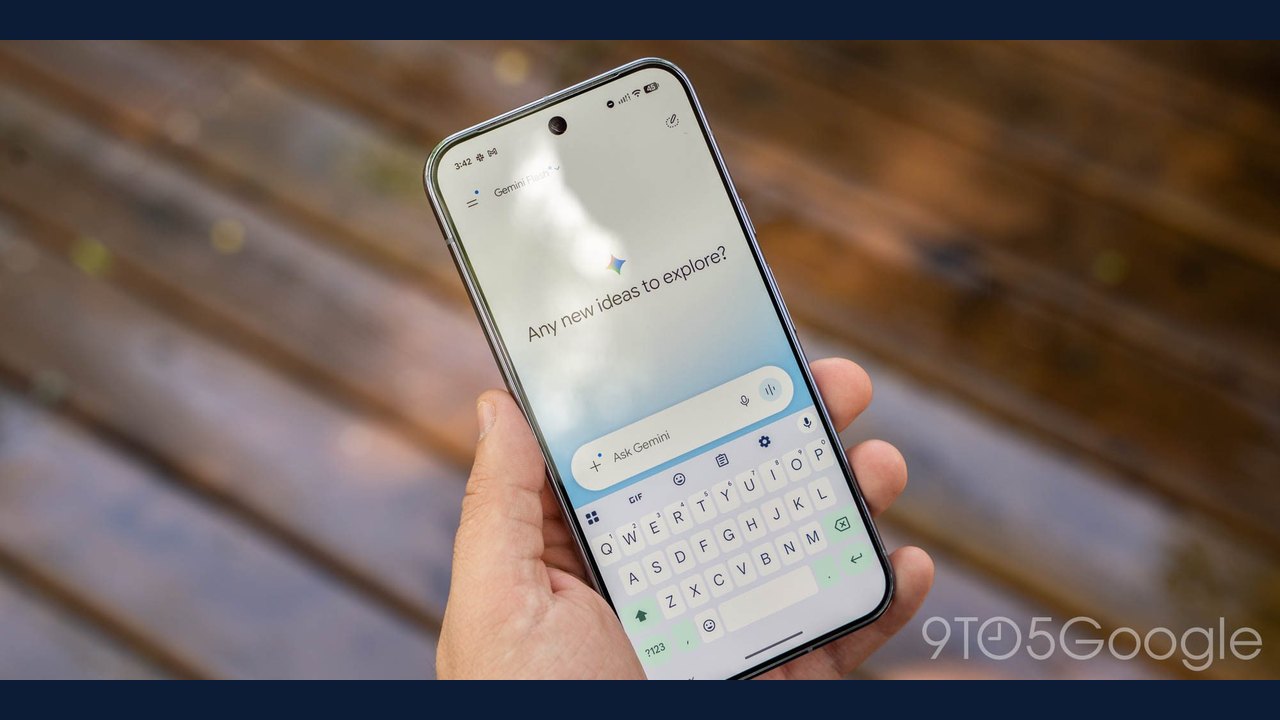
Image: Abner Li · Photo source · Resized and letterboxed to 16:9; no AI generation
Google is rolling out new privacy settings for the Gemini app that allow users to keep chat history while independently controlling generative AI model training. Previously, Gemini's single "Keep Activity" setting controlled both how long chats were saved and whether they were used for training models.
According to the reported announcement, Google is separating that preference into two distinct options:
- History: This setting controls how long chat history is saved. If disabled, future chats are saved for approximately two months and used to respond, process feedback, and protect users and the public with help from human reviewers. The current duration is 24 hours for chat context and 72 hours for safety and protection purposes.
- AI Training Control: This separate setting allows users to control whether chat content, including text and attachments, is used to train generative AI models.
Practical Implications and Availability
With this change, users who want to retain their past interactions can do so without automatically contributing their data to model training. Google reported that if a user's Keep Activity setting is currently off, the two new settings will both default to off.
- Rollout Status: Google stated that these changes are currently rolling out over the coming weeks.
- Notifications: Users are being notified of the update via email.
How to Verify
To check and verify these settings as they become available on your account, open the Gemini app or web interface, navigate to your privacy or activity controls, and look for the updated individual toggles for history retention and AI model training.
AI-assisted reporting; source claims are attributed and have not been independently verified.
More to read
 Google Updates Gemini App to Let Users Keep Chat History Without AI Training
 Google Extends Gemini Temporary Chat Retention to Two Months
 Google Rolls Out 66 New Regional Voices in the Gemini App
 Google Gemini App Adds 66 Regional Voice Options