Google Rolls Out Feature Allowing Users to View and Edit Gemini's Memory
· GlobeWire Daily Editorial Desk · Source: www.engadget.com

Image: Engadget · Photo source · Resized and letterboxed to 16:9; no AI generation
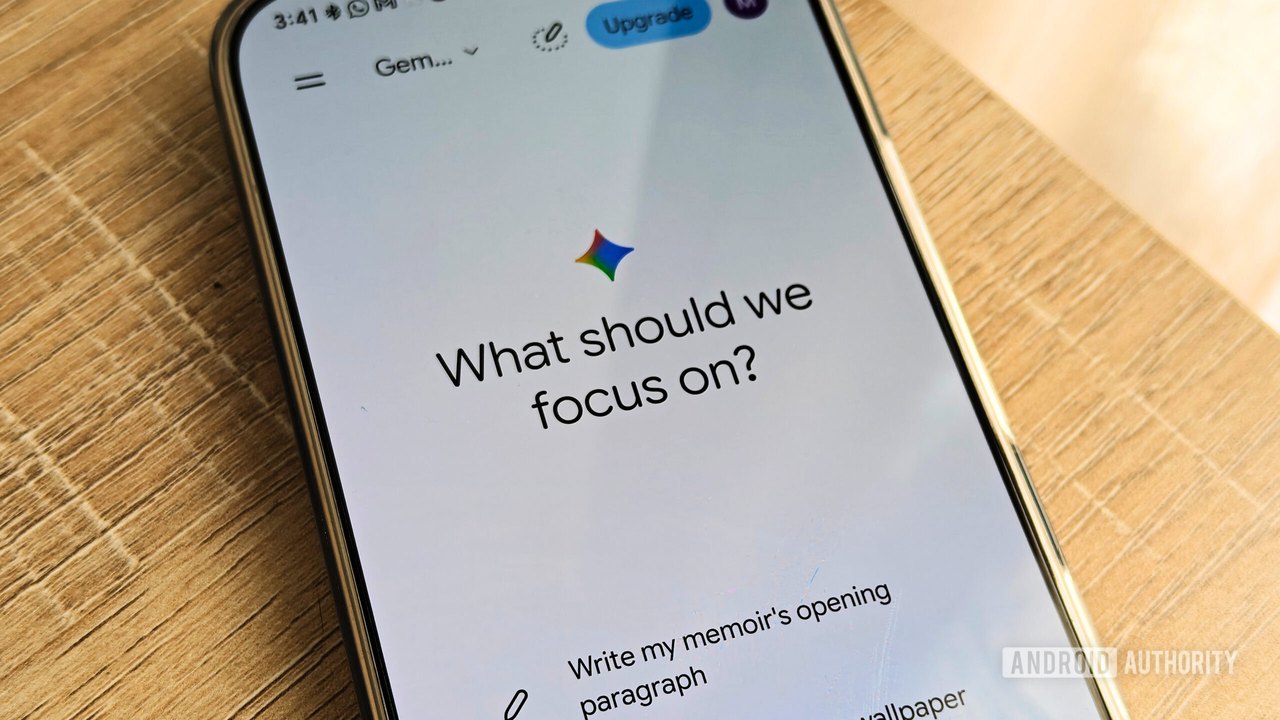
Google is rolling out a new settings feature for Gemini that allows users in the US with paid Google AI plans to view and edit what the AI remembers about them. According to reports, the system relies on personal details gathered from past chats and connected Google applications to personalize responses.
Understanding Gemini's Settings Layers
Google's configuration for Gemini involves two main layers that manage user data and memory:
- Keep Activity Toggle: Determines whether chat history is saved to a user's Google Account. For personal accounts of users aged 18 and older, this is enabled by default. Disabling it means chats are not saved past 72 hours and do not sync across devices.
- Memory Feature: Uses past chat content to build a user profile for personalized responses. This requires the Keep Activity toggle to be active.
How to View and Edit the Memory Summary
For eligible users where the feature is available, the memory summary can be managed through the Gemini web app settings:
- Click the Settings gear icon in the bottom-left corner of the web app.
- Select Personal Intelligence, then click Memory summary.
- Review the categorized bulleted list of details compiled by the AI, including personal data, career info, and interests.
- Click the Edit pen icon to rewrite or delete specific lines, or use the text box prompt to make adjustments before clicking Save.
How to Disable or Limit Memory
Users who prefer to restrict or stop the memory functions can adjust their preferences via the settings menu:
- Turn off Memory: Toggle off the Memory option in the Personal Intelligence menu to stop the AI from saving new facts, noting that previously learned details remain until manually edited or removed.
- Delete Individual Chats: Access the Activity menu under settings to remove specific chat interactions by date using the "X" button, which removes them from the context pool.
Practical implications include increased user control over AI personalization. Readers can verify these settings directly within the official Gemini web application settings menu, provided they meet the current regional and account eligibility criteria.
AI-assisted reporting; source claims are attributed and have not been independently verified.
More to read
 Google Rolls Out Gemini Memory Summary to Let Users View and Edit Stored Data
 Google Extends Gemini Tasks Feature to Millions of Users
 Google Rolls Out 66 New Regional Voices in the Gemini App
 Google Updates Gemini App to Let Users Keep Chat History Without AI Training