Google Rolls Out Gemini Memory Summary to Let Users View and Edit Stored Data
· GlobeWire Daily Editorial Desk · Source: www.androidauthority.com

Image: Android Authority · Photo source · Resized and letterboxed to 16:9; no AI generation
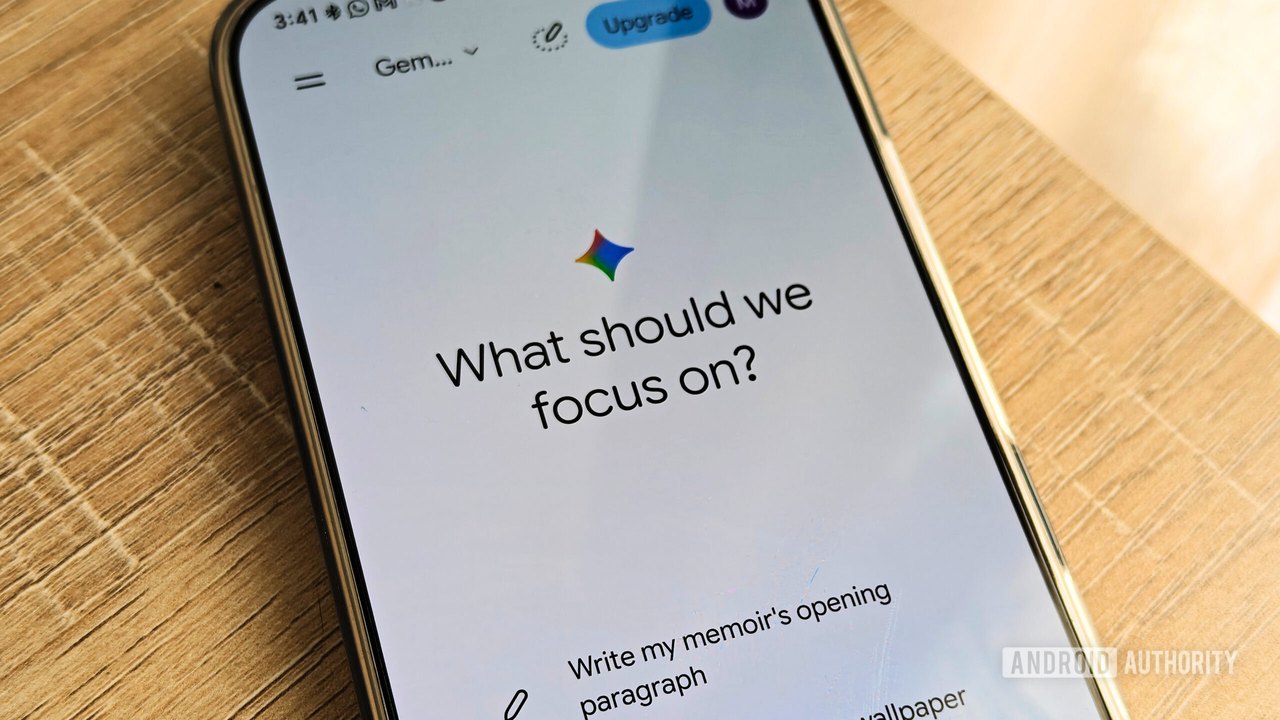
Google is rolling out a new "Memory summary" feature for its Gemini AI chatbot, designed to let users view, edit, and delete personal information that the assistant has remembered from past conversations.
According to official documentation, the feature is rolling out to users in the United States who are 18 years of age or older and maintain an active Google AI subscription. Additional requirements include using the English language, alongside having both "Keep Activity" and "Memory" settings enabled.
How Memory Summary Works
Rather than presenting stored data as a lengthy, unorganized list of facts, the Memory summary feature organizes personal details into distinct categories. These categories cover various aspects of a user's life:
- Background details
- Relationships
- Work information
- Interests
- Personal preferences
Users can interact directly with these categories to correct inaccurate details, delete specific memories they prefer the chatbot to forget, or view a history of changes made to the stored memory.
Access and Availability Observations
While official guidelines state the feature is restricted to US-based subscribers, testing by Android Authority revealed broader accessibility under certain conditions. The feature was observed working on desktop and mobile web browsers using a free account located outside the United States, without the aid of a VPN.
However, this access did not extend to the dedicated Gemini mobile application, where the feature was absent despite running the latest software version. Users wishing to bypass this app limitation can access the feature on mobile devices by visiting gemini.google.com through a web browser.
Practical Implications and Verification
- Transparency: The tool provides a centralized dashboard to monitor what personal data the AI has retained.
- Control: Users gain manual override capabilities to erase or modify incorrect assumptions made by the chatbot.
- Verification: To check for the feature, users can navigate to Settings > Personal Intelligence > Memory summary within the Gemini web interface, provided their account settings meet the necessary language and activity prerequisites.
It remains unconfirmed whether the availability of the feature on free tiers or outside the US is an intentional rollout phase or an unintended technical behavior.
AI-assisted reporting; source claims are attributed and have not been independently verified.
More to read
 Google Rolls Out Feature Allowing Users to View and Edit Gemini's Memory
 Google Updates Gemini App to Let Users Keep Chat History Without AI Training
 Google Rolls Out 66 New Regional Voices in the Gemini App
 Google Expands Gemini Tasks to Free Users With Automated Calling and Purchasing Capabilities