How Google Gemini Chooses Connected Shopping Apps and How You Can Control It
· GlobeWire Daily Editorial Desk · Source: www.androidpolice.com
Google's Connected Apps Platform allows the Gemini assistant to interact directly with various third-party services like Instacart, Ticketmaster, and others, letting users complete tasks like filling grocery carts or finding event tickets within the chat interface. However, reports indicate that when users make broad requests without specifying a provider, Gemini automatically selects an app based on internal logic rather than explicit user preference.
Because different connected apps can yield drastically different results, pricing, and merchant options for the same generic prompt—such as choosing between different ticket platforms or grocery stores—relying on automated choices can impact where money is spent and how much items cost. Users can maintain control over their interactions by following practical steps to ensure they direct queries precisely.
Practical Implications and Control Methods
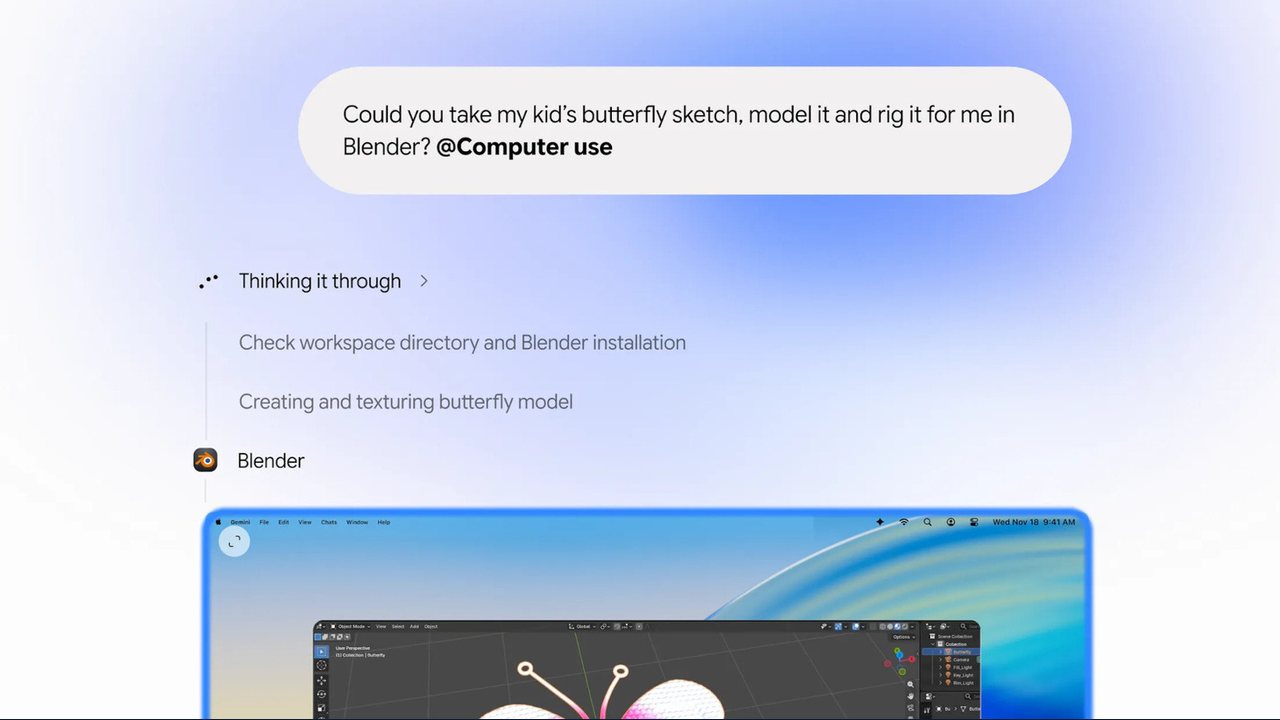
- Specify the App: Type the "@" symbol followed by the app's name (e.g., @Ticketmaster) in your prompt to force Gemini to use that exact integration.
- Check Retailers and Pricing: When using aggregator apps that list multiple stores, always review the specific retailer chosen, as prices and fees can vary significantly between merchants.
- Manage Connected Services: Users can disconnect unwanted integrations by opening Settings via the gear icon, navigating to Personal Intelligence, selecting Connected Apps, clicking "More options" next to the desired service, and disconnecting it.
To verify original platform features and updates, check Google's official documentation and announcements regarding the Connected Apps Platform and Model Context Protocol (MCP).