OpenBot Introduces Local-First Desktop Workspace for Managing Multiple AI Teammates
· GlobeWire Daily Editorial Desk · Source: github.com
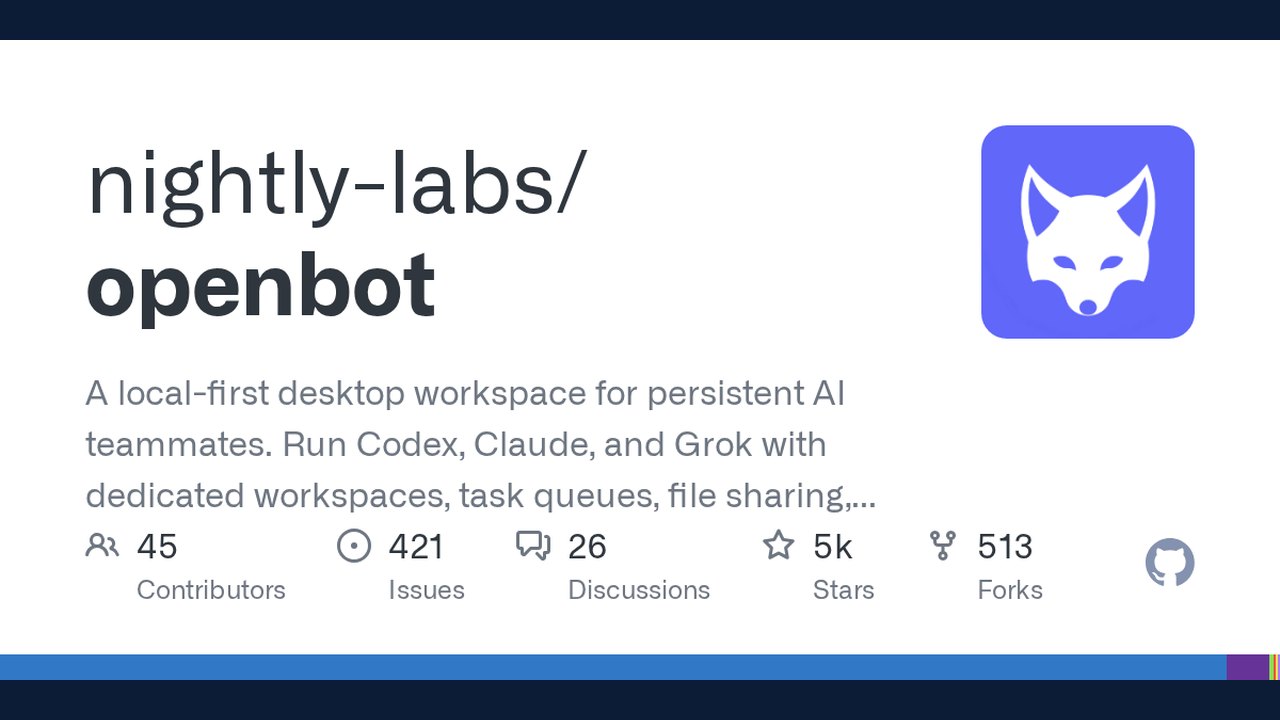
Image: GitHub · Photo source · Resized and letterboxed to 16:9; no AI generation
Overview
OpenBot is a local-first desktop workspace designed to run and coordinate persistent AI agents within a single application. The software provides dedicated workspaces, task queues, file sharing, and browser control for various underlying models and command-line interfaces.
Supported Providers and Integrations
The application supports multiple AI runtimes and interfaces, offering connection options for different providers:
- Local and CLI Integrations: Integrates with local Codex App Server, Claude Code, Grok CLI, OpenCode, Gemini, Cursor CLI, Cline CLI, Kimi Code CLI, and Hermes Agent through ACP.
- Custom Endpoints: Supports OpenAI-compatible endpoints and custom ACP agents, with automatic detection of local model servers like Ollama and LM Studio.
- Provider Management: Allows users to download or configure required CLIs, with update checks and managed runtime handling.
Key Features
- Workspace Isolation: Every agent receives its own dedicated workspace and conversation thread.
- Task Queues: Features FIFO message queues equipped with pause, resume, cancellation, and crash-safe persistence.
- Agent Collaboration: Supports agent-to-agent messaging, shared desktop channel chats with explicit task delegation, and reaction handling.
- Embedded Browser: Includes a persistent embedded browser that agents can open, inspect, and control, alongside optional Computer Use capabilities on macOS, Windows, and Linux.
Security and Execution Policy
As a development preview, agents currently operate with broad execution permissions following initial launch consent. Users are advised to run only trusted agents and tasks, maintain backups, and review system security configurations before deployment.
Verification and Getting Started
To verify original specifications, installation steps, and system requirements, consult the official repository and documentation on GitHub under nightly-labs/openbot.
AI-assisted reporting; source claims are attributed and have not been independently verified.
More to read
 OpenDesign Emerges as a Collaborative AI Design Agent Workspace with Local-First Architecture
 Odysseus: A Comprehensive Self-Hosted AI Workspace for Local Productivity
 nodeterm Introduces Spatial Terminal Manager for AI Coding Agents Across Desktop, Browser, and Mobile
 ReelMimic Project Introduces AI-Driven Style Replication for Local Animation Production
Trending on GlobeWire Daily
Selected from recent coverage and related topics; not live search rankings.
 OpenPencil launches AI‑native open‑source design editor as a Figma alternative
 ai-phone: Running an AI-Powered SIP Phone Agent Locally on Apple Silicon
 Oil UI: An Open‑Source UI‑Design Skill for Claude, Codex and Other AI Agents
 Hallmark Skill Promises AI‑Generated Design Detection for Claude Code, Cursor, CodexOdysseus: A Comprehensive Self-Hosted AI Workspace for Local Productivity
 NVIDIA Releases Switchyard: An Open-Source Library for Dynamic LLM Routing and Cost Optimization