OpenDesign Emerges as a Collaborative AI Design Agent Workspace with Local-First Architecture
· GlobeWire Daily Editorial Desk · Source: github.com
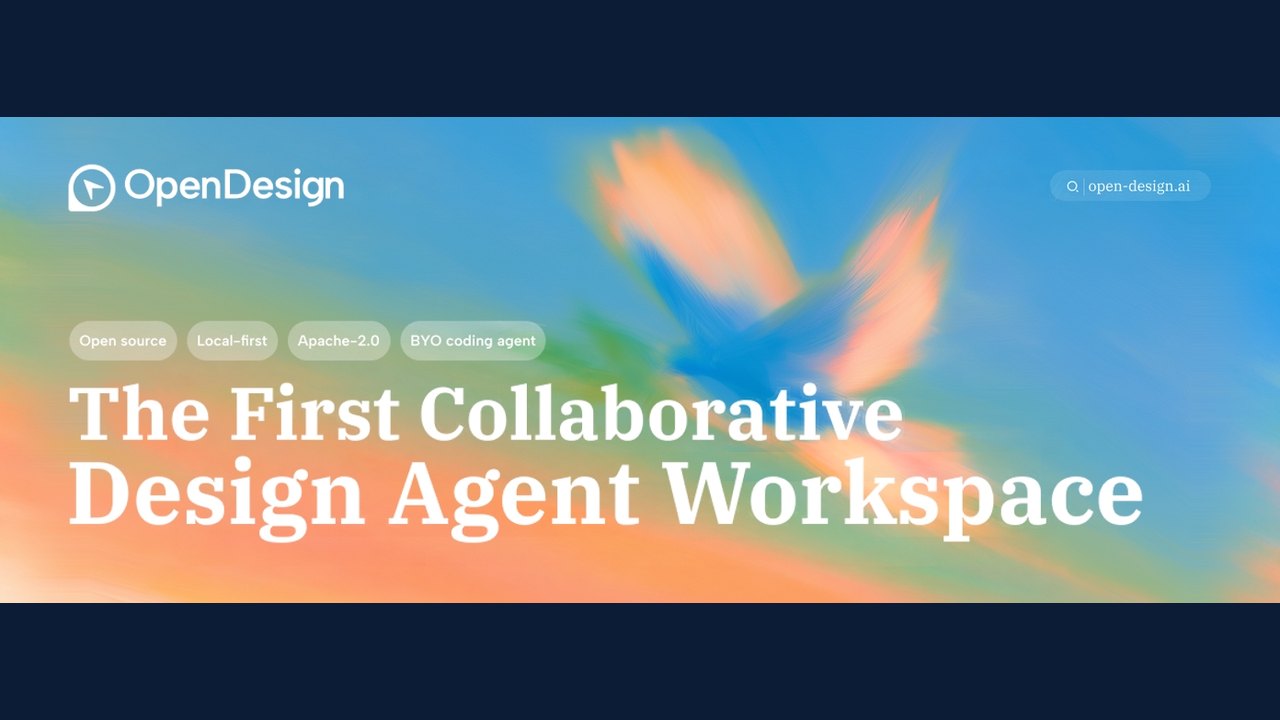
Image: GitHub · Photo source · Resized and letterboxed to 16:9; no AI generation
Overview of OpenDesign
OpenDesign is introduced as a collaborative AI design agent workspace designed to integrate coding agents, design systems, and rendering templates into a single workflow. Operating under the Apache 2.0 license, the platform is structured around a local-first approach, allowing teams and individuals to build prototypes, websites, dashboards, presentations, and motion graphics using compatible AI coding assistants.
Core Architecture and Workflows
- Agent Integration: OpenDesign connects with mainstream coding environments and CLI tools. It supports native runtimes such as DeepSeek Harness via the official `dsh` CLI, alongside Model Context Protocol (MCP) integrations for tools like Claude Desktop.
- Design Systems: Every render references a core brand contract via a `DESIGN.md` file. The repository includes multiple pre-packaged design systems and templates to maintain brand consistency.
- Output Surfaces: The platform supports various artifact types, including sandboxed HTML previews, live dashboards, slide decks exportable to PDF, PPTX, or Markdown, and image or video frameworks.
Privacy, Security, and Configuration
OpenDesign implements a local-first security model where the daemon binds locally by default. It features built-in Server-Side Request Forgery (SSRF) protection for API proxy requests and handles user analytics with consent-gated telemetry.
How to Verify and Get Started
Users can inspect the source code, review documentation, or download official desktop builds from the official GitHub repository (`nexu-io/open-design`). Installation instructions, environment requirements, and contribution guidelines are detailed within the repository's documentation.
AI-assisted reporting; source claims are attributed and have not been independently verified.
More to read
 OpenBot Introduces Local-First Desktop Workspace for Managing Multiple AI Teammates
 DeepSeek AI Releases Open-Source Agent Harness with Plugin-First Architecture
 OpenLogi Emerges as a Local-First, Rust-Based Alternative to Logitech Options+
 Odysseus: A Comprehensive Self-Hosted AI Workspace for Local Productivity
Trending on GlobeWire Daily
Selected from recent coverage and related topics; not live search rankings.
 OpenPencil launches AI‑native open‑source design editor as a Figma alternative
 ai-phone: Running an AI-Powered SIP Phone Agent Locally on Apple Silicon
 Oil UI: An Open‑Source UI‑Design Skill for Claude, Codex and Other AI Agents
 Hallmark Skill Promises AI‑Generated Design Detection for Claude Code, Cursor, CodexOdysseus: A Comprehensive Self-Hosted AI Workspace for Local Productivity
 NVIDIA Releases Switchyard: An Open-Source Library for Dynamic LLM Routing and Cost Optimization