OpenLogi Emerges as a Local-First, Rust-Based Alternative to Logitech Options+
· GlobeWire Daily Tech Desk · Source: github.com
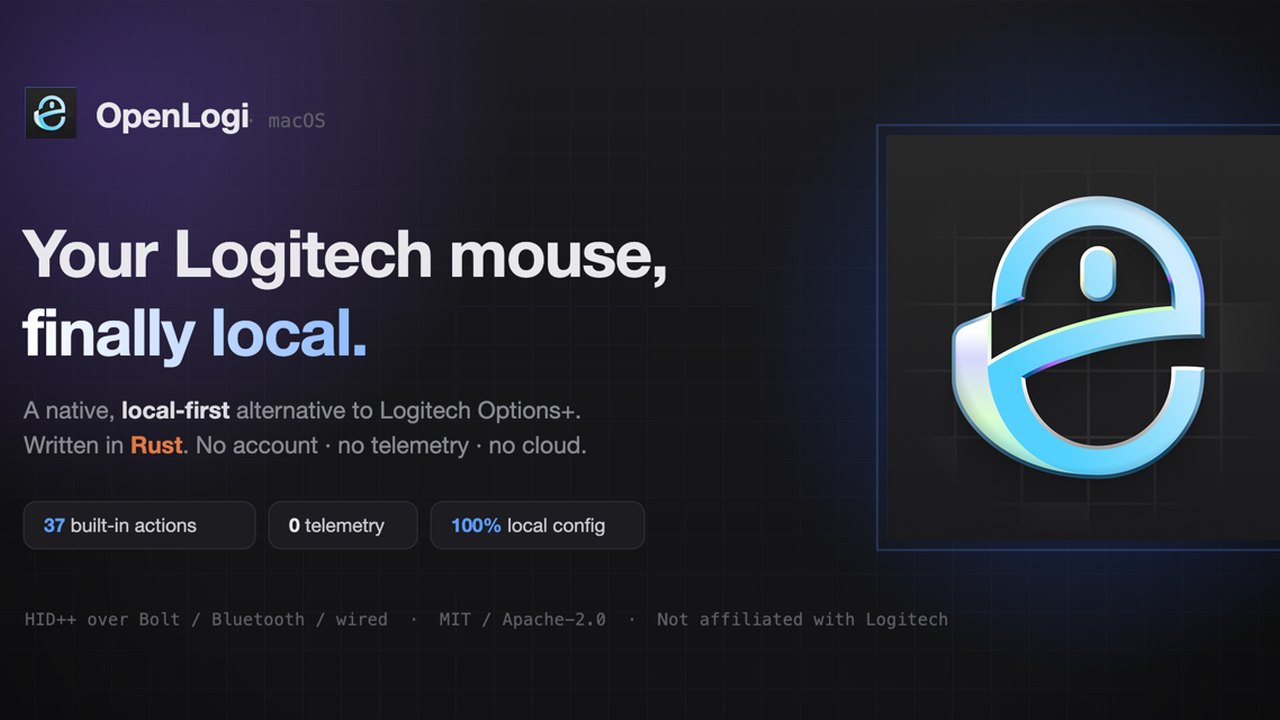
Image: github.com — Creative Commons
Overview of the OpenLogi Project
A new open-source software project named OpenLogi has been introduced as a native, local-first alternative to Logitech’s official Options+ configuration software. Developed in Rust, the utility aims to unlock and manage the capabilities of Logitech mice, keyboards, and UVC webcams communicating over HID++ and UVC protocols. The project is explicitly independent and is not affiliated with Logitech International S.A.
Designed to run locally without requiring user accounts or telemetry, OpenLogi provides support across multiple operating systems, most notably bringing first-class platform support to Linux users where official proprietary alternatives are often limited.
Key Features and Capabilities
According to the official repository documentation, OpenLogi incorporates a broad array of configuration options and hardware diagnostic tools. Notable functionalities include:
- Plain-Text Configuration: User settings are stored in a single TOML configuration file that can be manually edited or synchronized across multiple machines.
- Automation and Scripting: Features a command-line interface (CLI) alongside its graphical interface, offering a JSON automation API for managing DPI, SmartShift, Fn-lock, report rates, and hardware diagnostics.
- Cross-Platform Compatibility: Supports Logi Bolt and Unifying receivers, Bluetooth connections, and wired peripherals across Windows, macOS, and Linux.
- Peripheral Customization: Enables button remapping, gesture controls, separate tap-and-hold actions, per-application profiles, and custom macro workflows.
- Webcam Controls: Extends support to Logitech UVC webservers (such as Brio, StreamCam, and the C920 series) to adjust zoom, pan, tilt, focus, exposure, and white balance directly at the hardware level.
Current Status and Technical Considerations
The project is currently under active development and is explicitly marked as not yet stable, meaning features and configuration formats remain subject to change. Because peripheral receivers can typically be owned by only one application at a time, users are advised to quit official software like Logitech Options+ or Linux alternatives like Solaar before running OpenLogi.
Security and verification measures include cryptographic signatures via minisign and SHA256SUMS for downloads. Certain operating systems, such as macOS, require explicit accessibility and input monitoring permissions to function correctly.
Practical Implications and Verification
For users seeking a telemetry-free, local-first hardware configuration tool, OpenLogi offers a transparent configuration model using plain text files. However, because the software is in an early, unstable stage of development, users should evaluate potential compatibility issues with their specific hardware models.
Readers can verify all technical details, installation steps, and code contributions by reviewing the official repository directly at the [OpenLogi GitHub Repository](https://github.com/aprilnea/openlogi).
AI-assisted reporting; source claims are attributed and have not been independently verified.
More to read
 Sony Announces Retro-Inspired Translucent PS5 Controllers and Console Covers
 Internal Emails Raise Questions Over HR Records for DOGE Operative Leading USAID
 General Compute Secures $100 Million Series A at $800 Million Valuation Amid Neocloud Market Headwinds
 How to Repurpose Your Unsupported Pre-2013 Kindle Instead of Throwing It Away
Trending on GlobeWire Daily
Selected from recent coverage and related topics; not live search rankings.
 MP High Court Opens Applications for 418 Stenographer and Assistant Posts: Key Dates and Eligibility
 WBPSC Announces 1145 Sub-Surveyor Vacancies: Important Dates, Eligibility, and Application Details
 ARCI Recruitment 2026: Applications Open for 29 Technical, Administrative, and Scientific Posts
 Karnataka School Education Department Extends Online Application Deadline for 2026 Teacher Recruitment to 16 November
 KRDP Recruitment 2026: Online Applications Open for 12,878 Group B and C Vacancies
 RRB Releases 2026 Station Master Recruitment Notification for 1,265 Posts