How to Repurpose Your Unsupported Pre-2013 Kindle Instead of Throwing It Away
· GlobeWire Daily Tech Desk · Source: www.engadget.com
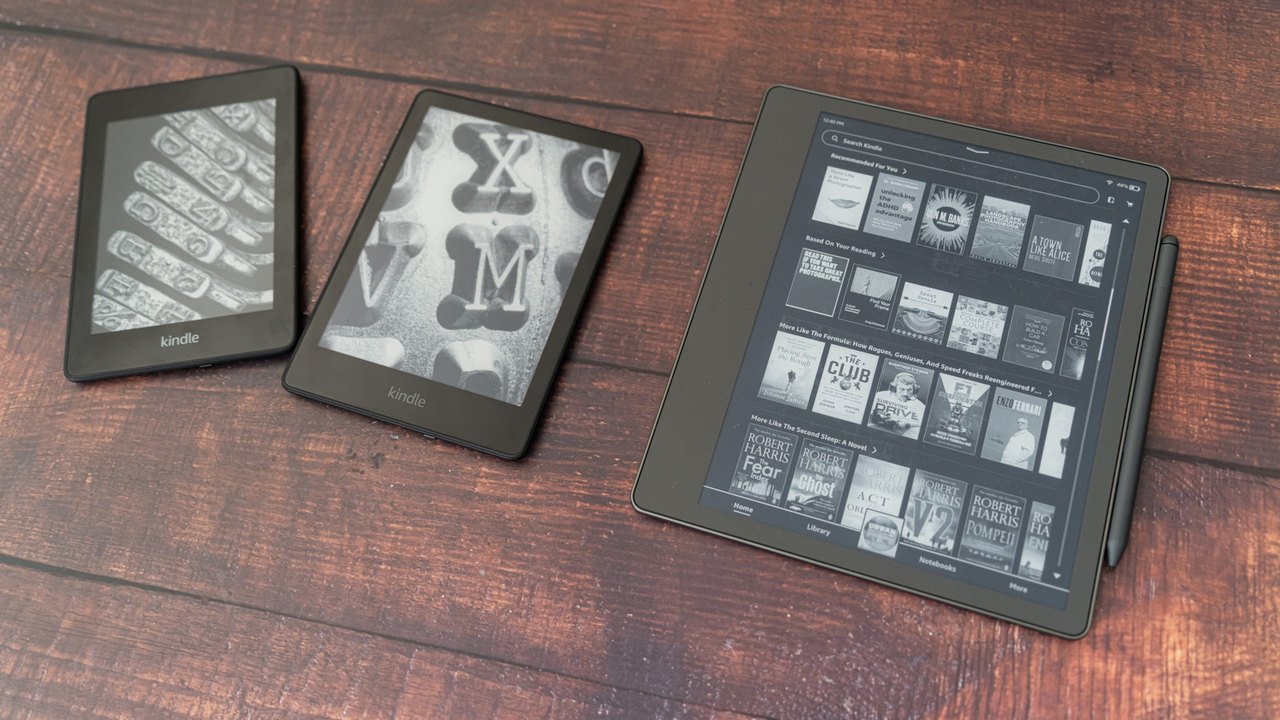
Image: www.engadget.com — Creative Commons
Following Amazon's decision to end software support for Kindle devices released before 2013, many owners of older e-readers are weighing their options. Rather than sending these functional gadgets straight to the landfill, users can utilize alternative loading methods, transform the devices into custom displays, or pursue responsible recycling options.
Understanding the Support Phase-Out
Amazon officially ended software support for Kindle models released in 2012 or earlier, including the original Kindle, Kindle 2, Kindle DX, Kindle Keyboard, Kindle 4, Kindle Touch, Kindle 5, and the first-generation Kindle Paperwhite. This change prevents affected devices from buying, borrowing, or downloading new books directly through Amazon's network.
According to Amazon, the decision impacts approximately three percent of active users and reflects long-term technological updates. Devices manufactured in 2013 and later remain fully supported for new content downloads.
Continued Reading Through Sideloading
Owners of older models do not need to discard their devices immediately. Existing downloaded content remains readable as long as the user stays logged in, though performing a factory reset or deregistering the device will lock the user out.
For those wishing to add new reading material, sideloading serves as a viable workaround. By connecting the device to a computer via a USB cable, users can manually transfer files using open-source library management software like Calibre. Public domain texts and personal documents obtained from repositories such as Project Gutenberg or the Internet Archive's Open Library can be formatted and transferred directly.
Hardware Hacking and Custom Displays
Because electronic paper displays consume minimal power, tech-savvy users have found alternative uses for older Kindles. By connecting the e-reader to a home server setup involving a microcomputer like a Raspberry Pi and open-source scripts found on GitHub, the device can periodically fetch and display static data such as clocks, calendars, or custom dashboards via Wi-Fi.
Practical Implications and Verification
- What is confirmed: Official software support for pre-2013 Kindle models has ended. Sideloading via USB and third-party tools like Calibre remains technically possible for adding compatible files. Amazon is offering a 20 percent discount on new devices to affected customers.
- What is unknown: The long-term reliability of third-party community scripts for custom display hacks as web standards and server protocols evolve.
- How to verify: Readers can review the original announcement and safety guidelines directly through [Engadget's report](https://www.engadget.com/2296053/dont-throw-away-your-old-kindle-repurpose-it/). Before recycling or disposing of any hardware, users should perform a factory reset via the device settings if they are certain they no longer require access to locally stored files.
AI-assisted reporting; source claims are attributed and have not been independently verified.
More to read
 MiniMax Releases Open-Source Terminal Coding Agent for Local and Cloud Models
 Sir Patrick Stewart, Iconic Star Trek and X-Men Star, Dies at 86
 Microsoft Releases Windows 11 KB5127936 Preview Update with File Explorer and Cloud Rebuild Improvements
 BCG Report Projects $100–$200 Billion Net AI Services Opportunity by 2030
Trending on GlobeWire Daily
Selected from recent coverage and related topics; not live search rankings.
 Four Years After Historic UN Biodiversity Deal, Global Targets Face Severe Implementation Gaps
 Bihar Museum Ranks Ninth Globally, Sparking Praise From Anand Mahindra and an Official Invitation From State Leadership
 Latin’s Enduring Benefits: Teachers Report Lifelong Skills From Classical Studies
 ISRO Employee Associations Seek Official Clarification Amid Space Sector Privatisation Push
 State Bank of India Fixed Deposit Interest Rates: Overview of Tenures and Returns for General and Senior Citizens
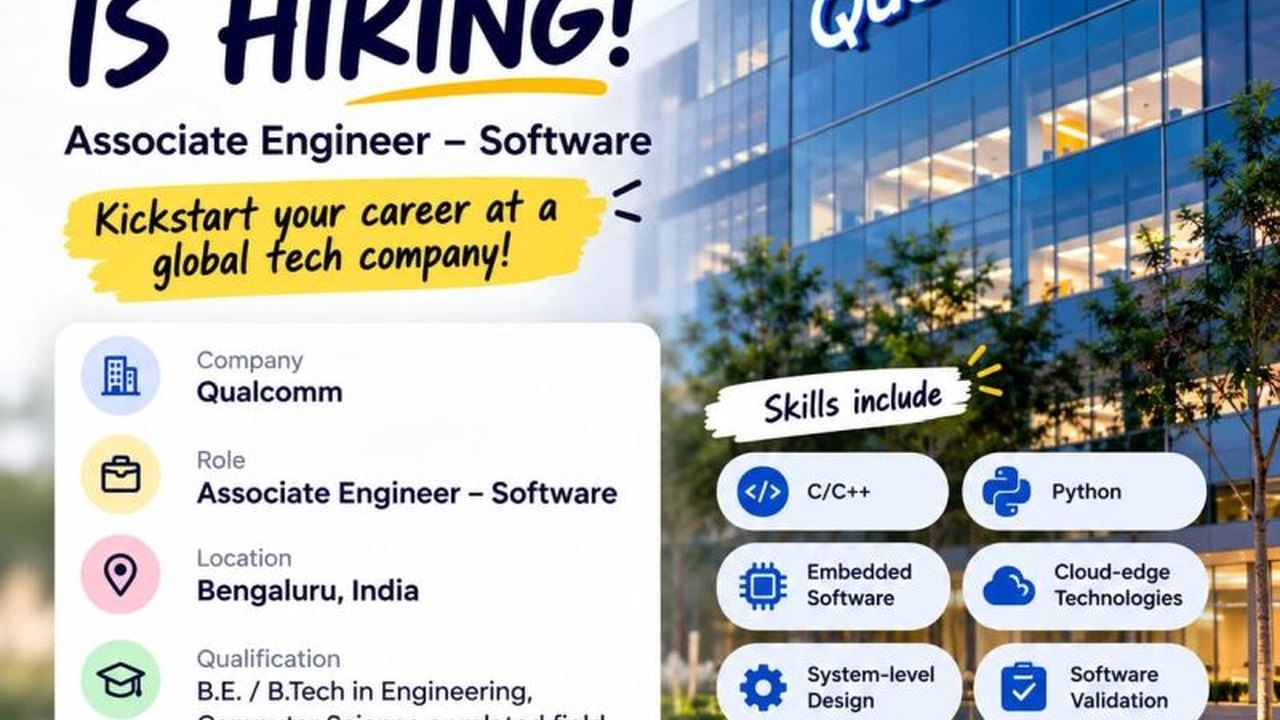 Qualcomm Opens Application Process for Associate Software Engineer Role in Bengaluru