AMD Releases Driver Update to Resolve Excessive SSD Write Issue on Radeon GPUs
· GlobeWire Daily Editorial Desk · Source: www.cnet.com
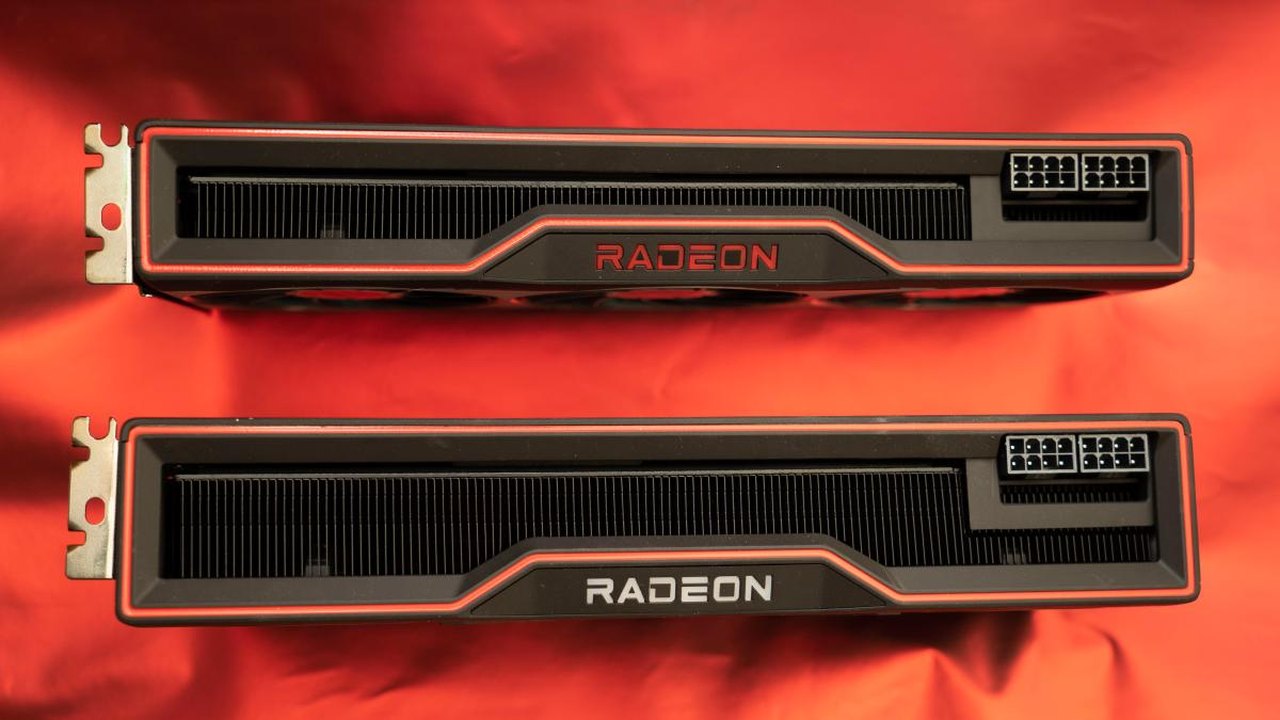
Image: CNET · Photo source · Resized and letterboxed to 16:9; no AI generation
AMD has issued a software update intended to resolve a reported driver issue that caused excessive and continuous data writes to solid-state drives across its Radeon graphics card lineup.
According to reports from technology publications, the bug was traced to background Windows processes associated with the AMD External Events Client Module and Utility, specifically `atieclxx.exe` or `atiesrxx.exe`. Publications such as Neowin noted that some users observed large amounts of data being written to their system drives while idle or while interacting with application windows.
Update Details and Scope
- Affected Hardware: AMD Radeon graphics products, including Radeon RX 7000 series and other cards using the company's driver software.
- Software Solution: AMD released an optional update, Adrenalin Edition 26.11.1, available directly on the official AMD website.
- Official Notes: The release notes state the update addresses excessive system-drive writes while idle and during tasks such as moving or resizing application windows.
Practical Implications
Continuous, excessive data writing can accelerate wear and tear on solid-state drives, potentially shortening their operational lifespan. Given recent fluctuations in storage hardware costs, premature drive degradation poses a financial concern for affected users.
Verification and Temporary Workarounds
Users seeking to verify whether their systems are impacted or looking for temporary measures prior to updating can utilize built-in Windows utilities:
- Checking Disk Activity: Press the Windows Key + R, type `resmon`, and navigate to the Disk tab to monitor disk writes associated with `atieclxx.exe` or `atiesrxx.exe`.
- Disabling Background Services: Some community members reported temporarily disabling the AMD External Events Utility via `services.msc` by setting the startup type to Disabled. However, community members and experts warn that altering these services may impact display functions, game performance, or other system behaviors.
To verify official announcements and updates, users should consult AMD's support pages directly rather than relying on unverified community mirrors.
AI-assisted reporting; source claims are attributed and have not been independently verified.
More to read
 Paramount+ Sets Premiere Date and Releases Trailer for Minnie Driver Heist Drama ‘The Day’
 Pebblebee Releases Festive Color Drop for Android Find Hub Trackers with Mixed Results
 Public Exploit Code Targets Windows CLFS Driver in SignDrop Claims
 Apple Releases iOS 27.3 Beta 2 and macOS 27.3 Beta 2 with New Developer Features