Autopilot Playtesting Tool Offers Integration for Major Game Engines
· GlobeWire Daily Editorial Desk · Source: github.com
Image: GitHub · Photo source · Resized and letterboxed to 16:9; no AI generation
Autopilot is described as a continually learning real-time general playtesting system designed to help explore and test game levels. According to the documentation provided by its developers, the system is compatible with several game development platforms, offering support for Unreal Engine 5, Unity 6, Godot 4, and Roblox Studio on Windows and macOS.
Installation and Setup Overview
The documentation outlines specific integration steps depending on the game engine being utilized:
- Unreal Engine: Users can download builds for supported versions and place the Autopilot folder into the project's Plugins directory, or build from source for advanced setups.
- Unity: Installation involves using the Package Manager to install a `.tgz` package file.
- Godot: Files are placed within the project's addons folder and enabled via project settings.
- Roblox Studio: Requires running an installation script, placing a plugin file in the local plugins directory, enabling the Studio MCP server, and running a terminal service.
Onboarding and Features
Once installed, users open the Autopilot window within their engine and connect via an Aura account or use Bring Your Own Key (BYOK) options. The software supports integration with coding assistants like Claude Code and Codex through Model Context Protocol (MCP) servers.
Prompts processed by Autopilot generally fall into four categories:
- Exploration: Investigating specific systems or areas.
- Testing: Identifying visual or functional issues within an open level.
- Verification: Checking specific interactive behaviors.
- Goal-based commands: Executing defined objectives, such as defeating a boss while maintaining health thresholds.
Practical Implications and Verification
The developers state that the tool populates project memory over successive runs, with performance and efficiency improving as it continues to play. Users interested in verifying these details, reviewing licensing terms under Apache License 2.0, or accessing complete developer guides can consult the official documentation and repository at tryaura.dev/autopilot or via the Aura developer resources.
AI-assisted reporting; source claims are attributed and have not been independently verified.
More to read
 DownloadCraft: Rust-Powered Download Manager Offers IDM Alternative with Browser Integration
 Mihon Open-Source Android Manga Reader Offers Configurable Reading and Tracker Integration
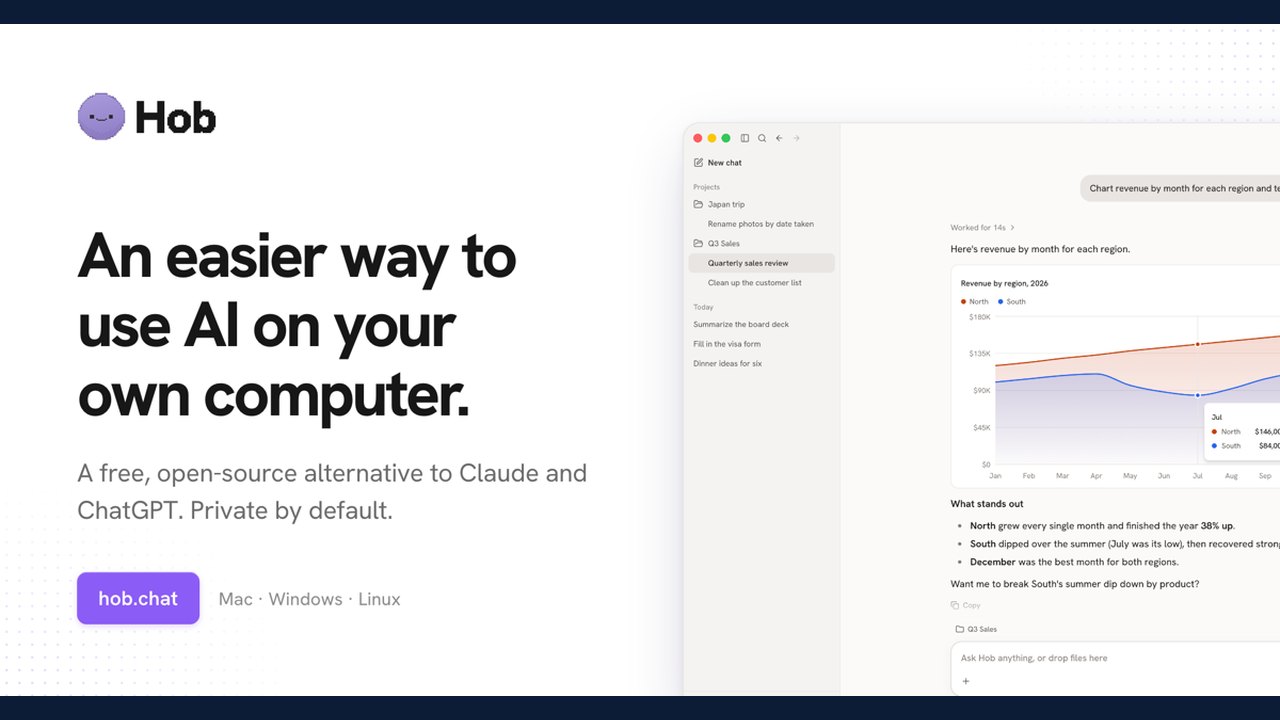 Hob Offers Free, Open-Source Local AI Tool as Alternative to Cloud Services
 A Stacked Autumn: The Major Game Releases Arriving Before GTA 6
Trending on GlobeWire Daily
Selected from recent coverage and related topics; not live search rankings.
 Madhya Pradesh Government Plans Revenue Generation from 117-Year-Old Edward Villa in Mumbai Through Leasing
 iPhone 18 Pro Named TechRadar Product of the Year 2026
 Google Project Suncatcher Runs Gemma 4 AI on Orbiting Satellite and Receives First Response
 Gender Disparities in Eye Care Access Across India Examined
 Satellite Images Show Cyclone Arnab Weakening Over India As New System Brews
 Expanding Green and Blue Spaces Crucial for India's Economic and Public Health, Reports Indicate