Enabling Root SSH on BMW iDrive 7 and 8 MGU Head Units via ENET
· GlobeWire Daily Editorial Desk · Source: github.com
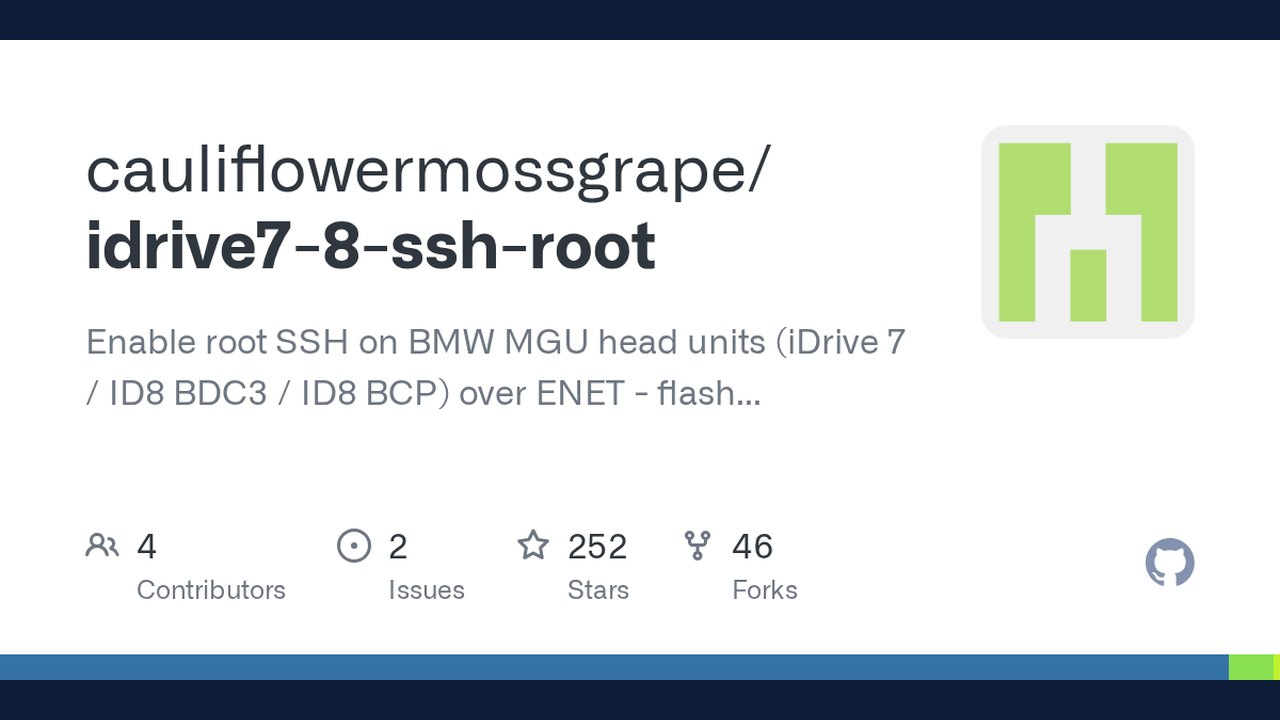
Image: GitHub · Photo source · Resized and letterboxed to 16:9; no AI generation
Overview of BMW MGU Head Unit SSH Tool
An open-source utility titled `cauliflowermossgrape/idrive7-8-ssh-root` has been documented for enabling root Secure Shell (SSH) access on BMW MGU head units. The tool targets iDrive 7 and iDrive 8 systems—specifically MGU ID7, ID8-BDC3, and ID8-BCP variants—utilizing the vehicle's ENET diagnostic interface.
According to the release notes, the tool automates flashing a debug image, enrolling the SSH identity, and keeping the service operational permanently without triggering the B7F8E5 "debugging active" Diagnostic Trouble Code (DTC).
Core Features and Operation
The implementation handles several administrative and diagnostic steps over an Ethernet-based ENET cable linked to a laptop:
- One-Time Flash and Persistence: Flashes a debug image (~131 KB, VIN-bound) and configures persistence so SSH runs on every boot with debug mode disabled.
- Key Management: Generates and saves connection keys locally. An advanced, optional flag permits swapping to a unique per-car SSH key by mounting the root file system as read-write temporarily.
- Repair and Diagnostics: Includes commands to check status (`status`), re-enable SSH without reflashing (`enable`), close the service (`close`), revert persistence (`disable`), and fix refused SSH keys (`fix-key`).
Practical Implications and Risks
Modifying automotive head units carries inherent operational risks. Published reports indicate that running flash procedures wipes existing vehicle coding, CAFD definitions, and BMW Digital Key pairings.
- Coding Backup Required: Users must back up head unit coding using third-party tools like BimmerCode or official software (ISTA/E-Sys) prior to executing any flashing operations.
- Digital Key Reparing: Digital key pairings stored on smartphones are deleted during a flash and must be re-paired manually.
- Exclusively Wired: Wi-Fi adapters are unsupported; a physical ENET cable is mandatory.
How to Verify and Access
The software is available in the public domain under The Unlicense. Users can run the Python script from source (Python 3.9+) or use precompiled standalone Windows executables. Verification involves inspecting port 22 availability and confirming successful root login using generated keys via standard SSH clients on Windows, macOS, Linux, or WSL.
AI-assisted reporting; source claims are attributed and have not been independently verified.
More to read
 CVE‑2026‑112445: How a Mis‑configured macOS LaunchDaemon Lets Any User Gain Root
 Unofficial Native PC Port Brings God of War (2005) to Windows, Linux (Experimental) via Static Recompilation
 Integrating Voice AI and Agents via Agentring: Documentation Overview
 The Blue Kite Announces Opening for Social Media Associate Role in Goa via LinkedIn
Trending on GlobeWire Daily
Selected from recent coverage and related topics; not live search rankings.
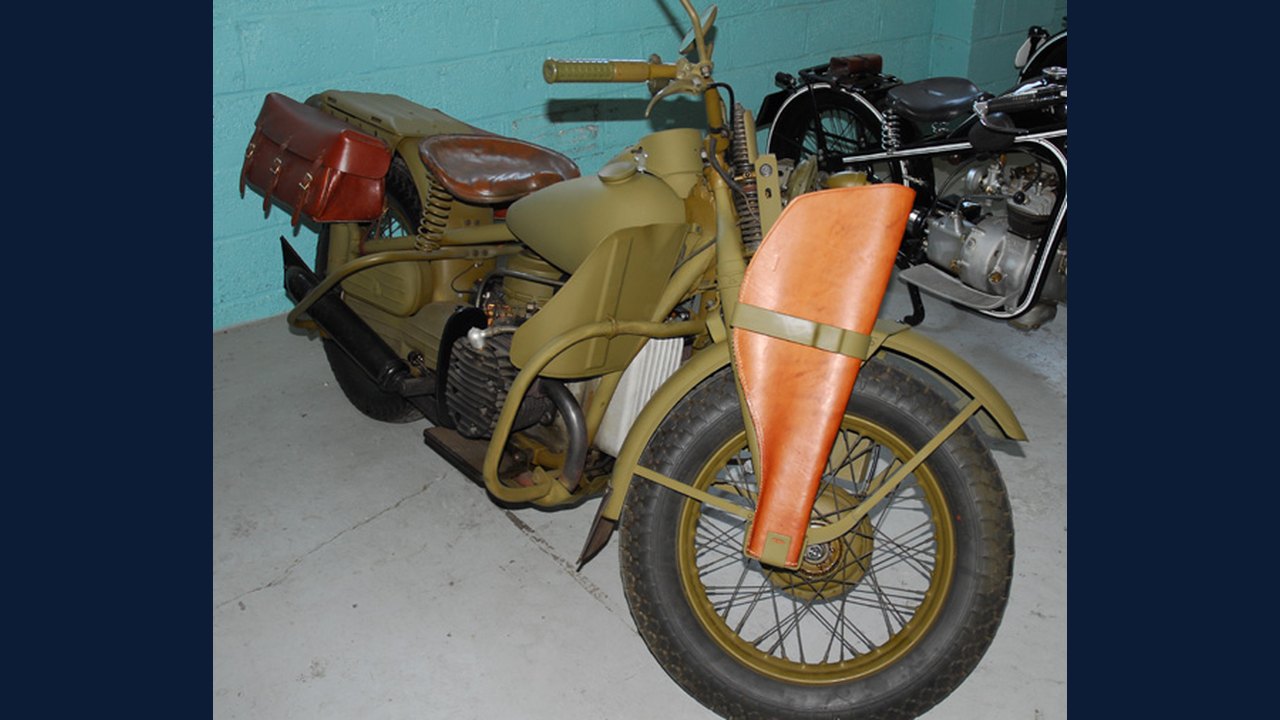 Harley-Davidson XA: Specifications & buying guide
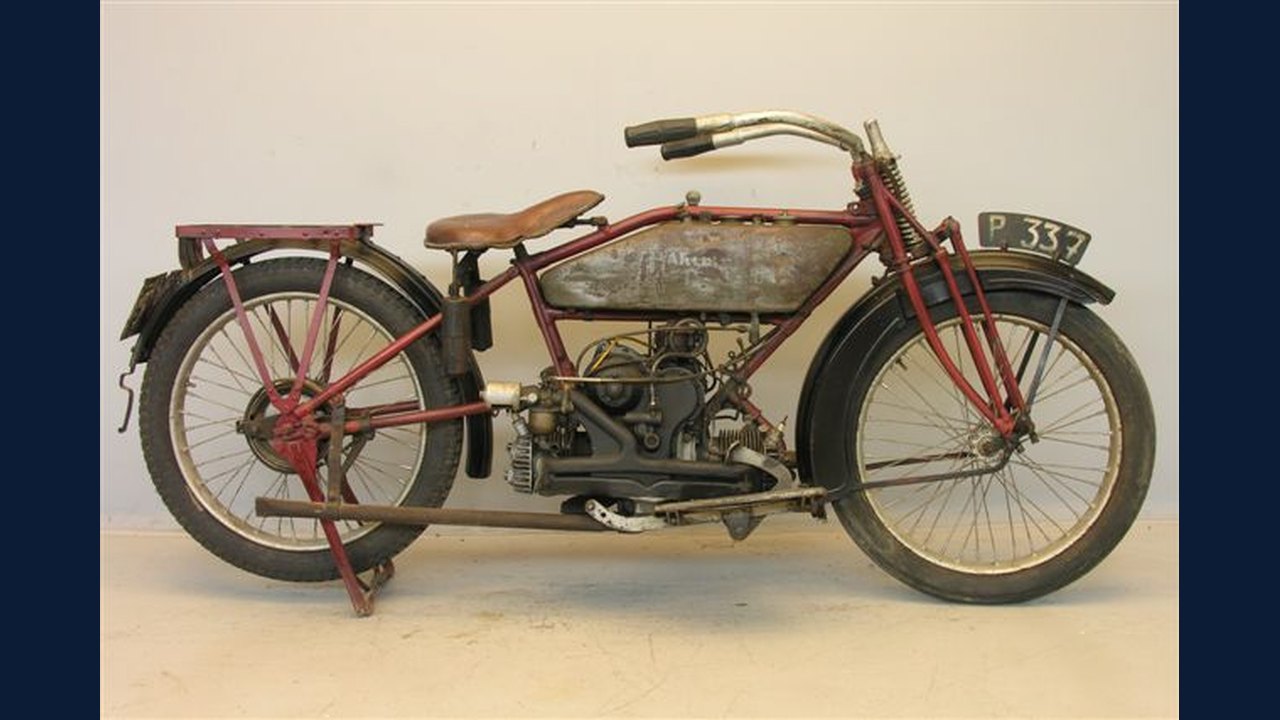 Harley-Davidson Model W: Specifications & buying guide
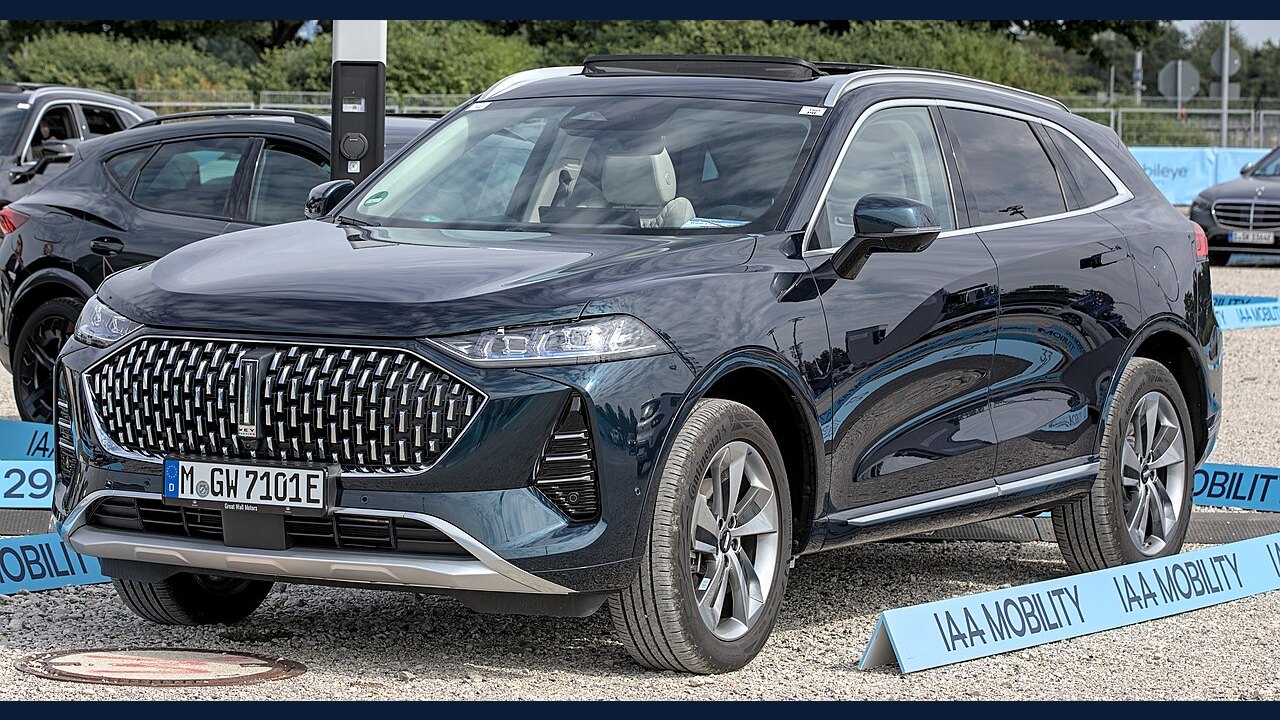 WEY Mocha: Specifications, variants & buying guide
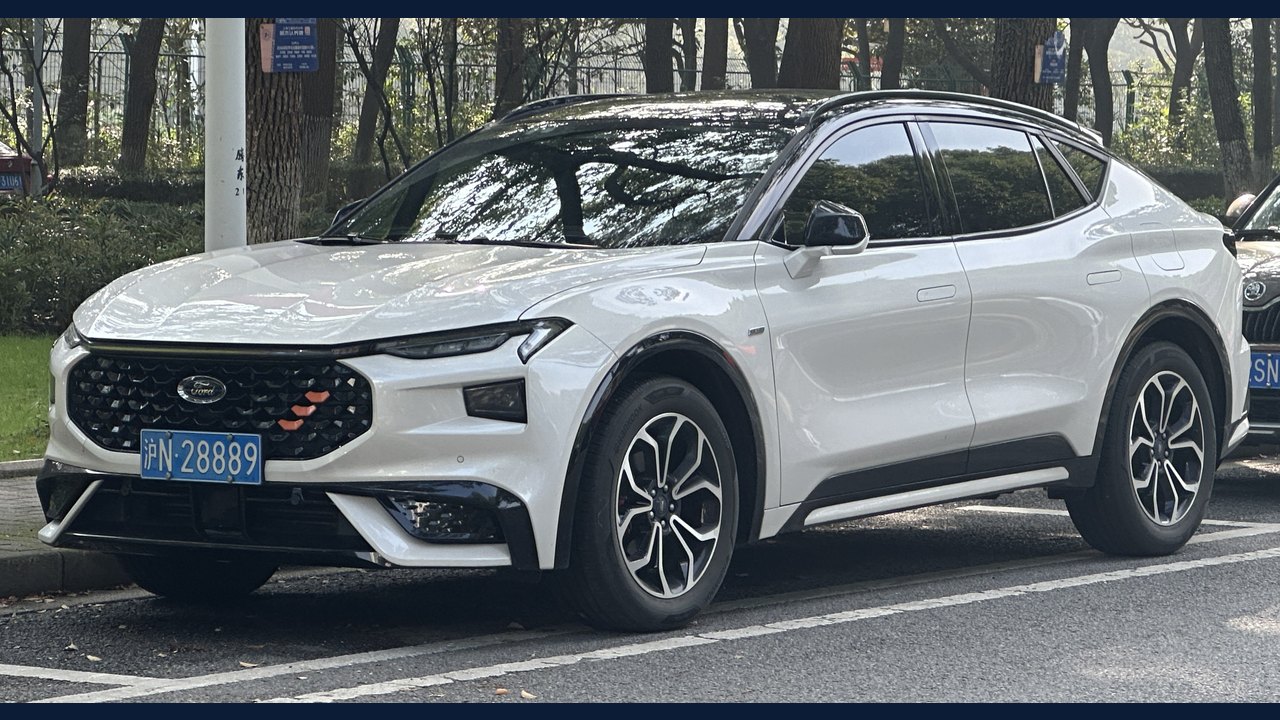 Ford Mondeo Sport: Specifications, variants & buying guide
 Nokia Lumia 1520: Specifications & buying guide
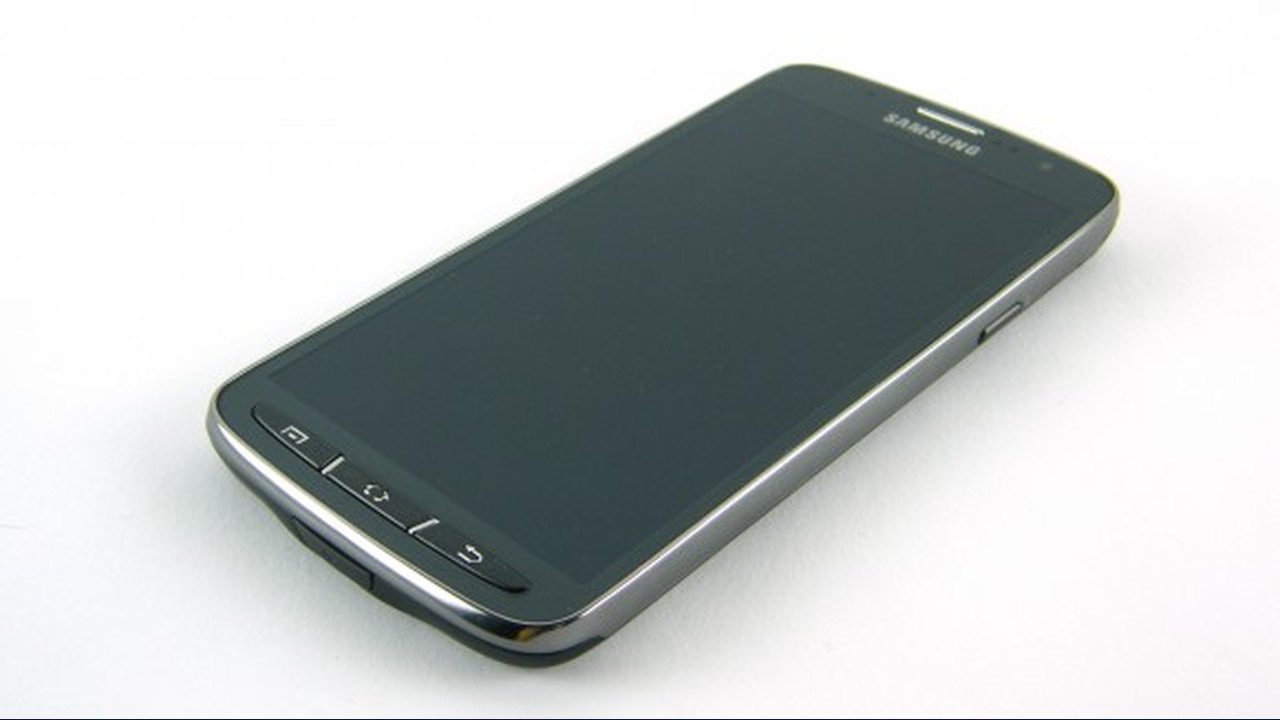 Samsung Galaxy S4 Active: Specifications & buying guide