Apps & Software
Unofficial Native PC Port Brings God of War (2005) to Windows, Linux (Experimental) via Static Recompilation
· GlobeWire Daily Editorial Desk · Source: github.com
Key takeawaysThe information above reflects the state of the repository as of the latest release on GitHub.
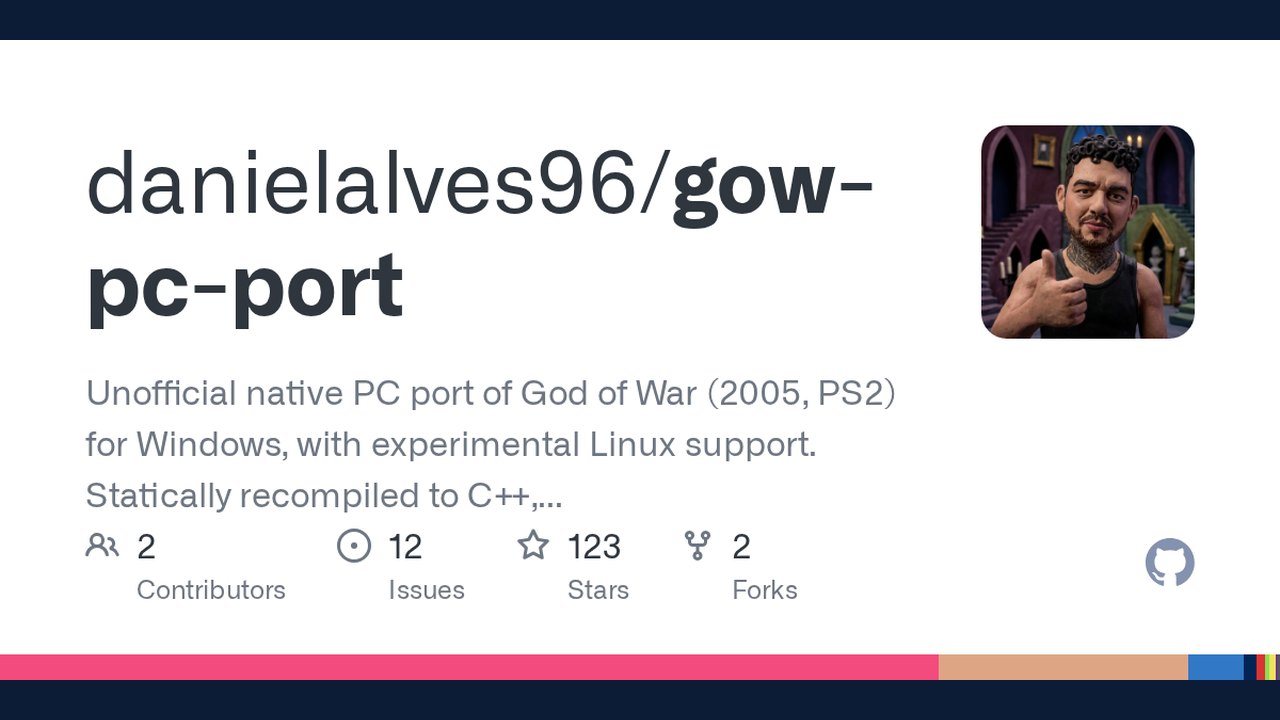
Image: GitHub · Photo source · Resized and letterboxed to 16:9; no AI generation
Overview
A community‑maintained GitHub project (danielalves96/gow‑pc‑port) offers a native Windows build and an experimental Linux build of *God of War* (PlayStation 2, 2005). The code is a static recompilation of the original MIPS binary into C++, not an emulator. Users must supply their own legal copy of the US PS2 disc (SCUS‑97399).
How It Works
- The project's Rust‑based recompiler translates the game’s MIPS instructions to C++ ahead of time.
- The generated C++ is then compiled into a regular 64‑bit executable that runs directly on the host CPU.
- PS2 hardware components (GS graphics synthesizer, VU1 vector unit, I/O processor, sound, controller, memory card) are re‑implemented natively; no BIOS or runtime interpreter is used.
- The approach is documented in `docs/dev/ARCHITECTURE.md`.
Features (as listed in the repository)
- OpenGL 4.6 renderer with internal resolution scaling from 1× to 6×, bicubic sharpening, FXAA, and a 60 Hz game‑logic lock.
- Widescreen support (Hor+ patches for 16:9, 16:10, 21:9) with an option to revert to the original 4:3.
- Native movie playback (MPEG‑2) with sound, including the game’s widescreen cutscenes.
- Remappable keyboard/mouse and full gamepad support (DualShock, DualSense, Xbox, 8BitDo) with vibration on Windows.
- Cheat menu (nine built‑in cheats), target lock, agile combat tweaks, FPS counter, and fullscreen toggle.
- Save compatibility via a PCSX2‑compatible `Mcd001.ps2` memory‑card image that can be moved between the PC port and PCSX2.
- Custom texture packs and automatic download of community packs.
- RetroAchievements integration with in‑game notifications and a hardcore mode that disables cheats.
- Launcher with eight tabs, a setup wizard, background optimization, and English/Brazilian Portuguese UI.
System Requirements (per the README)
- 64‑bit x86 CPU with SSE4.1 (e.g., Intel Core 2 Penryn 2008 or newer, AMD Bulldozer 2011 or newer). AVX2 is *not* required.
- OpenGL 4.6‑compatible GPU (modern NVIDIA, AMD, or recent Intel iGPU).
- 8 GB RAM (16 GB recommended for faster builds).
- Windows 10/11 x64 or a recent Linux distribution (Arch, Ubuntu 24.04+, Fedora 40+). Linux support is experimental.
- 30 GB free disk space (≈8 GB ISO, ≈8 GB extracted disc, ≈6 GB build tools, plus generated source and binaries).
Installation Steps (Windows)
- Download the latest installer (`*_x64-setup.exe`) or portable zip from the Releases page.
- Run the installer; the wizard will locate your ISO, download missing C++ build tools, extract the disc, recompile the game, and build the final executable.
- Click PLAY when the wizard finishes.
- If Windows warns about an “unknown publisher,” click More info → Run anyway – the installer is unsigned but contains no game data.
- For a portable setup, unzip the `*_x64-portable.zip`, unblock the zip (Properties → Unblock), then launch `God Of War - PC Launcher.exe`.
Installation Steps (Linux – experimental)
- Download the `.deb` package or AppImage from the Releases page.
- Install the package (`sudo dpkg -i …`) or make the AppImage executable (`chmod +x …`).
- Run the launcher; it will invoke `install.sh` to build the native binaries.
- Note: vibration, some GPU drivers, and full CI testing are not verified on Linux yet (see `docs/STATUS.md`).
Practical Implications
- Performance: Because the game logic stays locked to the original 60 Hz VBlank, the port never exceeds 60 FPS, but it can present at higher monitor refresh rates (120 Hz, 144 Hz) for reduced input latency.
- Quality‑of‑Life: Keyboard/mouse controls, widescreen, cheat menu, and RetroAchievements make the title more accessible to modern players.
- Legal compliance: The repository distributes no game assets; users must own a US PS2 copy. The installer builds everything locally, ensuring no copyrighted material leaves the user’s machine.
Verifying the Release
- The official GitHub repository (`https://github.com/danielalves96/gow-pc-port`) hosts the source code, build scripts, and SHA‑256 checksums for each release.
- Compare the checksum of your downloaded installer with the values in `SHA256SUMS‑*.txt` to confirm integrity.
- The project is licensed under GPL‑3.0; any redistribution of the compiled binary without the original game files is permitted, but the code itself remains open‑source.
Limitations & Unknowns
- Linux support is labeled *experimental*; the launcher’s setup wizard has never been run on a real Linux machine in CI, and vibration is missing.
- The port requires a fairly powerful CPU for the initial recompilation (the first build translates ~6,400 functions into C++ and can take 30‑90 minutes).
- No official support or warranty is provided; users rely on community‑driven bug reports and pull requests.
Community & Future Development
- Contributions are welcomed via GitHub issues and pull requests.
- The project builds on several upstream efforts (PS2Recomp, KIexster’s recompilation, Waffle565’s native port, PCSX2) and lists third‑party licenses in `docs/THIRD_PARTY.md`.
- Ongoing work includes improving Linux stability, adding more texture packs, and refining the VU1 optimizer.
*The information above reflects the state of the repository as of the latest release on GitHub.*
Share this article
Read the original source: danielalves96/gow-pc-port: Unofficial native PC port of God of War (2005, PS2) for Windows, with experimental Linux support. Statically recompiled to C++, not an emulator. OpenGL renderer, launcher, cheat menu, widescreen, 60 FPS. Bring your own game d - GitHub
AI-assisted reporting; source claims are attributed and have not been independently verified.
More to read
 Level-5's Rogue Galaxy Receives Early Static Recompilation Build for Native Windows Execution
 AnyPS5: Automatically Port PS5 Executables to Linux and Windows
 God's Eye View: Real‑time 3D Global Simulator Brings Public Data to Your Browser
 Context Mode Optimizes AI Coding Agent Context Windows via MCP and Hooks
Trending on GlobeWire Daily
Selected from recent coverage and related topics; not live search rankings.
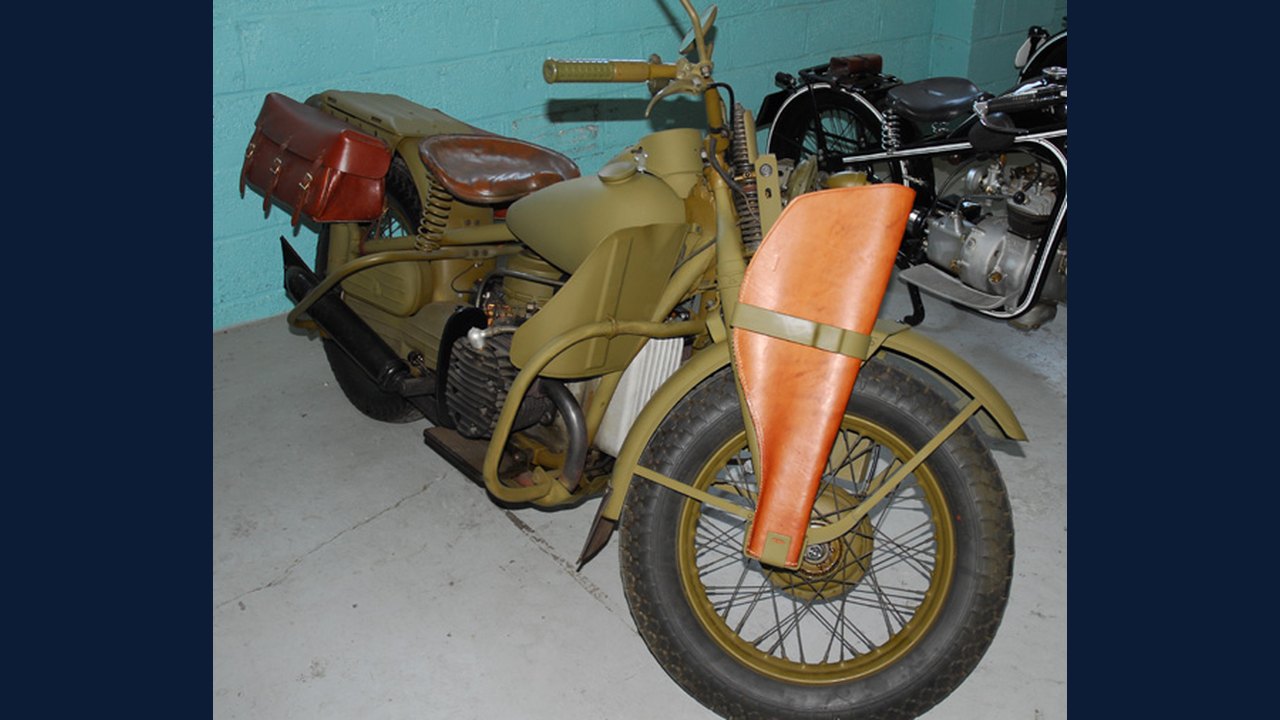 Harley-Davidson XA: Specifications & buying guide
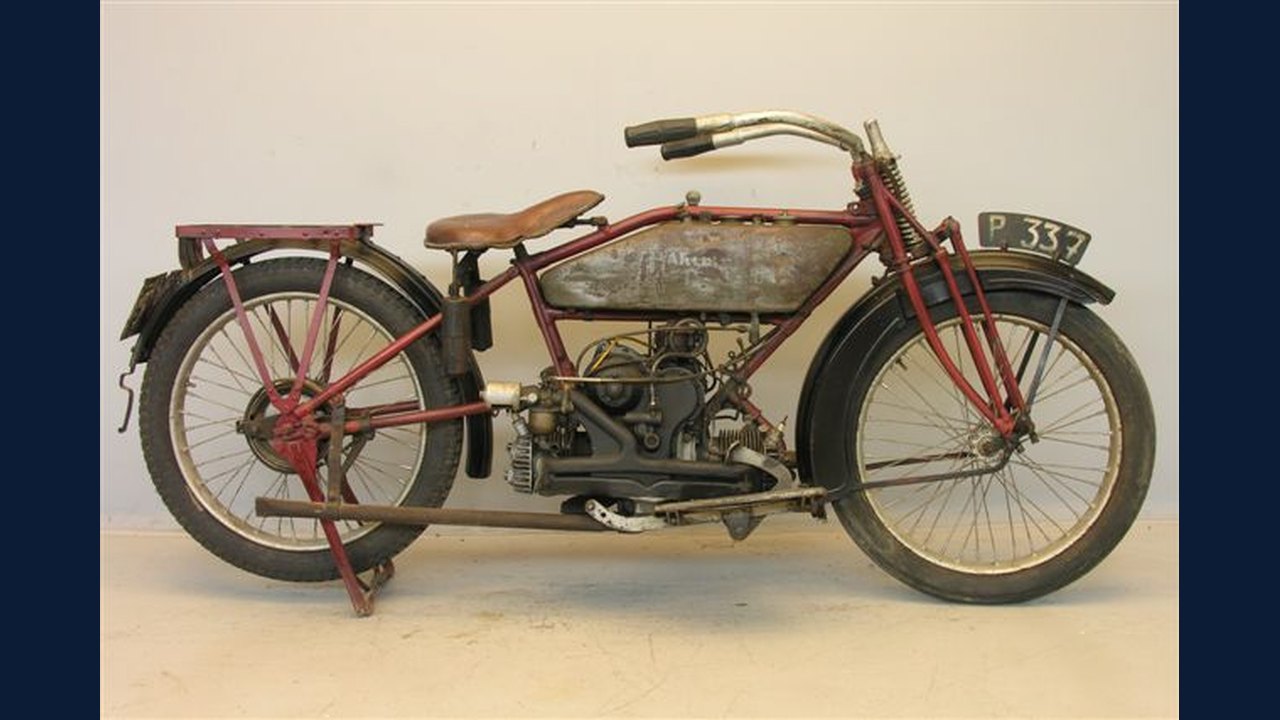 Harley-Davidson Model W: Specifications & buying guide
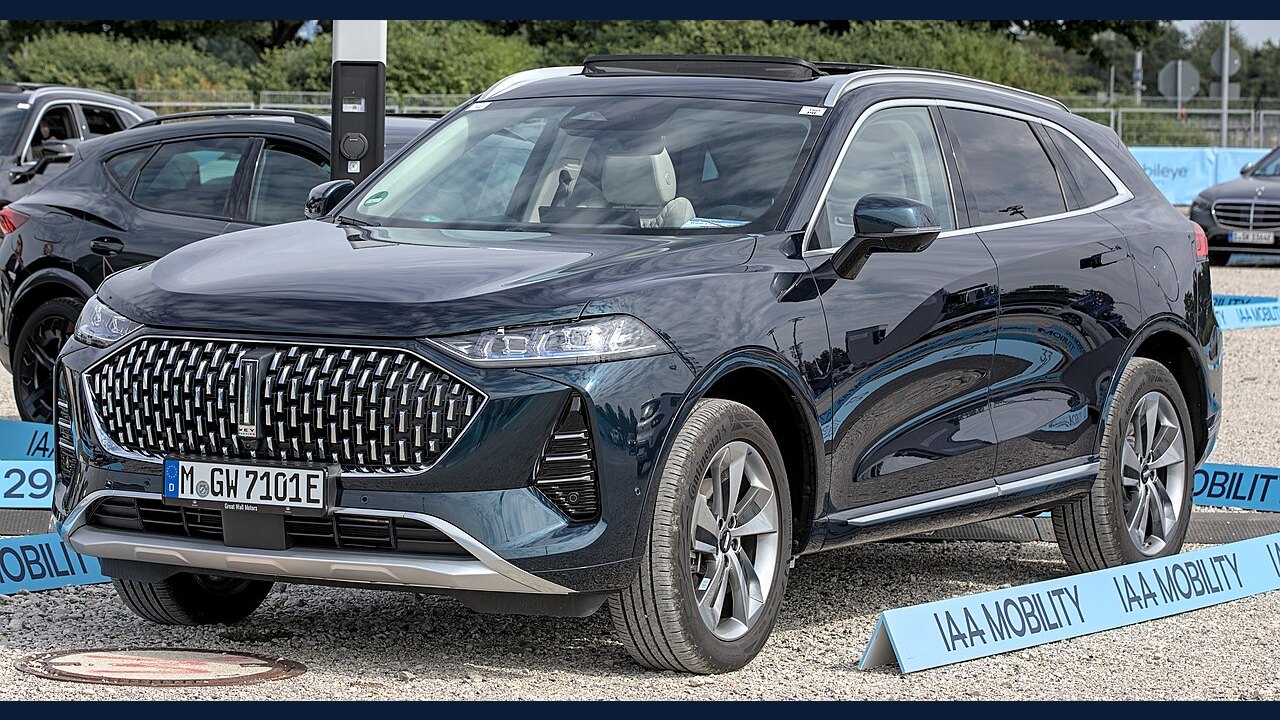 WEY Mocha: Specifications, variants & buying guide
 Ford Mondeo Sport: Specifications, variants & buying guide
 Nokia Lumia 1520: Specifications & buying guide
 Samsung Galaxy S4 Active: Specifications & buying guide